

How to Preview Blobs With HTTP POST and Angular 5
In this quick but helpful article, a software architect documents how to upload images to a web page using Angular and HTTP POST.
Join the DZone community and get the full member experience.
Join For FreeWith Angular, we can call a web service to get an image as a Blob, convert that to an image and display it on a web page. This may sound like a straight and standard use case but I ended up spending a lot of time trying to get this to work and a lot of asking around. This has been one of the main motivations to write this article.
What I Wanted to Do
To begin with, I am building a website that displays thumbnails retrieved from a URL. On clicking on the thumbnail, the full sized image loads in a new page. Like a typical carousel, but the catch is that the thumbnail is generated dynamically and does not load from or stored on the local machine.
Use-case: Image at a URL → Run through a Web service to get thumbnail → Web service responds with a thumbnail of the image → Display the thumbnail on the web page.

The Challenges
- Make an HTTP POST to get a blob/image — We need to send some input parameters (image URL, keys) to the web service that validates your input and sends the image as a blob (assuming the external service does the thumbnail generation for you).
- Convert JSON/blob to an image/thumbnail — HTML cannot understand and display blob (weird characters) that the service returns.
The Solution
With a combination of Angular and vanilla JavaScript, we can achieve this as below.
service.ts
thumbnailFetchUrl : string = "https://south/generateThumbnail?width=100&height=100";

getBlobThumbnail(): Observable<Blob> {
    const headers = new HttpHeaders({
      'Content-Type': 'application/json',
      'Accept': 'application/json'
    });
    return this.httpClient.post<Blob>(this.thumbnailFetchUrl,
      {
        "url": "http://acs/Logo.png"
      }, {headers: headers, responseType: 'blob' as 'json' });
  }
component.ts
imageBlobUrl: string | null = null;

getThumbnail() : void {
    this.ablobService.getBlobThumbnail()
      .subscribe((val) => {
          this.createImageFromBlob(val);
        },
        response => {
          console.log("POST - getThumbnail - in error", response);
        },
        () => {
          console.log("POST - getThumbnail - observable is now completed.");
        });
  }

  createImageFromBlob(image: Blob) {
    let reader = new FileReader();
    reader.addEventListener("load", () => {
      this.imageBlobUrl = reader.result;
    }, false);

    if (image) {
      reader.readAsDataURL(image);
    }
  }
Since the Angular service ablobService returns a blob, we create an image from it using createImageFromBlob .
component.html
<h2>Thumbnail imageBlobUrl</h2>
  <img [src]="imageBlobUrl">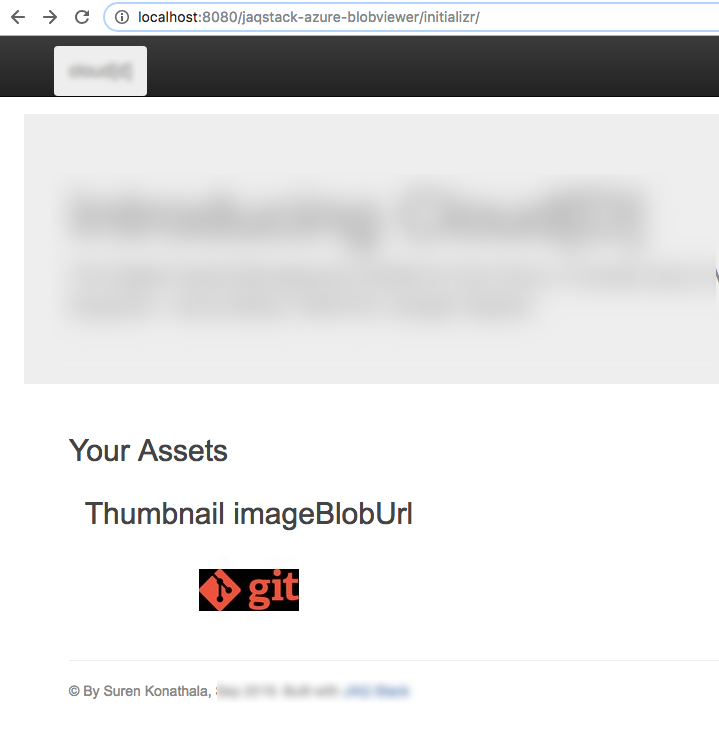
The image/thumbnail will be displayed on the HTML web page.
References
- Environment: Angular 5.0.0.
- Live example and code on GitHub (coming soon).
- StackOverflow on this issue.
- Discussion on Angular GitHub about this issue.
If you enjoyed this article and want to learn more about Angular, check out our compendium of tutorials and articles from JS to 8.
Published at DZone with permission of Suren Konathala. See the original article here.
Opinions expressed by DZone contributors are their own.
Comments