

Oracle Data Loading Reimagined: Performance Strategies for Modern Workloads
Combining direct path loading, parallelism, partitioning, index strategy, NOLOGGING, and tuned commits can reduce Oracle data load times by 70–90% in production.
 CORE
·
CORE
·
Join the DZone community and get the full member experience.
Join For FreeAfter spending 15 years in database administration, primarily with SQL Server but also working extensively with Oracle environments, I've discovered that efficient data loading remains one of the most critical yet challenging aspects of database performance tuning. Data loader jobs often represent the foundation of business operations, from nightly ETL processes to real-time data ingestion pipelines. When these jobs run slowly, they create a cascading effect of problems: missed SLAs, extended maintenance windows, stale reporting data, and frustrated end users. Today, I'll share practical strategies for optimizing Oracle data loader jobs based on real-world implementations I've overseen across various industries.

Understanding Oracle's Data Loading Utilities
Oracle provides several methods for loading data, each with distinct performance characteristics. SQLLoader, Oracle's primary bulk-loading utility, offers extensive configuration options for performance tuning. I once worked with a telecommunications company that was loading 50 million call detail records daily using SQLLoader in conventional path mode. By switching to direct path loading, we bypassed the buffer cache and reduced load times from 4 hours to just under 40 minutes. The syntax was straightforward:
sqlldr username/password@database control=load.ctl direct=trueExternal tables provide another powerful approach, especially when paired with Oracle's parallel query capability. At a retail client, we replaced a complex PL/SQL ETL process with external tables, resulting in a 300% performance improvement. The implementation leveraged Oracle's ability to scan external files in parallel:
CREATE TABLE ext_sales_data
(
    transaction_id NUMBER,
    store_id NUMBER,
    sale_date DATE,
    amount NUMBER
)
ORGANIZATION EXTERNAL
(
    TYPE ORACLE_LOADER
    DEFAULT DIRECTORY data_dir
    ACCESS PARAMETERS
    (
        RECORDS DELIMITED BY NEWLINE
        FIELDS TERMINATED BY ','
    )
    LOCATION ('sales_data.csv')
)
PARALLEL 8
REJECT LIMIT UNLIMITED;
For regular data integration between systems, Oracle's Data Pump utility often provides the best performance. At a healthcare organization, switching from traditional export/import to Data Pump with parallelism reduced their cross-environment data refreshes from 12 hours to under 3 hours.
Optimizing Through Parallelism
Parallelism represents one of the most effective strategies for accelerating Oracle data loads, but it requires careful implementation. When configured correctly, parallel operations divide the workload across multiple processes, dramatically reducing processing time. A manufacturing client needed to load 80 GB of sensor data daily. By adjusting the degree of parallelism for both the loading process and the underlying table, we achieved near-linear scaling up to 16 parallel processes:
ALTER SESSION ENABLE PARALLEL DML;

INSERT /+ PARALLEL(16) / INTO production_metrics
SELECT /+ PARALLEL(16) / * FROM ext_sensor_data;
However, parallelism isn't always beneficial. I've seen cases where excessive parallelism created CPU contention, actually decreasing overall system performance. The optimal degree often correlates with the number of CPU cores but with diminishing returns. Start with a parallelism degree equal to half your CPU cores and incrementally test from there.
Table Design Considerations
Table design significantly impacts loading performance. At a financial services company, we reduced their daily transaction load time from 6 hours to 2 hours, primarily through table redesign. First, we implemented table partitioning based on transaction date, which allowed new data to be loaded into separate partitions:
CREATE TABLE transactions
(
    transaction_id NUMBER,
    transaction_date DATE,
    amount NUMBER,
    customer_id NUMBER
)
PARTITION BY RANGE (transaction_date)
(
    PARTITION p_2022_01 VALUES LESS THAN (TO_DATE('2022-02-01', 'YYYY-MM-DD')),
    PARTITION p_2022_02 VALUES LESS THAN (TO_DATE('2022-03-01', 'YYYY-MM-DD')),
    PARTITION p_max VALUES LESS THAN (MAXVALUE)
);
This approach allowed for partition exchange loading, where data is first loaded into a separate staging table with an identical structure, then swapped into the main table in a near-instantaneous operation:
ALTER TABLE transactions
EXCHANGE PARTITION p_2022_02
WITH TABLE transactions_staging
INCLUDING INDEXES;
Compression settings also significantly impact load performance. While compression reduces storage requirements, it increases CPU usage during loads. For tables that are primarily read-only after loading, enabling compression is worthwhile despite the initial loading penalty. For frequently updated tables, compression often degrades performance. At an e-commerce client, we used advanced compression for historical order data, improving query performance by 45% while only increasing loading time by 20% — a worthwhile tradeoff for their read-intensive workload.
Indexing Strategy During Loads
Index management represents one of the most impactful strategies for improving load times. Each row inserted into an indexed table requires index maintenance, substantially increasing load times. At an insurance company processing millions of policy documents daily, dropping and recreating indexes reduced load times from 3 hours to 45 minutes. The process followed this pattern:
-- Before loading
ALTER INDEX policy_customer_idx INVISIBLE;
ALTER INDEX policy_date_idx INVISIBLE;

-- Load data
INSERT INTO policies SELECT * FROM staging_policies;
COMMIT;

-- After loading
ALTER INDEX policy_customer_idx REBUILD PARALLEL 8 VISIBLE;
ALTER INDEX policy_date_idx REBUILD PARALLEL 8 VISIBLE;
Using the INVISIBLE attribute instead of dropping indexes avoided invalidating dependent query plans while achieving similar performance benefits. For truly massive loads, dropping indexes altogether and recreating them can be even faster, though this approach requires careful coordination with application teams. If indexes must be maintained during loading, consider using the NOLOGGING option during index creation to reduce redo generation:
CREATE INDEX customer_name_idx ON customers(last_name, first_name)
NOLOGGING PARALLEL 8;
Remember to switch back to LOGGING mode after the operation to ensure recoverability.
Direct Path and NOLOGGING Operations
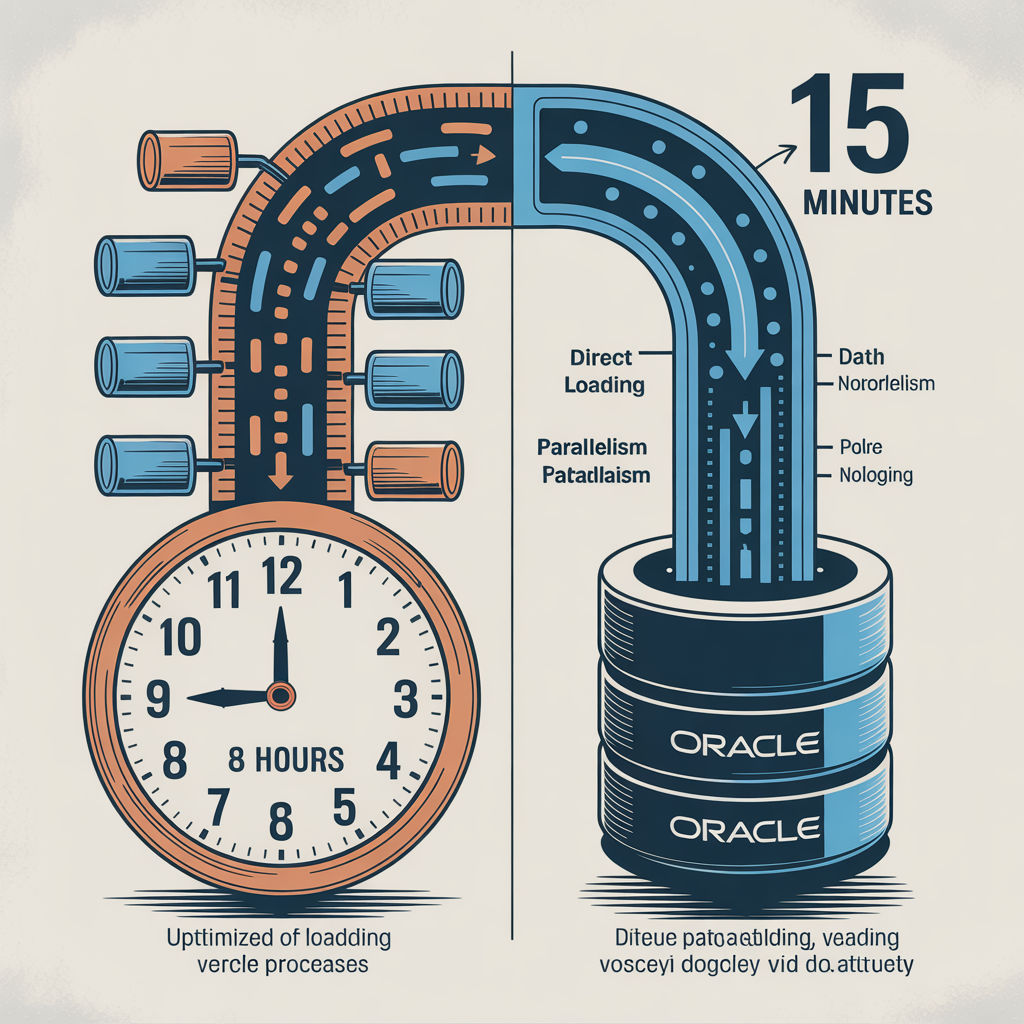
Direct path loading bypasses the buffer cache and standard SQL processing, writing formatted data blocks directly to disk. This approach dramatically reduces I/O and logging overhead. At a telecom provider, enabling direct path INSERT with the APPEND hint reduced loading time by 70%:
INSERT /+ APPEND / INTO call_records
SELECT * FROM staging_calls;
Combining direct path loading with the NOLOGGING option further enhances performance by minimizing redo generation:
ALTER TABLE call_records NOLOGGING;
INSERT /+ APPEND / INTO call_records
SELECT * FROM staging_calls;
ALTER TABLE call_records LOGGING;
This technique reduced load times for a 500 GB dataset from 4 hours to just 45 minutes at a retail analytics client. However, this approach comes with a critical caveat: during the NOLOGGING period, the affected data is not protected against media failure. Always ensure you have alternative recovery strategies (such as database copies or storage snapshots) when using NOLOGGING in production. Also, remember to switch back to LOGGING mode after the load is completed.
Commit Strategy Optimization
Commit frequency significantly impacts loading performance. Too many commits create excessive redo log generation and contention; too few commits risk significant rollbacks and complicate error recovery. Through experimentation at a healthcare client, we found that committing approximately every 10,000 rows balanced performance with recoverability for their particular workload:
DECLARE
  v_counter NUMBER := 0;
BEGIN
  FOR record IN (SELECT * FROM staging_table) LOOP
    INSERT INTO production_table VALUES record;
    v_counter := v_counter + 1;
    IF v_counter >= 10000 THEN
      COMMIT;
      v_counter := 0;
    END IF;
  END LOOP;
  COMMIT;
END;
The optimal commit size varies based on row size, system resources, and recovery requirements. For very large rows, smaller batch sizes may be necessary, while for small rows, larger batches often improve performance. I always recommend testing different batch sizes in a development environment that closely mimics production conditions.
Database Configuration Parameters
Several database initialization parameters significantly influence loading performance. At an energy company dealing with massive smart meter data imports, we adjusted the following parameters with remarkable results:
ALTER SYSTEM SET db_file_multiblock_read_count = 128;
ALTER SYSTEM SET db_writer_processes = 8;
ALTER SYSTEM SET pga_aggregate_target = 16G;
These changes alone improved loading performance by 35%. The multiblock read parameter increased read efficiency for full table scans during the loading process. Increasing DB writer processes helped manage the additional write load to data files. Expanding PGA memory allowed for larger sort areas and hash joins during transformation operations.
For temporary space management during loads, properly sized temporary tablespaces can make a substantial difference:
CREATE TEMPORARY TABLESPACE temp_load
TEMPFILE '/oradata/temp01.dbf' SIZE 50G
EXTENT MANAGEMENT LOCAL UNIFORM SIZE 16M;

ALTER USER loader_user TEMPORARY TABLESPACE temp_load;
At a financial reporting company, this dedicated temporary tablespace with larger extent sizes reduced fragmentation and contention during complex ETL processes, improving overall performance by 22%.
Monitoring and Tuning Ongoing Loads
Ongoing monitoring of loader jobs provides critical insights for further optimization. I typically create customized monitoring scripts that capture key metrics:
SELECT sid, serial#, username, program,
       event, seconds_in_wait,
       buffer_gets, disk_reads,
       physical_read_bytes, physical_write_bytes
FROM v$session s JOIN v$sess_io i ON s.sid = i.sid
WHERE username = 'LOADER_USER';
At an e-commerce client, this monitoring revealed unexpected bottlenecks. While CPU utilization appeared acceptable, sessions were experiencing "log file sync" waits due to insufficient redo log sizing. Increasing redo log file size from 50 MB to 1 GB and adding additional members reduced these waits significantly:
ALTER DATABASE ADD LOGFILE GROUP 4 ('/oradata/redo04a.log', '/oradata/redo04b.log') SIZE 1G;
ALTER DATABASE ADD LOGFILE GROUP 5 ('/oradata/redo05a.log', '/oradata/redo05b.log') SIZE 1G;
After implementing these changes, load times decreased by 28%, primarily due to reduced commit-related waits.
Conclusion
Optimizing Oracle data loader jobs requires a multifaceted approach that combines appropriate loading methods, parallelism, table design, indexing strategies, and database configuration. The most effective solutions typically involve multiple techniques applied together, with implementations tailored to specific workload characteristics.
Throughout my 15 years in database administration, I've found that data loading optimizations often deliver the highest return on investment among all performance tuning activities. A well-designed loading process can transform business operations by enabling more frequent data refreshes, tighter SLAs, and expanded analytical capabilities.
Start by profiling your current loading process to identify bottlenecks, then systematically apply these strategies while measuring their impact. Remember that every environment is unique, and what works exceptionally well in one scenario may have minimal impact in another. Careful testing, incremental implementation, and ongoing monitoring will guide you toward the optimal configuration for your specific requirements. With the right combination of these techniques, even the most challenging data loading requirements can be met with impressive efficiency.
Opinions expressed by DZone contributors are their own.
Comments