

The Rise of Passkeys
Passkeys offer a secure, password-less future by replacing vulnerable passwords with device-specific cryptographic keys resulting in surge in use of passkeys.
 ·
·
Join the DZone community and get the full member experience.
Join For FreeWhat Are Passkeys?
You know how annoying it is to remember all those different passwords for every single website? And how terrifying it is when you hear about a company getting hacked, and suddenly, your password for that site might be out there? Well, imagine logging into PayPal without a password, and even if PayPal's systems got totally breached, your login wouldn't be compromised. That's pretty much what passkeys are all about, and lets deep dive into the secret sauce behind them.
If you're like billions of others with a smartphone, you might have already used passkeys on your phone. Companies like Apple, Microsoft, and Google have been rolling out passkeys widely recently. So what is it? PassKeys are a new, more secure way to sign in to websites and apps. They are a replacement for traditional passwords and are designed to be resistant to phishing, easier to use, and secure.
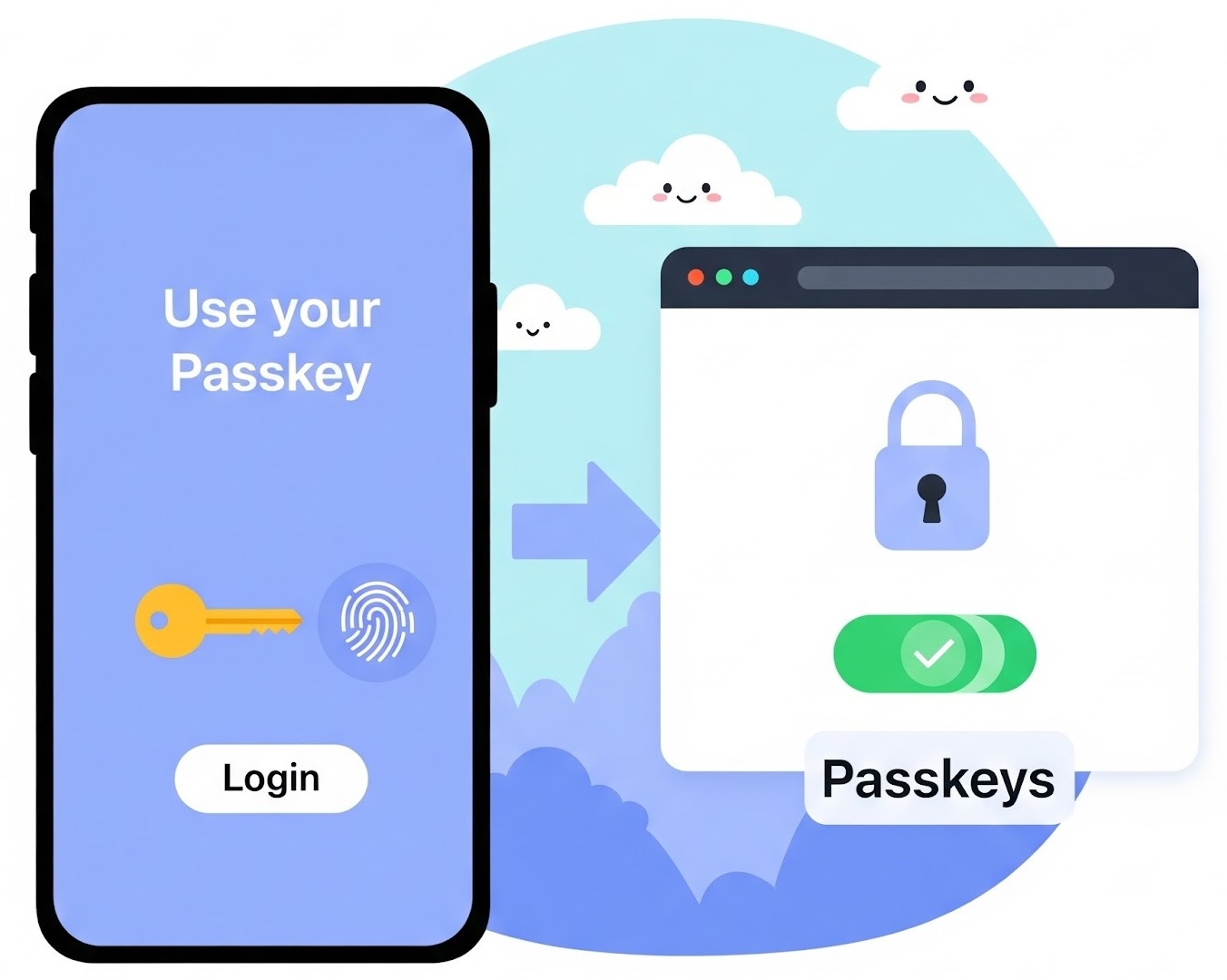
Passkey is the standard introduced by the FIDO Alliance. It relies on an asymmetric key where there are two sets of keys — one is the public key and the other is the private key.
Let’s go over this using your interaction with PayPal as an example. When you set up a passkey for PayPal, your device generates a "private key" that never leaves your device, and the other is a "public key," which your device sends over to PayPal. Now, when you want to log in, PayPal sends your phone a random piece of data, also referred to as a challenge. Your device signs this data with the private key stored on the device and sends that back to PayPal without revealing the key. Now PayPal, using the public key stored for your account, can instantly verify that it is signed by your private key, without ever needing to see that private key itself. Now that validates your digital identity, allowing you to use your PayPal account.
Private key is stored on your device, so it is important to secure the device, and that is where your device unlocking mechanism, such as Face ID, Touch ID, or device password, comes into play. It prevents unauthorized persons from using the private key stored on the device.
Pseudo Code
Let's walk through the technical flow of setting up and using a passkey. The following pseudo-code snippets represent the essential client-side actions.
// Pseudo-code for Passkey Setup (User registers with PayPal)

function setupPasskey(user_id, device_info):

    // 1. Device generates a new asymmetric key pair
    private_key = generatePrivateKey()
    public_key = generatePublicKey(private_key)

    // 2. Device securely stores the private key
    storeSecurelyOnDevice(private_key)

    // 3. Device sends the public key to PayPal
    paypal_server.receivePublicKey(user_id, public_key, device_info)

    // 4. PayPal associates the public key with the user's account
    paypal_server.database.store(user_id, public_key)

    return "Passkey setup successful!"

// Pseudo-code for Passkey Login (User logs into PayPal)
function loginWithPasskey(user_id):

    // 1. PayPal sends a challenge to the user's device
    challenge = generateRandomChallenge()
    paypal_server.sendChallenge(user_id, challenge)

    // 2. User's device receives the challenge
    device_response = user_device.receiveChallenge(challenge)

    // 3. User authenticates on the device (Face ID, Touch ID, PIN)
    if (device_authentication_successful()):

        // 4. Device signs the challenge with its stored private key
        signature = signWithPrivateKey(device_response.private_key, challenge)

        // 5. Device sends the signature back to PayPal
        paypal_server.receiveSignature(user_id, signature, challenge)

        // 6. PayPal retrieves the user's stored public key
        public_key = paypal_server.database.getPublicKey(user_id)

        // 7. PayPal verifies the signature using the public key
        if (verifySignature(public_key, challenge, signature)):
            return "Login successful!"
        else:
            return "Signature verification failed. Access denied."
    else:
        return "Device authentication failed. Access denied."
Why the Surge in Passkey Adoption?
Traditional passwords have several vulnerabilities, such as passwords that are easy to guess and that are used across services. Consider phishing as an example, phishing websites don’t get your password, as there is no traditional password. Even if you're tricked into visiting a fake website, your passkey won't work there, and each website has its own private key. The private key is on the device, and services such as PayPal only have your public key. So data breaches won’t compromise your private key
These advantages, combined with improved user experience, such as using your Face ID to log in to websites, pushed major platforms such as Apple, Google, and Microsoft to roll out support for passkeys. The built-in support means it is easy for developers to integrate them and for users to adopt them. This also created a ripple effect, where major services have started adopting these for the same reasons as major platforms did — improved security and user experience.
Are There Any Drawbacks?
While passkeys are a significant leap forward in security compared to traditional passwords, they aren't without their potential downsides or risks.
- Passkeys do not change the recovery process, and bad actors could use this route to gain access. Services have to harden the account recovery process.
- This is a relatively new authentication mechanism, and services have to ensure they are following the best practices to ensure that they are verifying the signatures when they implement support for passkeys.
- Passkeys have an over-reliance on devices and their security. So these are as good as the local authentication performed on the device. Using the best possible device authentication will mitigate this.
- Passkeys are tied to the ecosystem to some extent. Passkeys created in Apple devices may be used seamlessly across your Apple devices, but it is difficult to use the same on the Android platform. They can be shared across devices using Bluetooth and QR codes, but it is not as seamless as within a given ecosystem.
Conclusion
Overall, the passkeys are far more secure than traditional passwords, and that largely outweighs the drawbacks. As adoption continues to grow and technology evolves, we will likely see many of these challenges addressed. With more services rolling out support for passkeys, user awareness will build, and best practices will become clear for everyone. It is safe to say that passkeys are here to stay and will likely become the standard for online authentication for the foreseeable future.
Opinions expressed by DZone contributors are their own.
Comments