

SQL Ledger in SQL Server 2022: Tamper-Evident Audit Trails and Immutable Ledger Tables
SQL Ledger in SQL Server 2022 ensures tamper-evident data integrity with blockchain-based ledger tables. Append-only tables provide immutable audit trails for compliance.
 CORE
·
CORE
·
Join the DZone community and get the full member experience.
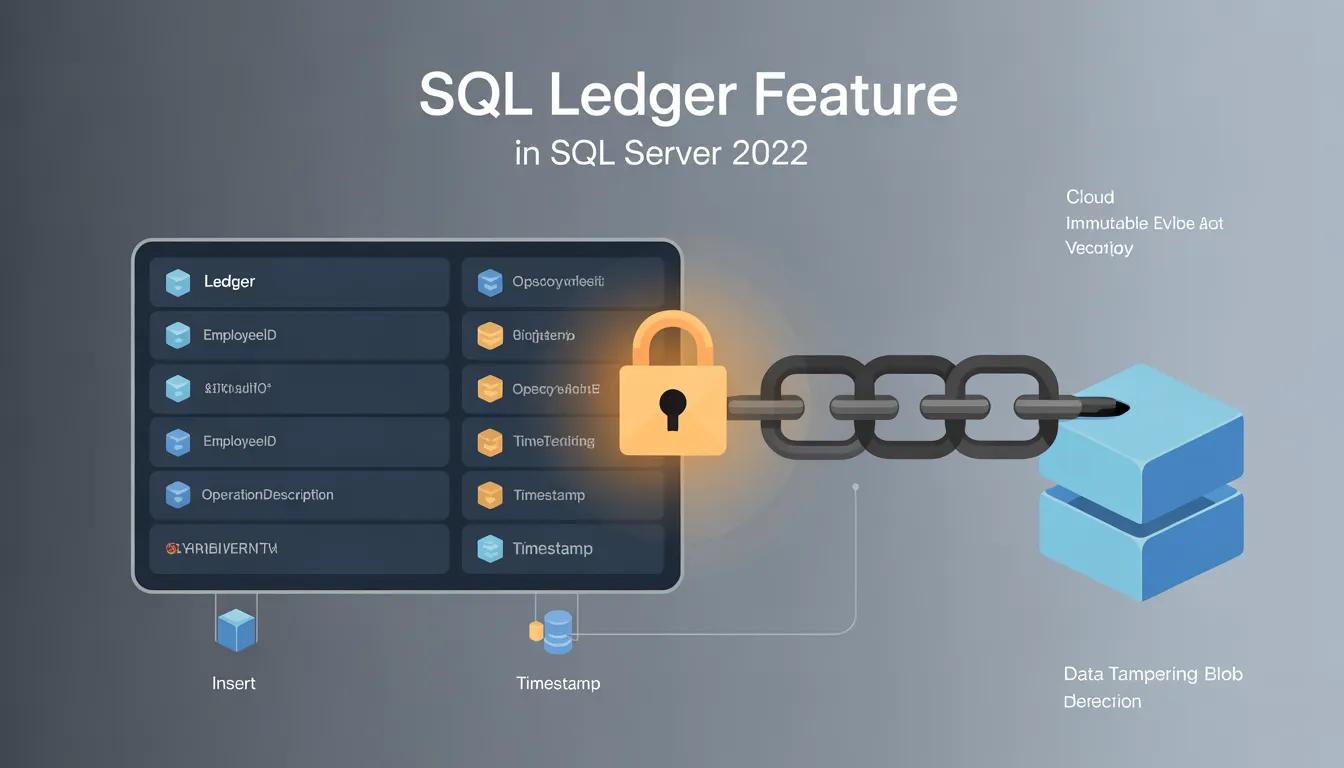
Join For FreeSQL Server 2022 introduced the Ledger feature to meet the growing need for tamper-evident audit trails in regulated and audit-heavy industries such as finance, healthcare, and supply chains. One of the most notable implementations of this feature is the append-only ledger table, which ensures that sensitive data is immutable once added, providing stronger guarantees of integrity and compliance.
Below, we incorporate and expand on the example and details from Microsoft's official article on creating and using append-only ledger tables, showcasing its capabilities to preserve data integrity and support audit scenarios.
The Need for Append-Only Ledger Tables
In many applications, particularly in audit and compliance contexts, some data must never be updated or deleted once written. For example, in a card key access system for a secure facility, logs of employee entry and exit must accurately reflect every access attempt over time, with no risk of silent alterations. Append-only ledger tables address such use cases by enforcing immutability at the database level, preventing updates or deletions while locking in detailed cryptographic records of all transactions. Append-only ledger tables build on the same blockchain-inspired design as updatable ledger tables. They use cryptographic hashing to create an immutable and verifiable chain of transactions. In append-only tables, no user or system administrator can modify or delete data after insertion — SQL Server enforces this at the engine level. Attempts to alter or delete rows are rejected, ensuring a perfect audit trail.
Creating an Append-Only Ledger Table: A Practical Example
The following example demonstrates creating an append-only ledger table to track keycard access events for a building.
Schema Design and Table Creation
First, let's create the schema and table to log access events:
-- Create the schema
CREATE SCHEMA [AccessControl];
GO

-- Create the append-only ledger table
CREATE TABLE [AccessControl].[KeyCardEvents] (
    [EmployeeID] INT NOT NULL,
    [AccessOperationDescription] NVARCHAR(1024) NOT NULL,
    [Timestamp] DATETIME2 NOT NULL
)
WITH (LEDGER = ON (APPEND_ONLY = ON));
GO
In this table, the LEDGER = ON (APPEND_ONLY = ON) option ensures that rows in this table can only be added via INSERT statements. Any attempt to modify or delete existing rows results in an error.
Inserting Data into the Table
Next, log a key card access event for an employee entering a building:
INSERT INTO [AccessControl].[KeyCardEvents]
VALUES (43869, 'Building42 Access Granted', '2020-05-02T19:58:47.1234567');
GO
This operation works as expected because it adds a new event to the log. Each INSERT operation generates a cryptographic hash linked to the current transaction and appends it to the ledger chain. This ensures data integrity even as the table grows.
Querying Data in the Ledger and Generated Columns
You can query the contents of the table along with system-generated columns (like transaction IDs and sequence numbers) to explore how the data is stored:
SELECT *
     ,[ledger_start_transaction_id]
     ,[ledger_start_sequence_number]
FROM [AccessControl].[KeyCardEvents];
GO
The columns ledger_start_transaction_id and ledger_start_sequence_number are generated automatically. These values are part of the cryptographic mechanism that links each record to the corresponding ledger chain, logging the transaction details for further auditing.
Viewing Data From the Ledger View
SQL Server also creates a ledger view for every ledger table, which includes all the historical and cryptographic metadata. You can query this view to analyze the audit trail in detail, including the user who performed the operation:
SELECT
    t.[commit_time] AS [CommitTime],
    t.[principal_name] AS [UserName],
    l.[EmployeeID],
    l.[AccessOperationDescription],
    l.[Timestamp],
    l.[ledger_operation_type_desc] AS [OperationType]
FROM [AccessControl].[KeyCardEvents_Ledger] l
JOIN sys.database_ledger_transactions t
    ON t.transaction_id = l.ledger_transaction_id
ORDER BY t.[commit_time] DESC;
GO
This query joins the table’s ledger view (`[AccessControl].[KeyCardEvents_Ledger]`) with the sys.database_ledger_transactions system view. It helps identify:
Attempting to Modify or Delete Data
SQL Server enforces the append-only behavior strictly. If you attempt to update or delete a row, the operation fails with an error. For example, trying to change the `EmployeeID` for the inserted record:
UPDATE [AccessControl].[KeyCardEvents]
SET [EmployeeID] = 34184
WHERE [EmployeeID] = 43869;
This produces the following error message:
Msg 41887, Level 16, State 1, Line 1
Updates are not allowed on append-only ledger tables.
Similarly, trying to delete a row:
DELETE FROM [AccessControl].[KeyCardEvents]
WHERE [EmployeeID] = 43869;
Results in:
Msg 41888, Level 16, State 1, Line 1
Deletes are not allowed on append-only ledger tables.
This ensures data immutability, as required by append-only use cases.
Audit and Tamper Detection
To illustrate how tampering is detected, suppose an attacker with high privileges attempts to alter the data file directly outside SQL Server’s control. When the ledger's cryptographic integrity is verified using an external digest, tampering becomes evident.
A digest represents the current cryptographic state of the database and can be stored off-site for later validation:
EXEC sys.sp_generate_database_ledger_digest;If data tampering occurs, the verification process recalculates hashes from the ledger chain and compares them to the digest:
EXEC sys.sp_verify_database_ledger @digest = N'{ ...digest JSON... }';If differences exist, SQL Server identifies the discrepancy and flags the tampered block or record. In case of tampering, use the ledger view to analyze transaction details:
SELECT * FROM [AccessControl].[KeyCardEvents_Ledger];The cryptographic chain ensures that the tampered data cannot go undetected.
Conclusion
Append-only ledger tables are a fundamental feature of SQL Ledger, bringing blockchain-like immutability to SQL Server. They are ideal for scenarios where data integrity and transparency are vital, such as financial transactions, access control logs, or regulatory compliance models. By enforcing immutability and preserving cryptographic transaction history, SQL Server safeguards critical data while offering familiar SQL operations for ease of use. This powerful tool enables businesses to manage sensitive data in today’s compliance-driven environments confidently.
Opinions expressed by DZone contributors are their own.
Comments