

Agents and Tools in Agentic AI: A Simple Explanation
This article provides a simple introduction to agents and tools in agentic AI. It explains why we need tools and the role of the agent and the model in this process.
Join the DZone community and get the full member experience.
Join For FreeIn this article, we will build a simple understanding of the following:
- What a model is
- Why a model needs tools
- What tools are
- How an agent uses tools
Model vs. ChatGPT
Before understanding agents, let's clarify the difference between a model and ChatGPT. Whatever question we type into ChatGPT is sent to a model behind the scenes, which generates the response. You can think of ChatGPT as a web or mobile application — an interface through which we interact with the underlying Model/LLM.
A model is a component that processes our query and generates a response. Models are trained on large amounts of data from many different sources, such as books, articles, publicly available websites, and other information. Because models learn from large, diverse datasets, they can develop broad knowledge and generate meaningful responses to many types of queries.
However, models have limitations. A model or LLM can only work with the information it is trained on. If it doesn't have access to information, it cannot retrieve that information by itself.
This is where tools and agents become important.
Let's understand this with an example.
Why Do We Need Tools?
Suppose a user asks, "What is the value of my 0.5 BTC in INR right now?"
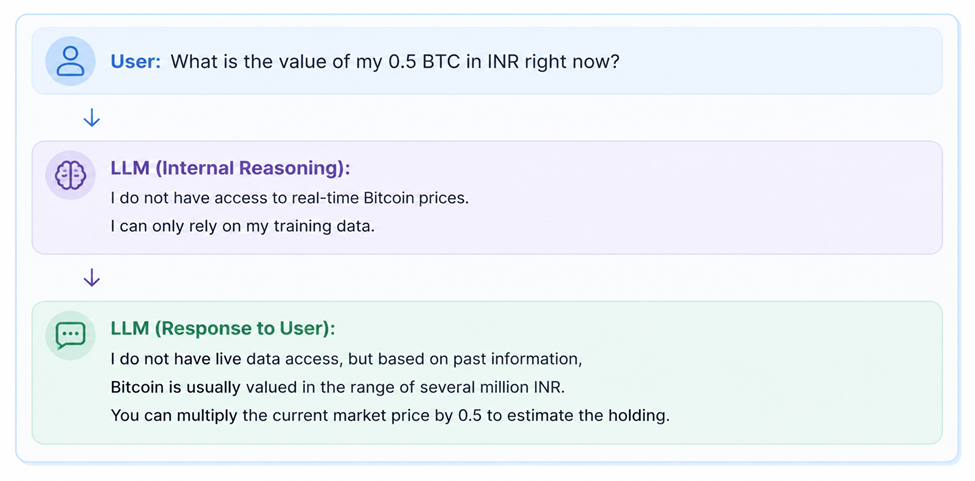
To answer the user's question accurately, the model or LLM need the current Bitcoin price. A model may know about Bitcoin from its training data, but that doesn't mean it has access to the current Bitcoin price.
It might respond with something like: "I don't have access to live market data, but Bitcoin is generally valued in several million INR." This isn't sufficient because the user specifically asked for the value at this time.
We need to extend the model's capabilities. This is where tools come in.
What Is a Tool?

A tool can be thought of as a piece of code that performs a specific task.
In a Python application, for example, a tool can be implemented as a Python function that:
- Calls an external API
- Retrieves information
- Performs calculation
- Searches database
- Interacts with another application
For our Bitcoin example, let's assume we have two tools:
Tool 1: get_crypto_price
This tool retrieves the current Bitcoin price in INR from an external source, such as an API.
Tool 2: calculate_investment_value
This tool calculates the total value of the user's Bitcoin investment.
The calculation is straightforward:
Investment Value = Current Price X quantity
So, if the user owns 0.5 BTC, we can multiply the current Bitcoin price by 0.5 to determine the current value. Now, we have given the model additional capabilities through tools, but these tools are not executed directly by the model. So, how does the model actually use these tools?
How Does the Model Use Tools?
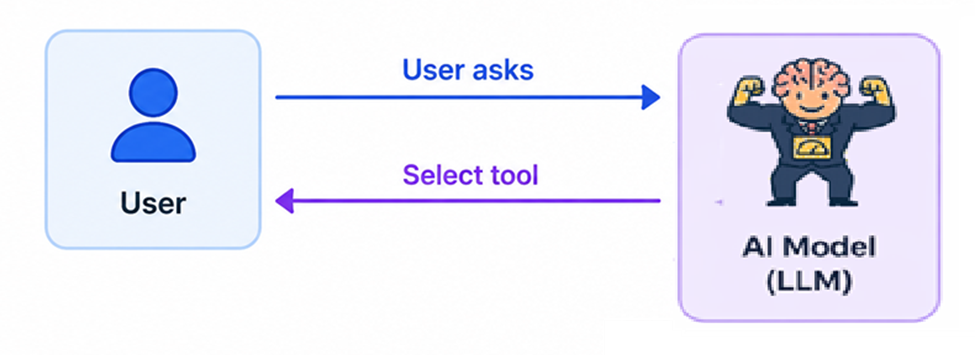
Let's simplify the process. The user provides a query and makes the available tools known to the model. For example:
- get_crypto_price - gets the latest crypto price
- calculate_investment_value: calculates the investment value
The model can then determine whether one of these tools is required to answer the user's query.
For our example, the model needs the current Bitcoin price first. So, it generates a request to call get_crypto_price. The user can execute the tool and send the result to the model. The model then examines the result and determines what needs to happen next.
Since the user wants to know the value of their 0.5 BTC, the model determines that the calculate_investment_value tool needs to be executed. User executes the tool and returns the result to the model.
Finally, the model has enough information to generate the answer for the user.
The whole process can be visualized as:
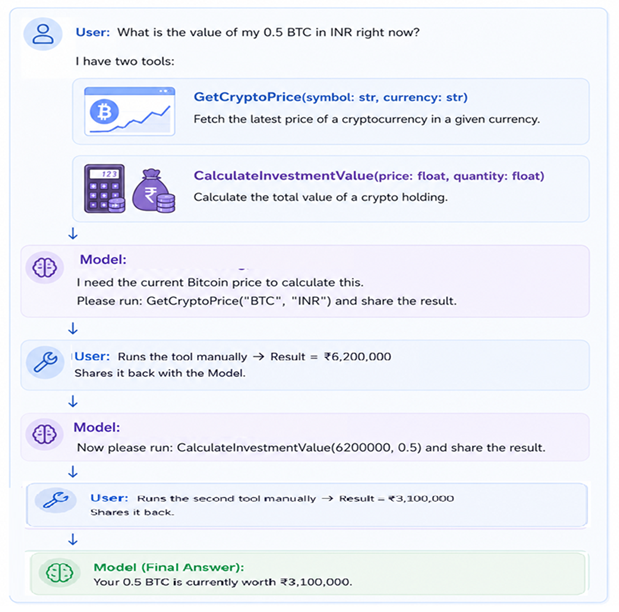
This example demonstrates the important concept: the model can determine which tool is needed and in what sequence, but someone or something needs to execute these tools.
The above example involves a lot of manual intervention.
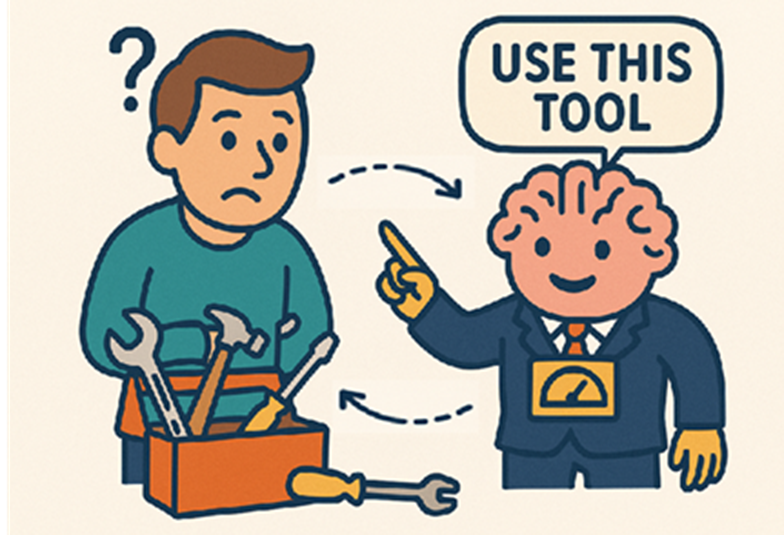
The user shouldn't have to remain involved every time the model needs to perform the action.

We could create an application that communicates with the model and executes these tools on the user's behalf.
And this brings us to the agents.
What Is an Agent?
An agent is a piece of code that can work with a model and a set of tools to accomplish a goal.
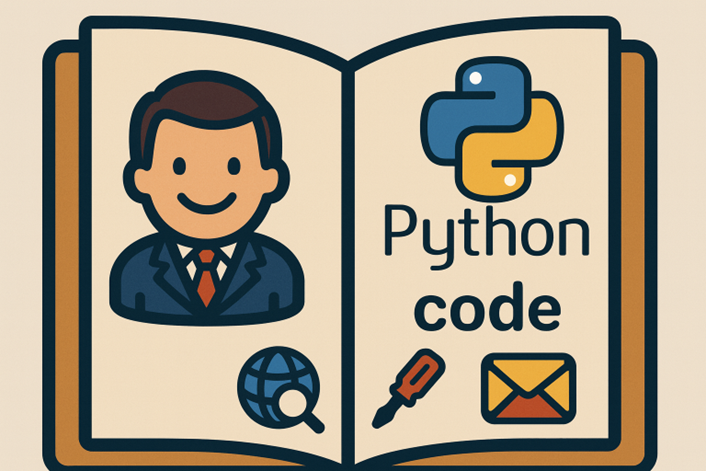
The agents act as an orchestration layer between the model and the tools.
Instead of the user manually executing every tool, the agent can execute the appropriate tool based on the model's output, collect the result, and send it back to the model.
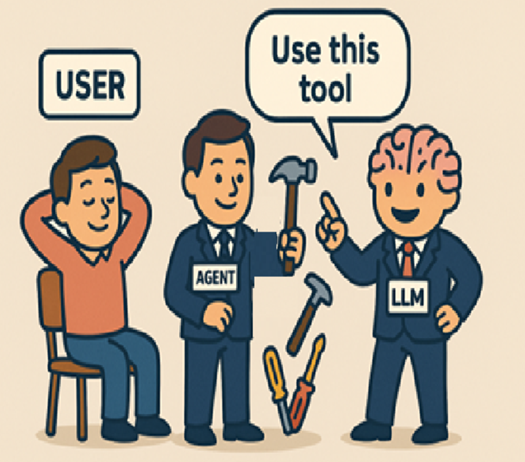
Let's look at the process step by step:
Step 1: User Provides a Goal
The user asks, "What is the value of my 0.5 BTC in INR right now?"
Step 2: Agent Sends a Query to the Model
The agent sends the user's query to the Model along with the information available about the available tools. The model can now determine what needs to be done to answer the user's query.
Step 3: Model Determines the Required Tool
The model determines that it needs the current Bitcoin price. It generates a tool execution request for: get_crypto_price.
Step 4: Agent Executes the Tool
The agent receives the model's tool execution request and executes the corresponding tool immediately. The tool retrieves the current Bitcoin price.
Step 5: Agent Sends the Result Back to the Model
The agent sends the tool's result back to the model. The model now has the current Bitcoin price and can determine the next action.
Step 6: Model Determines the Next Tool
The model determines that it needs the value of the user's 0.5 BTC. It generates a tool execution request for: calculate_investment_value.
Step 7: Agent Executes the Second Tool
The agent executes the tool and obtains the calculated investment value. The result is again returned to the model.
Step 8: Model Generates the Final Answer
Once the model has the required information, it generates the final response for the user. The user doesn't have to manually execute either tool. The agent has handled the tool execution on the user's behalf.
Model, Agent, and Tool: How Are They Different?
At this point, it helps to separate the responsibilities of the three components:
Model
The model provides the reasoning and determines what should happen next based on the available information and tools.
Tool
A tool performs a specific task, such as retrieving current data, calling an API, performing calculations, or interacting with another system.
Agent
The agent orchestrates the interaction between the model and the tools. It receives the model's instructions, executes the appropriate tools, collects their results, and provides those results back to the model.
A simplified view is:
User has goal -> Model determines the next action/Tool -> Agent executes the tool -> Tool produces a result -> Model evaluates the result
This cycle continues until the model determines that it has enough information to provide the final answer.
Do Agents Make Decisions?
It is important to understand the distinction here.
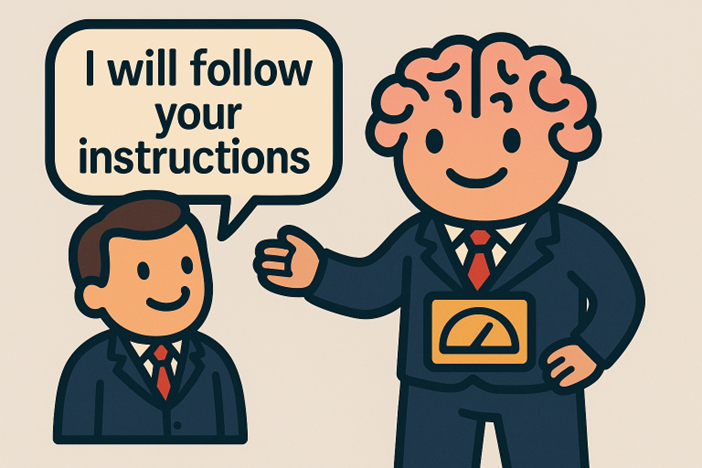
The agent is responsible for executing actions and tools, while the model provides the reasoning that determines which tool or action should be taken next.
So, rather than thinking of the agent as an independent intelligence, it is useful to think of it as the code that takes actions towards a goal based on the model's guidance.
Where Do Frameworks Come In?
Frameworks such as LangChain, Google ADK, etc. provide abstractions that make it easier for developers to build applications that work with models, tools, and agents.
Instead of implementing all the logic from scratch, developers can use framework components to connect models with tools and build agentic applications.
Video
For a visual explanation of Agents and Tools, watch the YouTube video below. This video is one of the lessons from my Udemy course, LangChain: Agentic AI and RAG Made Clear.
Conclusion
Models are powerful, but they don't automatically have access to real-time information or external capabilities. Tools provide additional capabilities, and the agent executes these tools based on the model's guidance.
This model-tool-agent relationship is one of the fundamental building blocks for understanding Agentic AI.
Opinions expressed by DZone contributors are their own.
Comments