

Designing a Blog Application Using Document Databases
Learn how to design a blog application using document databases. Easily manage efficient querying and features like comments and tags.
Join the DZone community and get the full member experience.
Join For FreeLet’s say you’re building a blog website.
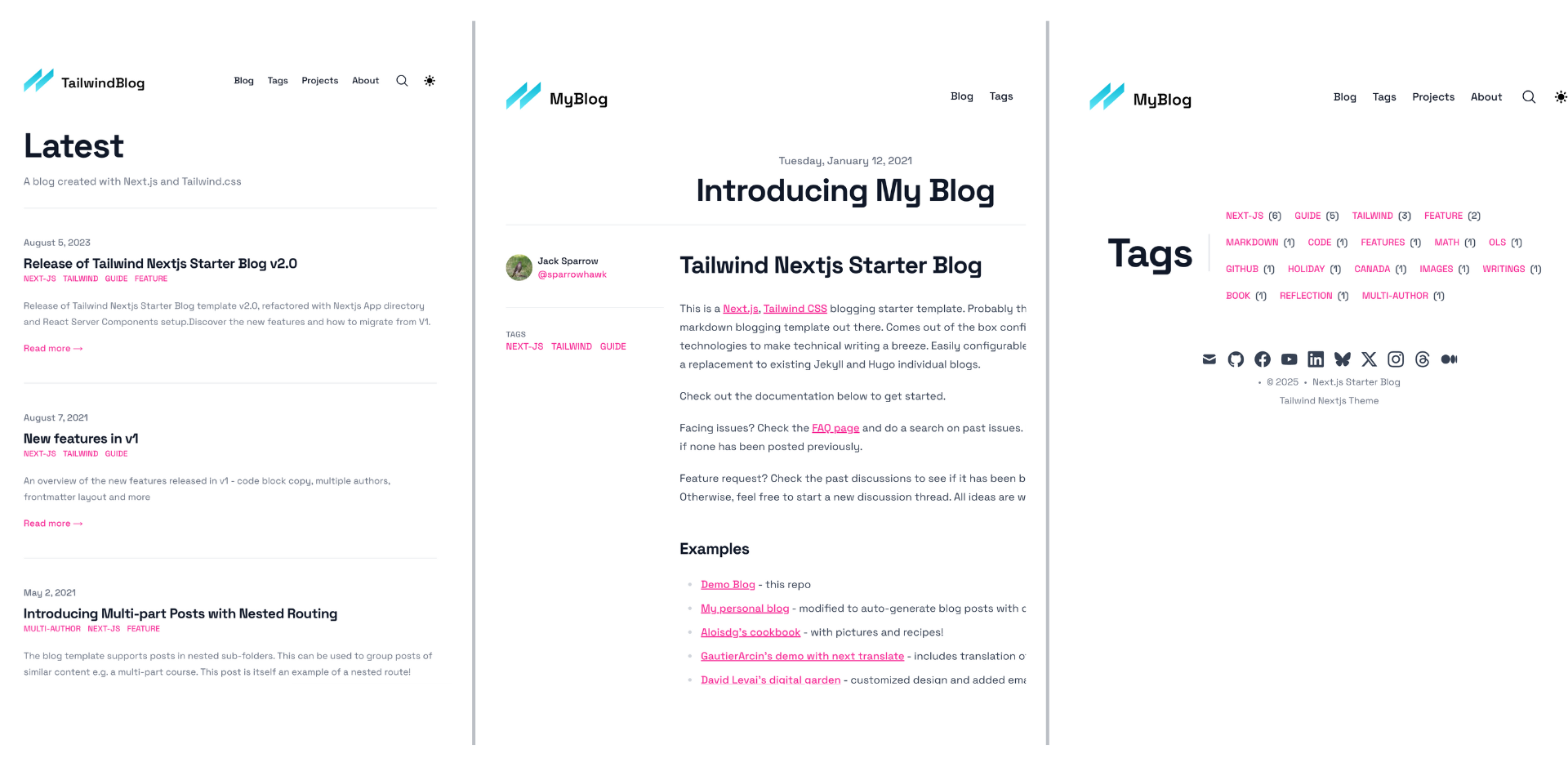
On the homepage, you need to display a list of the 10 most recent posts, with pagination allowing users to view older posts. When a user clicks on a post, they should see its content along with metadata, such as the author’s name and the creation date. Each post also supports comments, so at the bottom of a post, you’ll display the five earliest comments with an option to load more.
Additionally, blog posts include tags, which will be shown alongside the post’s metadata. You’ll also have a dedicated tags page that lists all the tags used across all posts. When a user clicks on a tag, they should see a list of blog posts associated with it.
Choice of Database
When visualizing our data, we notice that comments introduce a slight hierarchical structure. Each blog post has its own set of comments (a one-to-many relationship), and these comments exist independently of the blog post’s schema. This hierarchical nature is best represented using JSON documents, which also makes a document database the most suitable choice for our problem.
A document database is a type of non-relational database where each record (or document) is a self-contained entity with its own flexible schema. This makes document databases ideal for content management systems like blogging applications, where each piece of content can store complex data structures, adapt to changes easily, and evolve over time.
Examples of document database providers include Firebase Firestore, MongoDB, and Amazon DocumentDB.
Document Database Terminologies
| Document | A JSON-like data structure that represents a single record (similar to a row in SQL) |
| Collection | A grouping of documents (similar to a table in SQL). |
| Sub-Collection | A nested collection within a document, used for one-to-many relationships. Only some document database providers have the sub-collection feature. |
| Primary Key | A unique identifier for a document. |
| Index | A data structure that speeds up queries by avoiding full collection scans. |
| Single-Field Index | Index on a single field, e.g., createdDate for sorting recent documents. |
| Composite Index (Compound Index) | Index on multiple fields for efficient filtering and sorting. |
| Array Indexing | Special indexing to allow searching inside array fields. |
Database Schema
Firstly, we will create a collection for storing blog documents. The structure of a blog document will be like:
{
  "blogId": "unique-blog-id",
  "title": "Designing a blog application using document database",
  "content": "Blog Content...",
  "author": "Jack Sparrow",
  "createdDate": "2025-02-09T12:00:00Z",
  "tags": ["programming", "database"],
}
The createdDate is of type timestamp. The tags are of type array field. And rest are string.
Indexes
To efficiently query our data based on our requirements, we will create indexes on:
createdDate: This will allow us to fetch recent N blogs.tags: This will help us fetch blogs containing a given tag.
Comments
Each blog will have a list of comments. Since comments will be complex data types, it’s best to have them in their own collection, referencing its blog.
Now, some database providers, like Firestore, allow the creation of sub-collections. That means you can have a comment collection under a blog document. You will reference the comments collection with something like db.<blogId>.comments.
Whereas in others, you will create a separate comments collection altogether, which will have attributes like:
{
  "commentId": "unique-id", // primary key
  "blogId": "blog-id",
  "createdDate": "2025-02-09T12:00:00Z"
}
You will create a composite-key index on blogId and createdDate, such that you can get all recent comments given a blogId.
Queries
Here are examples of how we can perform different types of queries. The exact syntax will vary depending on the SDK provided by your chosen database provider. The queries below are written in a syntax similar to Firebase Firestore’s TypeScript SDK.
1. Fetch the Recent N Blogs
db.collection("blogs")
  .orderBy("createdDate", "desc")
  .limit(N);
2. Fetch the Next N Blogs
db.collection("blogs")
  .orderBy("createdDate", "desc")
  .startAfter(lastFetchedCreatedDate)  // Cursor for next page
  .limit(N);
MongoDB has a different syntax involving using a greaterThan ($gt) operator.
3. Fetch a Blog Given Its ID
db.collection("blogs")
  .doc(blog-id)
4. Fetch the First N Comments for a Given Blog
Using sub-collection:
db.collection("blogs")
  .doc(blog-id)
  .collection("comments")
  .orderBy("createdDate", "asc")
  .startAfter(lastFetchedCreatedDate)
  .limit(N);
Using a separate collection for comments:
db.comments.find({ blogId: blog-id })
    .sort({ createdDate: 1 })  // Oldest first
    .limit(10);
5. Given a Tag, Fetch All Blogs That Have That Tag
db.collection("blogs")
  .where("tags", "array-contains", tag)
  .orderBy("createdDate", "desc");
6. Get a List of All Unique Tags Used Across All Posts
The best approach to do this efficiently is to have a separate collection for tags. While creating a new blog post, you will check if the tag already exists in the tags collection. If it doesn’t, simply add it.
for (tag in tags) {
    tagDocument = db.collection("tags").doc(tag).get()

    if (tagDocument does not exist) {
      // create tag entry
    }
}
Lastly, fetch all tags from the tags collection.
db.collection("tags")
  .get()
Conclusion
And that concludes our article. You are all set to build the most resilient and feature-rich blogging or content management application. By leveraging document databases, you ensure flexibility, scalability, and efficient querying, making it easier to handle evolving content structures.
Opinions expressed by DZone contributors are their own.
Comments