

How To Create Your Own ChatGPT (Ish) In 5 Minutes
By intelligently using this API, you can actually create your own ChatGPT chatbot. This article will show you how!
 CORE
·
Most developers are probably aware that OpenAI provides an API at this point. By intelligently using this API, you can actually “create your own ChatGPT chatbot.” Your own private ChatGPT that answers questions the way you want it to answer questions. To see an example of this, check out our ChatGPT chatbot. If you’re too lazy to click the link, there’s a screenshot below.
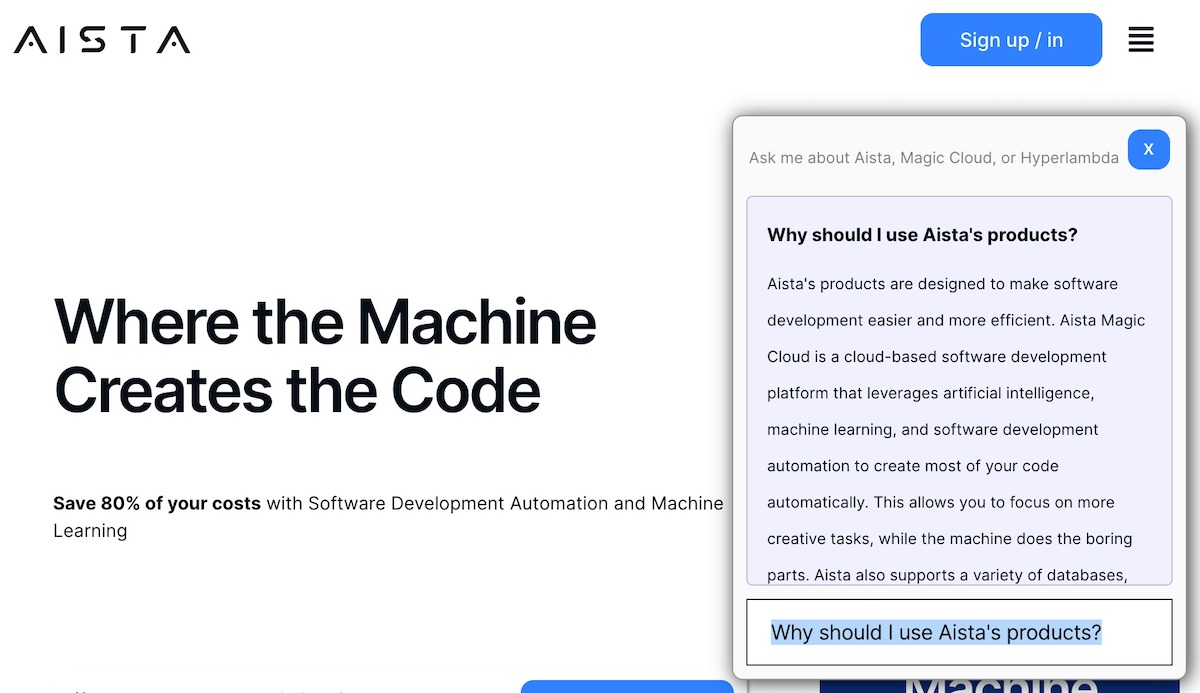
The basic idea is really simple. You point it at a website, our system scrapes your site, and you get your own custom ChatGPT version that knows everything about YOU and YOUR COMPANY and only speaks nicely about your services. Watch the video below to understand the process.
The way it works is that our system automatically crawls your website, scrapes it for Hx elements and paragraphs, and chops up your content into “training snippets,” which are then used as its “knowledge” when answering questions. Many have claimed this “isn’t really ChatGPT.” All of those people are wrong. This is the full ChatGPT AI model — equally capable as the full version of ChatGPT because it is the full version of ChatGPT. The only difference is that it doesn’t remember the context, implying you have to phrase your questions such that the whole question is in each prompt.
Use Cases for Software Developers
One really nifty use case for such chatbots is to document your software project. If you’re obsessed about Open Source, such as we are, you probably have some documentation for your open-source software project — or your closed-source software project, for that matter. Realize that the explanation our chatbot gave me below is for a “tiny keyword in a tiny programming language that I’m probably the only guy on the planet currently using.” Still, it provides a better explanation than what I am capable of providing myself.
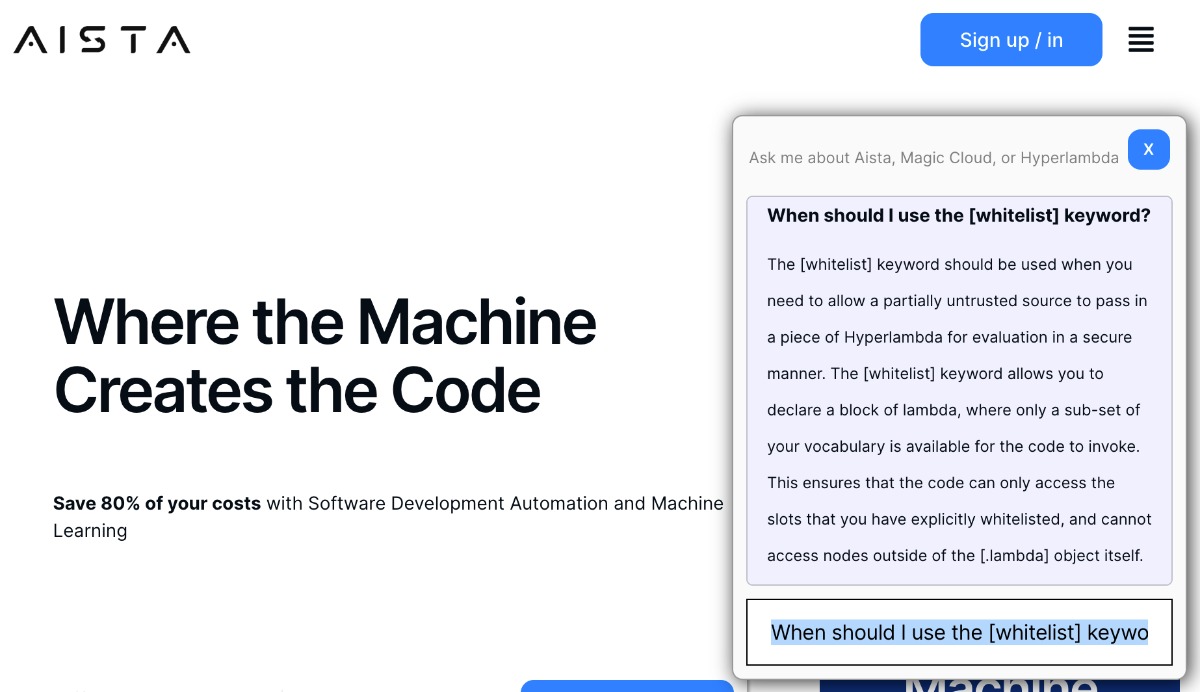
Basically, by scraping the website for your software project, we’re capable of “increasing ChatGPT’s IQ by 1 million” (in a way, if you like simple explanations). Below is the whole explanation as provided by ChatGPT.
When Should I Use the [Whitelist] Keyword?
The [whitelist] keyword should be used when you need to allow a partially untrusted source to pass in a piece of Hyperlambda for evaluation in a secure manner. The [whitelist] keyword allows you to declare a block of lambda, where only a subset of your vocabulary is available for the code to invoke. This ensures that the code can only access the slots that you have explicitly whitelisted and cannot access nodes outside of the [.lambda] object itself.
I could have tried explaining the whitelist keyword for months without being able to explain it, as well as the above explanation. If you want to try this out on your own website or software project, you can find our stuff below.
Published at DZone with permission of Thomas Hansen. See the original article here.
Opinions expressed by DZone contributors are their own.