

DZone
Thanks for visiting DZone today,
Edit Profile
  • Manage Email Subscriptions
  • How to Post to DZone
  • Article Submission Guidelines
Sign Out View Profile
  • Post an Article
  • Manage My Drafts
Over 2 million developers have joined DZone.
Log In / Join
Refcards Trend Reports
Events Video Library
Refcards
Trend Reports

Events

View Events Video Library

Related

  • jQuery vs. Angular: Common Differences You Must Know
  • Better Scaffolding with jQuery - Part I
  • When Angular APIs Return 200 but the Frontend Is Already Failing Users
  • 5 Layers of Prompt Injection Defense You Can Wire Into Any Node.js App

Trending

  • Liquid Glass, Material 3, and a Lot of Plumbing
  • Good Data, Bad Metric: A Mutation Testing Pattern for Analytics Engineering
  • Is the Data Warehouse Dead? 3 Patterns From Enterprise Architecture That Answer This Question
  • Why Your Test Automation Is Always Behind the Code And the Architecture That Fixes It
  1. DZone
  2. Coding
  3. JavaScript
  4. Quickly Understand JavaScript's .forEach() vs. jQuery's .each()

Quickly Understand JavaScript's .forEach() vs. jQuery's .each()

Red pill vs. blue pill. Montague vs. Capulet. The battle between vanilla JavaScript and jQuery methods has 'em both beat.

By 
Joy Twain user avatar
Joy Twain
·
Updated Nov. 29, 18 · Tutorial
Likes (2)
Comment
Save
Tweet
Share
10.1K Views

Join the DZone community and get the full member experience.

Join For Free
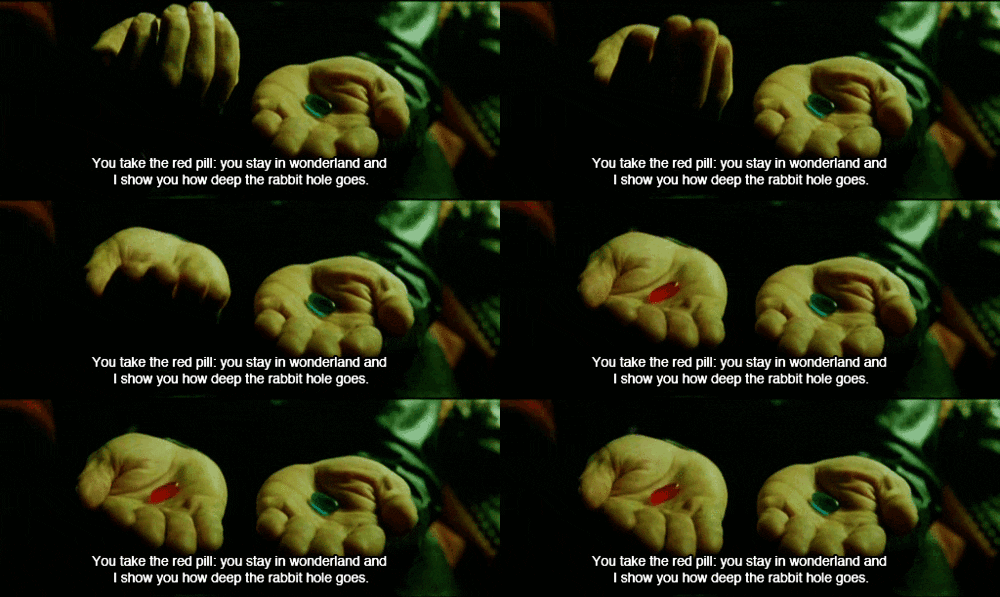
Matrix famous pills scene

Do you remember this famous scene from the Matrix? Well, this tutorial is similar to the same situation where Neo has to make a choice. But, now, instead of Neo, it is you who havs to make the choice, between two methods: .forEach()and jQuery's .each().

There are two functions to deal with an array on the client-side – JavaScript's .forEach() and jQuery's .each(). Here, I will teach you how to use both of these methods with some sample code.

JavaScript's .forEach() Method

The .forEach() method of JavaScript executes a given function once for each element of an array.

For example:

var arr = ['a', 'b', 'c'];    
arr.forEach(function(element) {  
    console.log(element);  
}); 

The above JavaScript code will print the following in the console window:

a
b
c

jQuery's .each() Method

jQuery has its own method to loop though an array. This is called the jQuery Each Method, but is more commonly known as .each(). See the below code:

var arr = ['a', 'b', 'c'];  
$.each(arr , function (index, value){  
  console.log(arr);   
});  

The above jQuery code will prin the following in the console window.

a, b, c

Which One Should You Choose?

Both of these above methods are very good and result in decreasing the lines of code as compared to the normal For Loop in JavaScript. They also make the code easy to understand.

If you are using jQuery, then you'll probably prefer the .each() method (for maintaining code consistency), otherwise, I'd suggest using .forEach(). But it is totally your own choice.

JQuery JavaScript

Opinions expressed by DZone contributors are their own.

Related

  • jQuery vs. Angular: Common Differences You Must Know
  • Better Scaffolding with jQuery - Part I
  • When Angular APIs Return 200 but the Frontend Is Already Failing Users
  • 5 Layers of Prompt Injection Defense You Can Wire Into Any Node.js App

Partner Resources

×

Comments

The likes didn't load as expected. Please refresh the page and try again.

  • RSS
  • X
  • Facebook

ABOUT US

  • About DZone
  • Support and feedback
  • Community research

ADVERTISE

  • Advertise with DZone

CONTRIBUTE ON DZONE

  • Article Submission Guidelines
  • Become a Contributor
  • Core Program
  • Visit the Writers' Zone

LEGAL

  • Terms of Service
  • Privacy Policy

CONTACT US

  • 3343 Perimeter Hill Drive
  • Suite 215
  • Nashville, TN 37211
  • [email protected]

Let's be friends:

  • RSS
  • X
  • Facebook