

If You Can Facilitate a Retrospective, You Can Audit Your AI
Learn how the AI Delegation Audit helps Scrum teams inspect AI workflows, catch automation drift, and keep delegated AI work safe and accountable.
 CORE
·
CORE
·
Join the DZone community and get the full member experience.
Join For FreeTL;DR: The AI Delegation Audit
Scrum teams inspect how the last Sprint went during the Retrospective. They are much less likely to inspect the work they have handed to AI, because no meeting on the calendar owns it. That gap is where a working AI automation quietly turns into risk: it keeps producing fluent, on-brand output long after the decision to trust it has expired.
The AI Delegation Audit closes the gap by leveraging the facilitation skills teams already use in a Retrospective.
Thesis: The Delegation Audit is the missing inspection cadence for delegated AI work. It checks four things: whether the work still meets the standard, whether the model still fits the task, whether the team can still stop the automation, and whether reviewed assistance has quietly become unreviewed automation. You can try it on one workflow in fifteen minutes.
The Automation That Looked Healthy
A product team automates its Friday stakeholder update in March. The setup is careful: the model drafts from the Jira board, the workflow owner reviews the draft, and it ships. For three months it works. In June, the same automation tells an enterprise prospect that a security feature is in production.
No application code changed, and nobody touched the prompt. But the system around the automation had shifted: a descoped feature, a stale ticket title that survived in the product backlog, and a change in model behavior combined into a false update. The dangerous part was not a visible failure: the automation kept producing fluent, plausible, on-brand updates, which is exactly what made the degradation hard to notice.
That points to the belief worth naming first: a workflow that still produces output is assumed to be still fully functioning. A working automation is not evidence that the delegation behind it is still valid, and validating it once, at setup, is not the same as keeping it valid.
What the Delegation Audit Is
The Delegation Audit of the A3 Framework borrows the facilitation pattern of a Retrospective, not the Scrum event itself. Instead of how the team worked, it examines how the team’s AI delegations are holding up: 45 to 60 minutes, monthly or every other Sprint, with a named owner and a slot on the calendar.
In the A3 Framework, this is what the Automate category has always required. The moment you trust work to run with little or no human review, you owe it explicit rules and a recurring audit. Most teams adopt the rules and skip the audit because no one owns it. The Delegation Audit is that meeting, and it is the Inspect step of the AI Delegation Lifecycle.
The name is deliberate: nobody in finance, security, or operations needs an agile glossary to understand what a delegation audit is or why a team runs one. The practice underneath is familiar: gather data, surface what changed, turn findings into decisions, and leave with owners.
The Four Checks
Each check inspects one way a delegation degrades after it goes live:
- Output and source drift: Does the work still meet its AI Definition of Done, and are the inputs still fit for use? Pull three recent outputs per workflow and trace each one back to its sources. Model updates change output quality in both directions without notice, and the inputs move along with them: stale records, changed permissions, and archived data that the model cannot tell from current facts. A polished summary built on stale data is still a failed delegation.
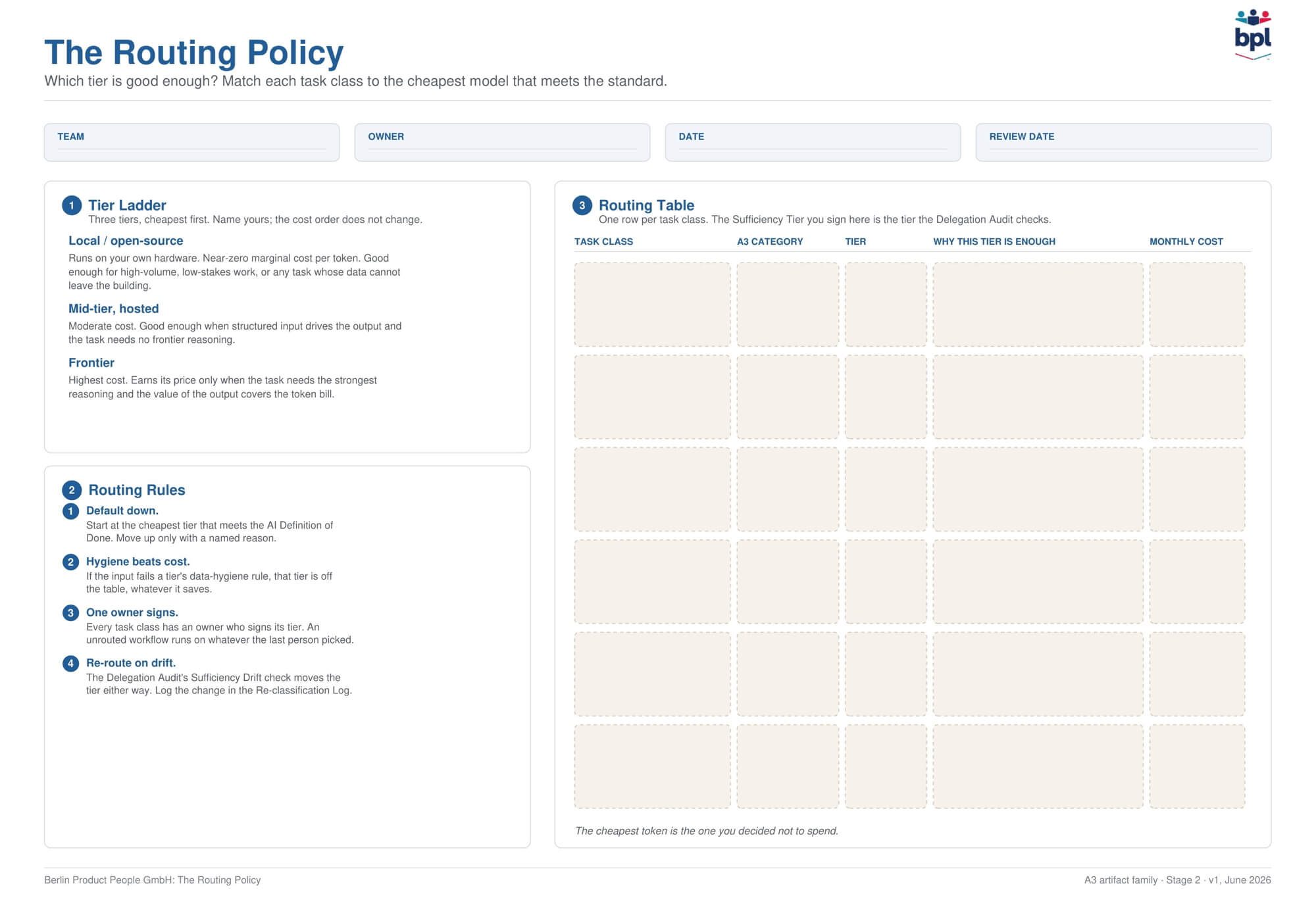
- Model fit: Is the assigned model still the right one? Look in both directions: a cheaper tier that no longer meets the standard, and a frontier model burning budget on work that a mid-tier now handles. The test is whether the model is sufficient for this task at this risk level, not whether it is the most capable one available. If your team runs a routing policy, this check feeds into it, and the cost side has its own treatment in token economics.
- Reversibility: Could you stop each automation today? Test the stop rules from your handoff: who pulls the plug, how fast, and whether that person still works here. An automation without a reachable owner is not delegated; it is abandoned, now posing a risk.
- Category creep: Which Assist work has become unreviewed Automate? Watch for the tell: review time per output trending toward zero. When a human approves a draft in 4 seconds, that is not review, and the work changed its A3 category without anyone deciding. Name it, then choose: promote it to Automate properly, with rules and a stop rule, or restore genuine review.
Run It Like a Retrospective
The agenda fits 60 minutes and will feel familiar:
- Data walk (10 min): Put the delegation inventory on the wall: every automated and assisted workflow, its A3 category, its model tier, its last audit date. Add usage or spend data if you have it. Look first, discuss later.
- Run the four checks in pairs (20 min): Assign workflows to pairs. Each pair runs all four checks on its workflows and marks each finding pass, drift, or fail.
- Re-classify (15 min): Walk through the findings. Every drift or fail gets a decision: change the A3 category, change the tier, update the AI Definition of Done, fix the stop rule, or retire the delegation. Retiring an automation that no longer earns its audit cost is a successful outcome of the meeting.
- Decisions and owners (10 min): Each decision gets a name and a date. A finding without an owner is one you will rediscover next time; don’t create waste.
- Close the record (5 min): Update the log: what moved, why, and who decided.
Why Inspection Stopped Being Optional
Two forces make a standing audit necessary now:
The first is the models: they update on the vendor’s schedule, not yours. A change to how a model summarizes, refuses, or formats can move output quality with no signal on your side. An automation you validated once is running on assumptions that have quietly expired.
The second is accountability: NIST organizes AI risk management around four functions: govern, map, measure, and manage. Inspection is the measure-and-manage half, and a team that only governs and maps has stopped before the work becomes operational. Set-and-forget is the default, and it compounds unseen until a drifted output becomes an incident in front of the wrong audience.
The Record You Get for Free
Each audit updates a dated log: workflow, owner, model tier, last checked output, drift finding, decision, and follow-up date. Stack those logs, and you have an inspection trail: evidence that your team’s AI adoption is controlled rather than assumed. When a stakeholder, for example, a prospect’s procurement team, asks how you govern your internal AI use, that trail is half the answer, and you wrote none of it as a separate report. It came out of one recurring meeting.
What to Do in Your Next Retrospective
Do not schedule a new event yet. Take one delegated workflow, the one that would embarrass you most if it drifted, and spend fifteen minutes of your next Retrospective running the four checks on it out loud: output and source, model fit, reversibility, category creep. You will probably find at least one answer that amounts to “nobody has looked since we set this up.” That single finding is enough to put the audit on the calendar.
Conclusion
A Retrospective keeps a team honest about how it works together. The Delegation Audit extends that same facilitation habit to the work the team handed to a model, where an automation can look healthy long after the decision to trust it has expired.
When did your team last inspect an automation it trusts, and what would the four checks find if you ran them this week?
Key Questions This Article Answers
What Is a Delegation Audit?
A Delegation Audit is a recurring 45- to 60-minute inspection of a team’s delegated AI work, run monthly or every other Sprint. It checks whether automated and AI-assisted workflows still meet the team’s standard, using the facilitation skills of a Retrospective. It is the Inspect step of the AI Delegation Lifecycle.
What Does a Delegation Audit Check?
Four things:
- Output and source drift (Does the work still meet its AI Definition of Done, and are the inputs still trustworthy?),
- model fit (Is the assigned model still the right one for the task and its risk level?),
- reversibility (Can you stop the automation today?), and
- category creep (Has Assist work become unreviewed Automate?).
How Is a Delegation Audit Different From a Retrospective?
Same skill, different subject. A Retrospective inspects how the team worked together. A Delegation Audit inspects how the team’s AI delegations are holding up, then turns each drift finding into a decision with an owner and a date.
Published at DZone with permission of Stefan Wolpers. See the original article here.
Opinions expressed by DZone contributors are their own.
Comments