

Child IT Education: Learn Development While Playing Games
 CORE
·
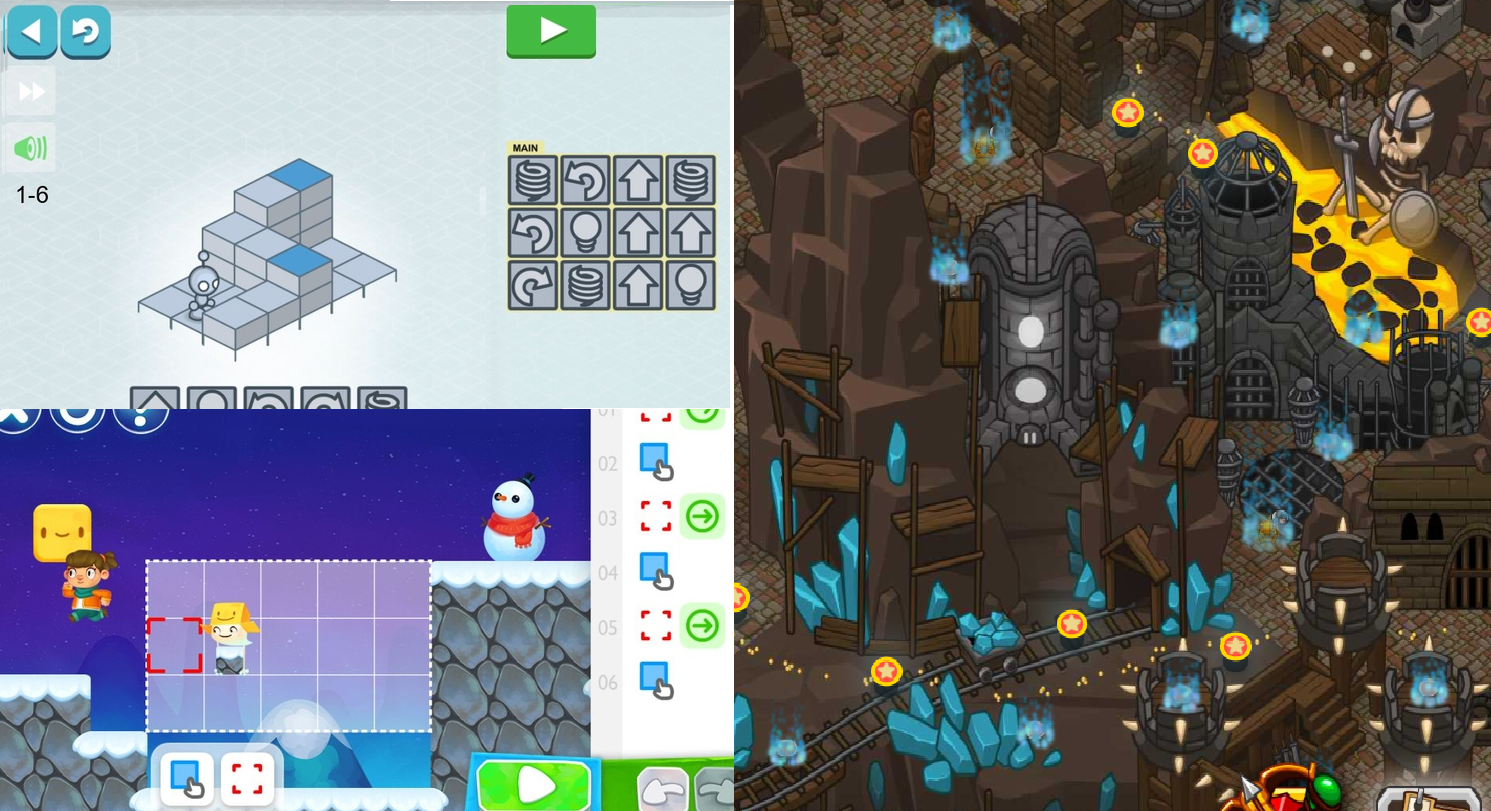
Nowadays, the majority of parents don't know about programming education for children. Meanwhile, there are a set of free games that help kids to learn how to develop "simple applications". Such learning games can be played even by children even three years of age. They can learn about topics like:
- Code instructions.
- Iteration and loops.
- Conditional instructions.
In this article, I'm going to review three games that can get kids to start development while having fun.
Light Bot: For Beginners Ages 3+
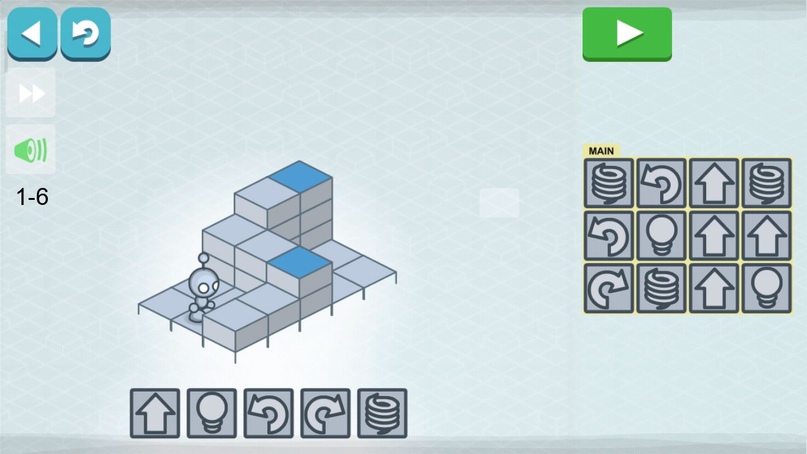
This game is my favorite. The purpose of the game is to help a bot to press all the blue squares on a given level. Player write commands as sequence of icons. Each icon describes an action. For example, an arrow means go forward, and the spring makes the avatar jump. Complexity grows each round, and after the second level, the user has to learn what a procedure is (or how to reuse your code).
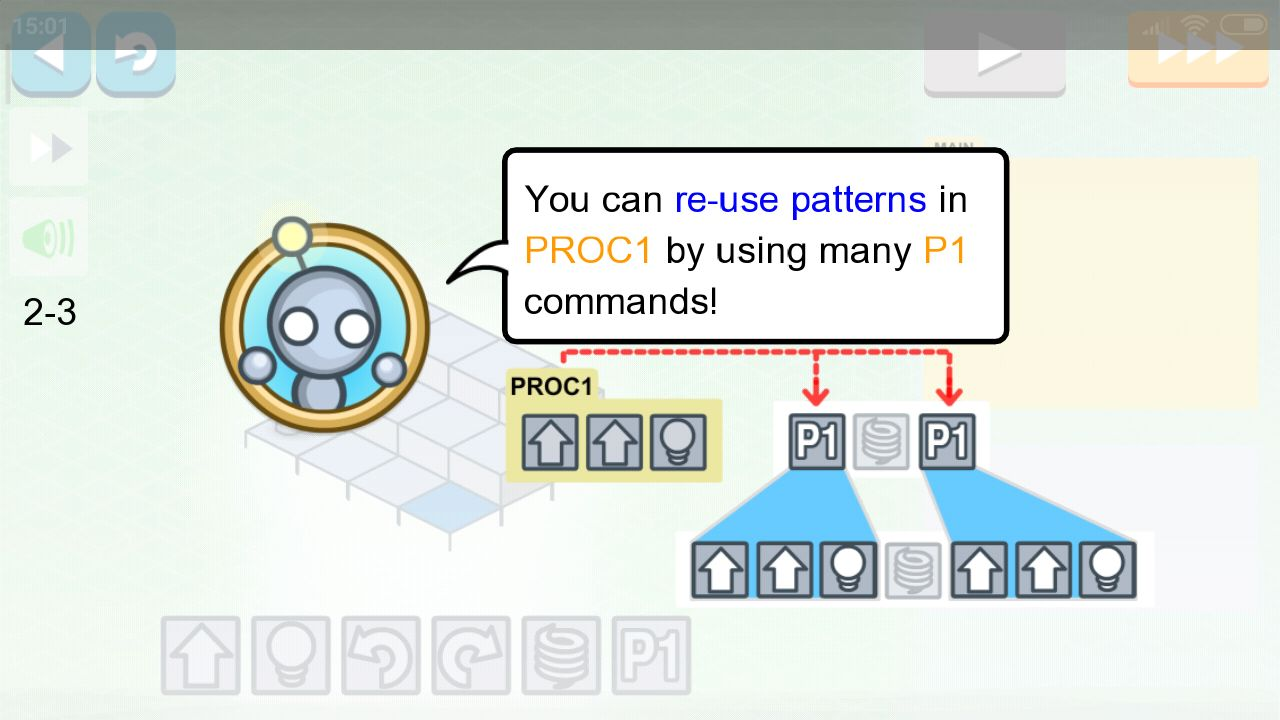
Gameplay example:
After trying this game out with my nephews, I can you give you some tips:
- Try to help your child as little as possible. Let them do the development themselves.
- If a child is stuck, help them pass the level, but after remove this level, and let him do it all alone
- Procedure — the most complex thing in the game. Let a child first finish the round without it (it's not possible), and after ask them to show a repeatable part and suggest to shift it into a procedure.
Next level. Sprite Box. Adventure With Coding.
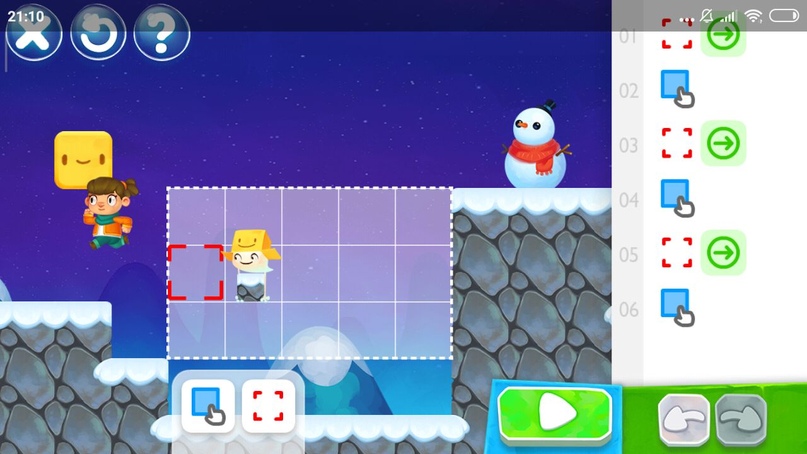
This game is much more attractive for kids because of the adventurous spirit behind it. The player has to help their hero rescue blue drops from prisons. To find the right way, the player has to build bridges or walls. Construction is done by sprite box (white drop with amazon box hat). Programming here is very similar to Light Bot but has more difficult iteration cycles.
Gameplay example:
Tips: ignore exercises with copying and pasting cubes. I personally don't see too much sense in that complex action (especially for young players 3-5 years old).
For Kids 8+ Years. Code Combat. Coding Like Real Developers With Text Commands
This game is rather for scholars. I recommend to give it a chance yourself before you teach it to children. The game is complex but has a good atmosphere. A player has to pass different levels, where actions are written as text commands at the right side of the screen. It looks like a real development environment! It even has functions and parameters.
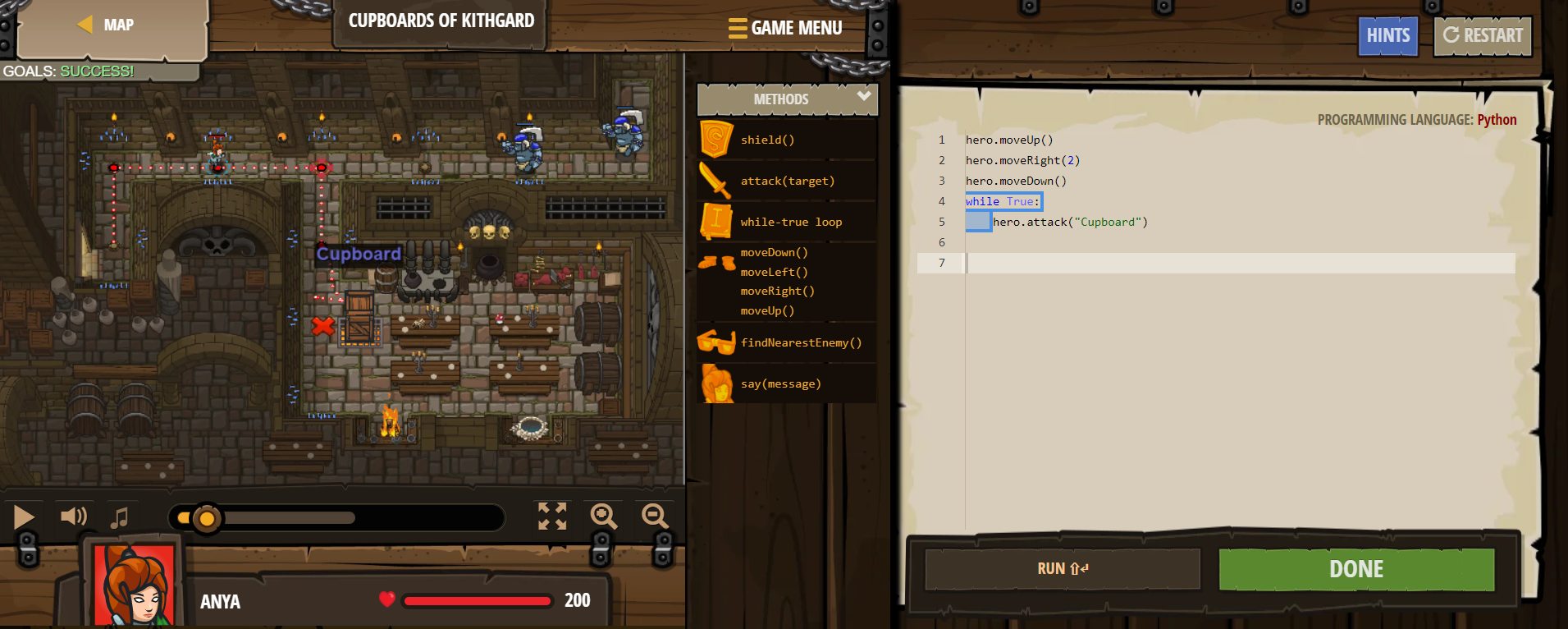
Each hero has weapon and clothes. 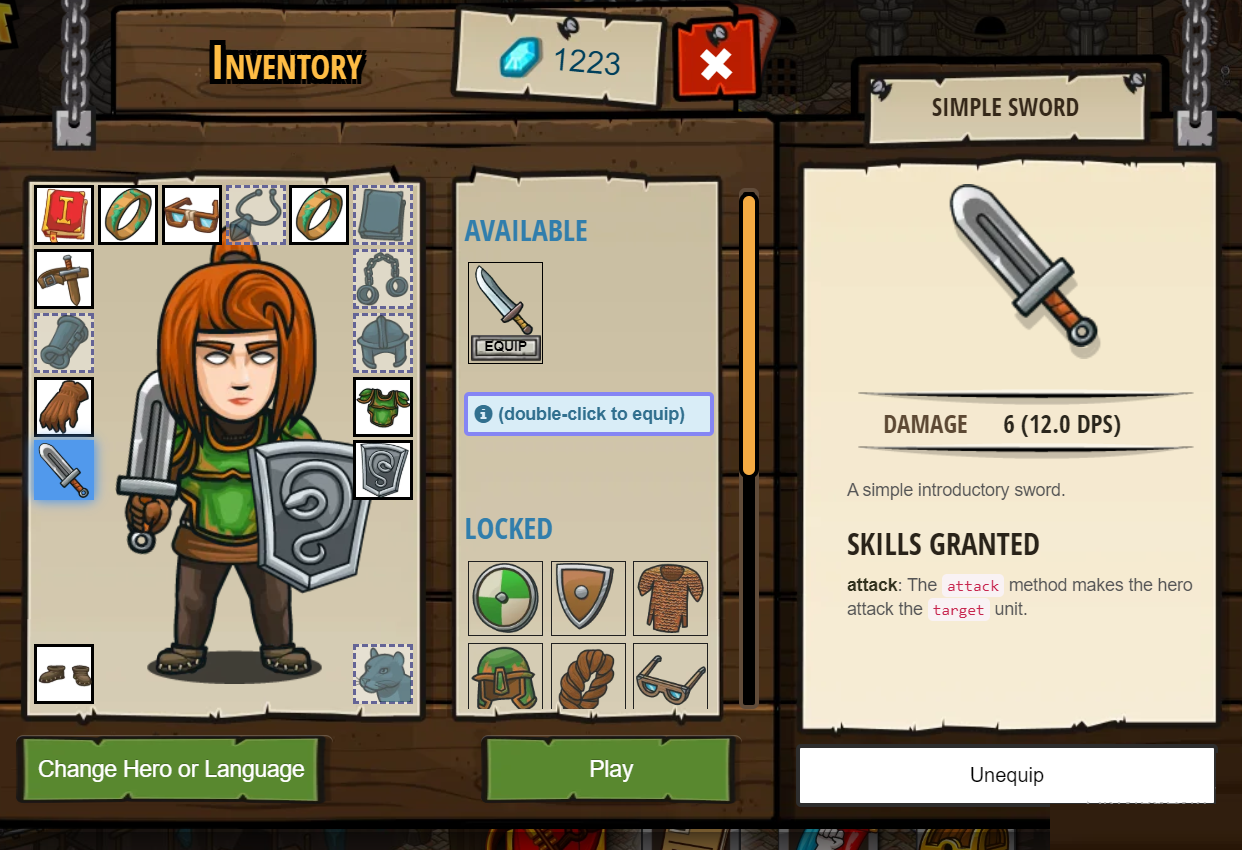 All of it can be bought with crystals that you earn throughout the game. So, at the same time, kids learn how to spend them wisely.
My recommendations:
- At the left side, at bottom there is a pause icon. I recommend to press it from the begging of each round. It used to stop the time and let child play without rushing.
- Play all levels before you teach it. Some of the levels were very difficult (at least for me).
Most Important Recommendation for All Mentioned Games
Kids are impatient. Don't force them to do everything on their first attempt. Let them write incorrect code and debug it later! If they fail, ask them what when wrong and how to fix it. Don't show any aggregation even if they try to brute force an algorithm. Remember, the most valuable achievement is to make kids love to do development. If the next day they say, "Mammy/Daddy/Uncle let's do development", then you did a great job!
All mentioned games have alternatives. So you can look for possible options and share them in comments. Teach your kids how to develop. Our kids are our future!
Opinions expressed by DZone contributors are their own.