

How to Turn a Raspberry Pi Into a Crypto Trading Bot
Learn how to set up the Raspberry to optimize the use of the limited resources by using it as a backend server, avoiding running the software GIU on the Pi.
Join the DZone community and get the full member experience.
Join For FreeThis tutorial goes through the steps required to install the open-source software that deals with mining data from a crypto exchange, run backtests, and run live trading sessions. The key teaching focuses on setting up the Raspberry Pi the smart way to optimize the use of the limited resources by avoiding running the software GIU on the Pi itself, instead, providing the solution to run the GIU from a regular machine on the Local Area Network.
This Is What You'll Need
- Raspberry Pi 2GB RAM ($40) - If you plan to run long (multi-year) backtests, you will likely need the 4GB or 8GB version (2 GB is enough for shorter backtests and trading live).
- Flash-card, 16Gb ($7)
- Raspberry Pi OS / Raspbian / Ubuntu ($0, open-source)
- Node.JS ($0, open-source)
- Git ($0, open-source)
- Superalgos (0$, open-source)
Let's Start!
I'll assume your Raspberry is fully set up with the native OS or Ubuntu. If it's not, just follow the manufacturer's instructions.
Let's get on with the rest of the software set up:
- Download and install Node.JS.
- Download and install Git.
- Download and install Superalgos.
You don't want to run the Superalgos GUI on your Raspberry… the 2GB RAM version won't be able to cope with the visual environment.
The clever setup is to use the Pi as a backend service that you access from your regular machine's browser. That way you can leave the PI on, trading 24/7, while you do whatever you do in your main PC.
So, run Superalgos with the noBrowser option. If your Pi is less than 8GB RAM, then add minMemo too (to prevent the RPI from running out of memory):
node run minMemo noBrowser
Then, in your regular machine, open Chrome or Safari on Mac (the only tested browsers) to access the Superalgos Client web server via HTTP.
You will go to the Raspberry on port 34248. Like this:
x
http://raspberrypi:34248
raspberrypi with the IP address of your RPI in the network.
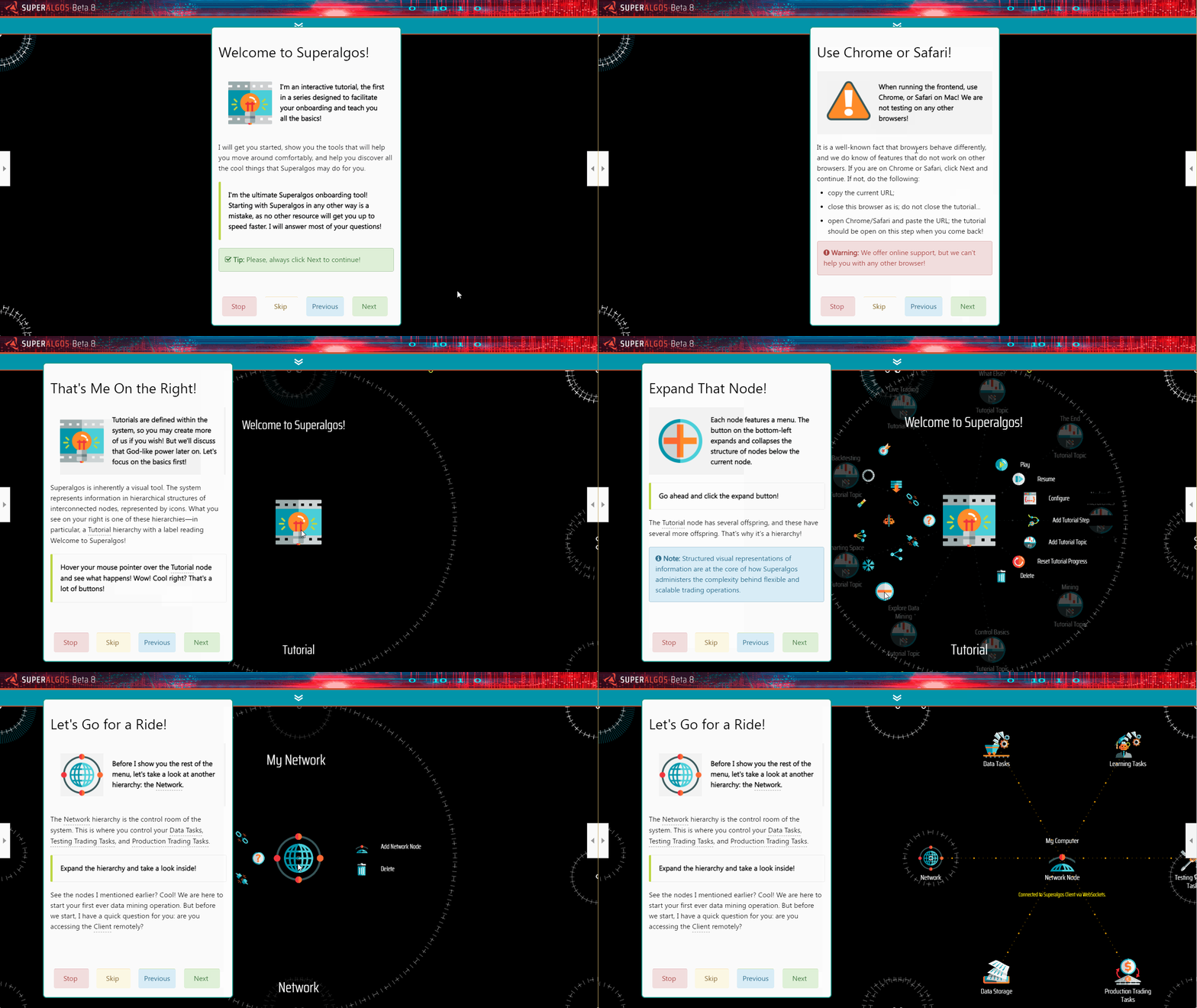
Instead, start doing the tutorial. It will guide you to fix the issue, which has to do with a configuration you must edit when you access the Client from a remote machine.
Once the issue is solved, keep doing the tutorial. It will take you through all the basics and help you run your first data-mining operation, your first backtest using a demo trading system, and even your first live trading session on Binance or Binance US.
The demo uses the BTC-USDT market, but once you know how to use the app, you may switch to any other market in the supported exchanges.
The tutorial answers all of your questions about what Superalgos is and how it works... it's fun, and it's fully interactive... you start fiddling with the app as you go and learn all the basics right then and there.
It'd be too long to explain everything the app does, but I can say it covers an impressive stretch of what is required to do some big-time trading, including pro data-mining, data visualization, visual strategy design, visual strategy debugging, coordinated deployments of multiple bots, etc. You can find the details on the website or just give it a go and see for yourself!
Once you go through the first experience, you may learn to design your own strategies or use the ones shared by the Community.
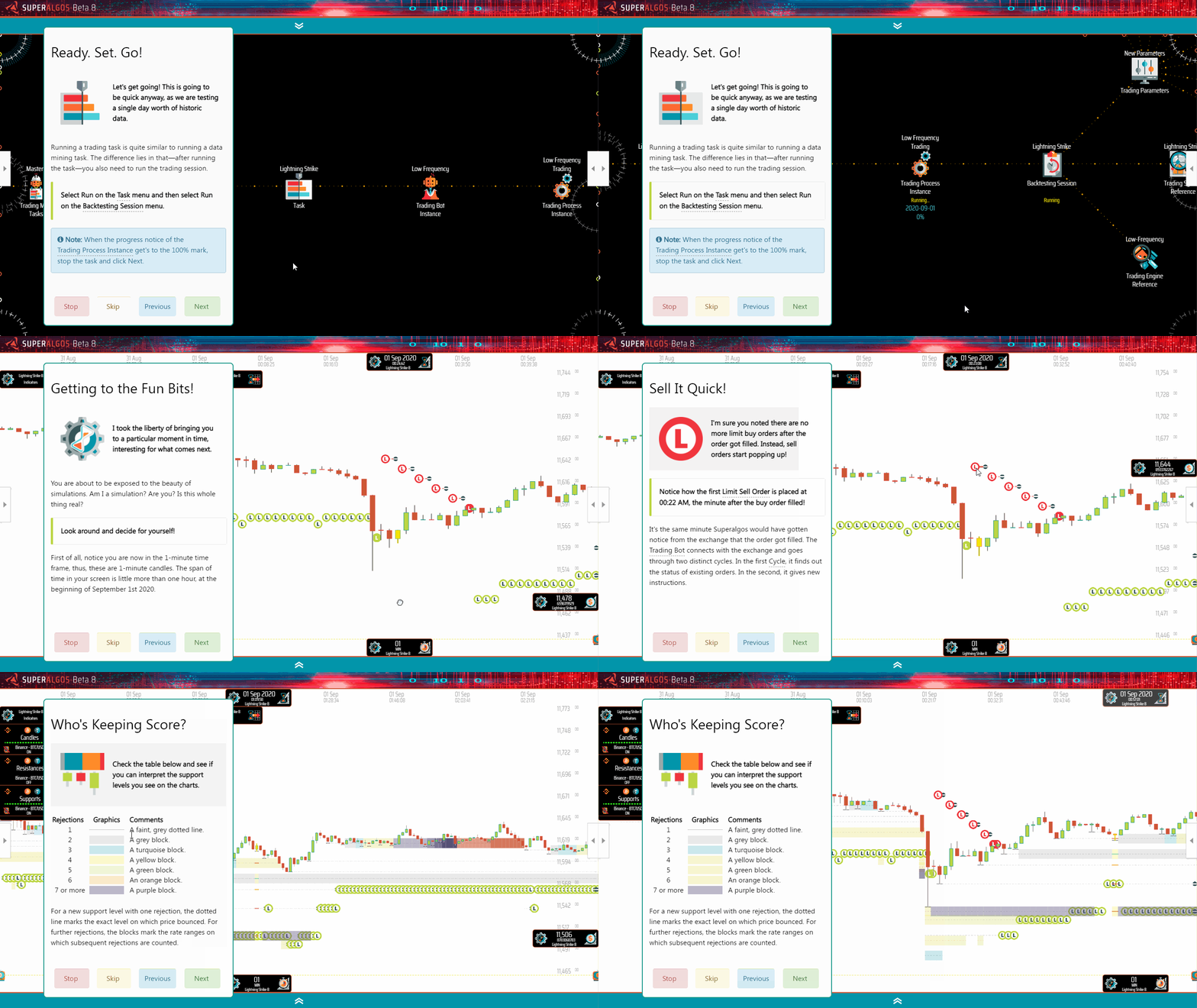
The set up you just created is the minimum expression of a trading farm. If you have more Raspberries, or even old laptops or desktops gathering dust in the closet, pull them out, and set them up as new nodes on the Network!
A trading farm setup may run distributed and coordinated tasks across multiple machines, and each machine may run as many trading sessions as the hardware can cope with!
Have fun!
Published at DZone with permission of Julian Molina. See the original article here.
Opinions expressed by DZone contributors are their own.
Comments