

Quarkus vs Spring Boot – Performance
In this article, we are going to compare the Quarkus and Spring Boot applications and how they behave in terms of memory management.
Join the DZone community and get the full member experience.
Join For FreeIn this article, we are going to compare the Quarkus and Spring Boot applications and how they behave in terms of memory management.
To be fair in comparison to both the applications, we will go with a standard set of dependencies. Both the application will include Spring Web dependencies only. They will be build using maven tool and jar files will be created. Both the application will have similar REST Endpoints.
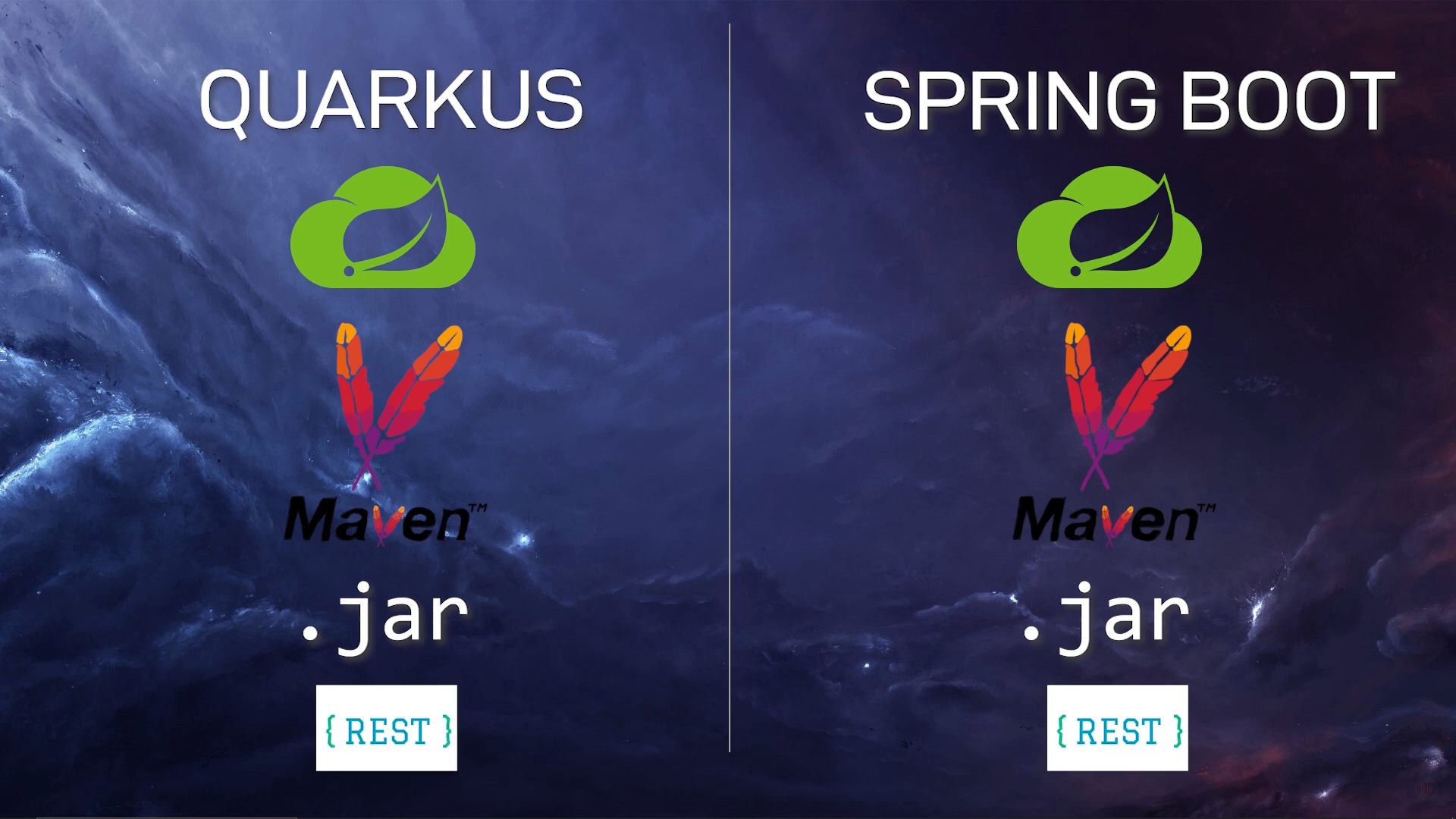
This comparison is going to be super crazy. We will create both applications from scratch.
Creating Quarkus Application
To create a quarkus application, go to https://code.quarkus.io/ and fill the below details.
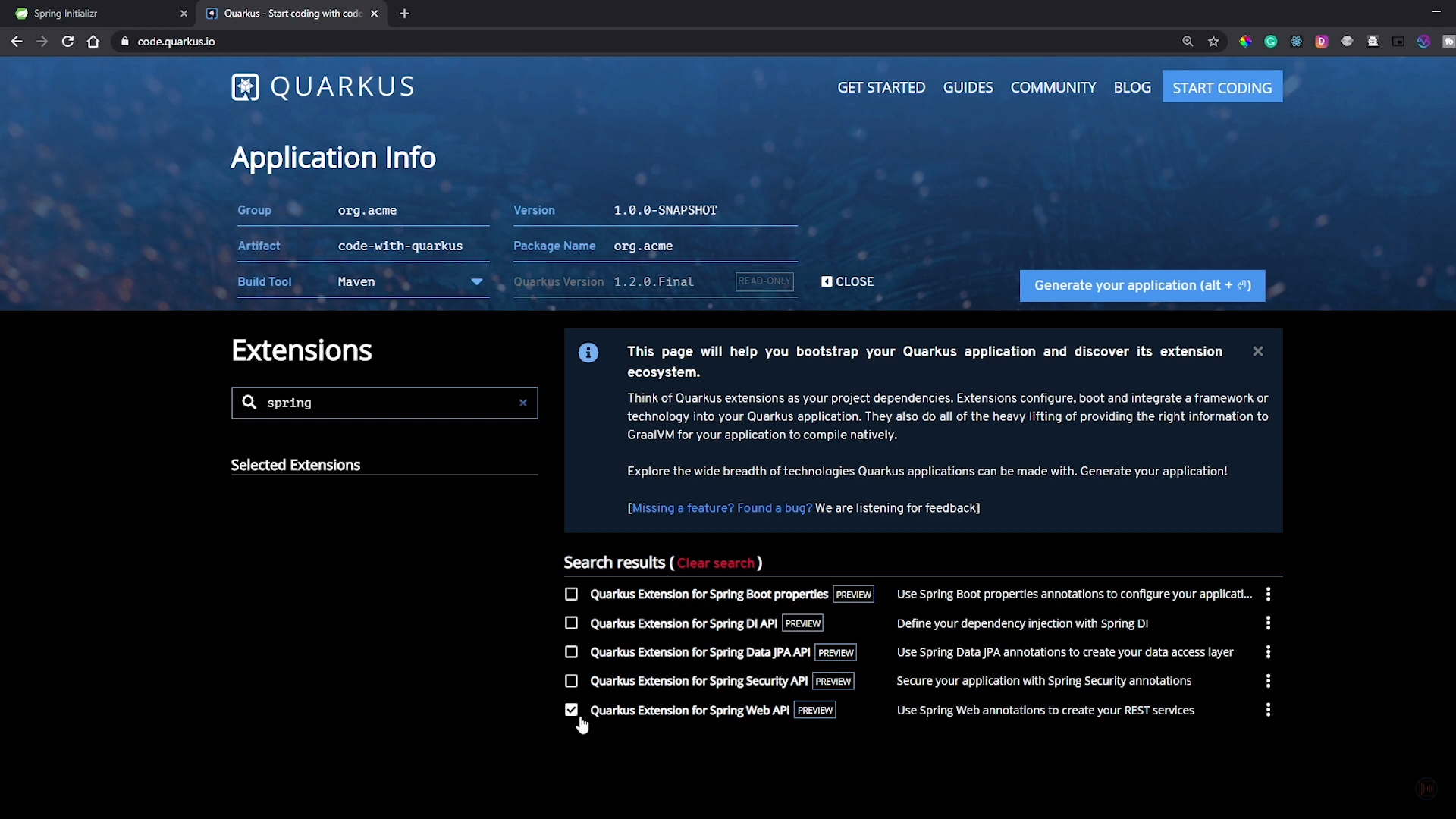
Open this project in your preferred IDE.
Create a new class HomeController.java and add the below code in that class file.
("/hello")
public class HomeController {
public String hello() {
return "hello";
}
}
Now, to run this application, go to the terminal and run the below command.
mvn clean package
Once the jar file is created, execute the below command to run the standalone jar file with the below command.
java -jar code-with-quarkus-1.0.0.SNAPSHOT-runner.jar
Creating a Spring Boot Application
To create a Spring Boot application, go to https://start.spring.io/ and fill the below details.
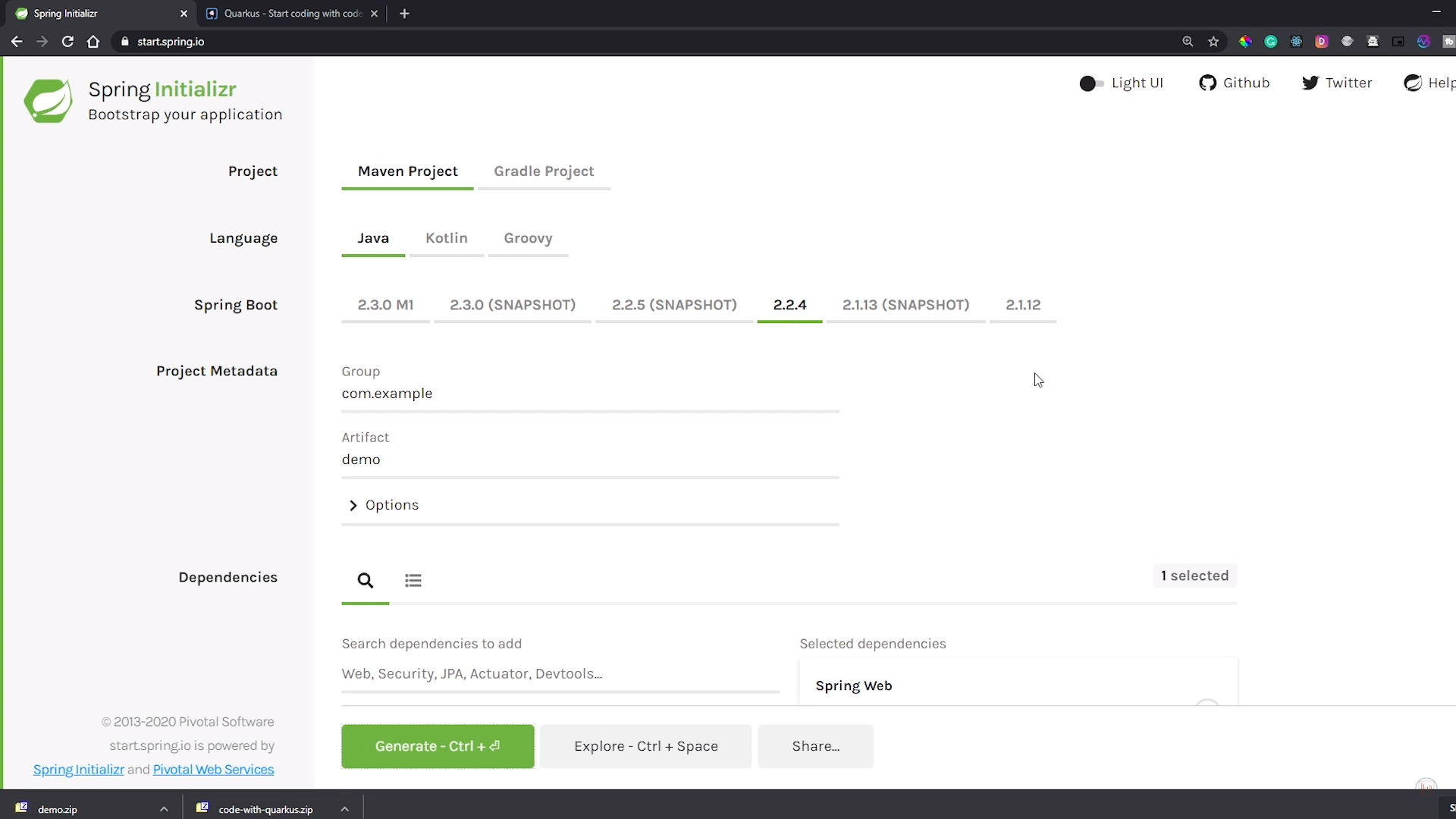
Open this project in your preferred IDE.
Create a new class HomeController.java and add the below code in that class file.
xxxxxxxxxx
("/hello")
public class HomeController {
public String hello() {
return "hello";
}
}
Now, to run this application, go to the terminal and run the below command.
mvn clean package
Once the jar file is created, execute the below command to run the standalone jar file with the below command.
java -jar demo-0.0.1-SNAPSHOT.jar
Comparison
Now, both the applications are running and we can compare the memory utilization by both the application using jconsole. Make sure that both the applications are running on different ports, so there are no port conflicts while starting the application
To open Jconsole, go to terminal and type jconsole command as shown in the below screenshot.
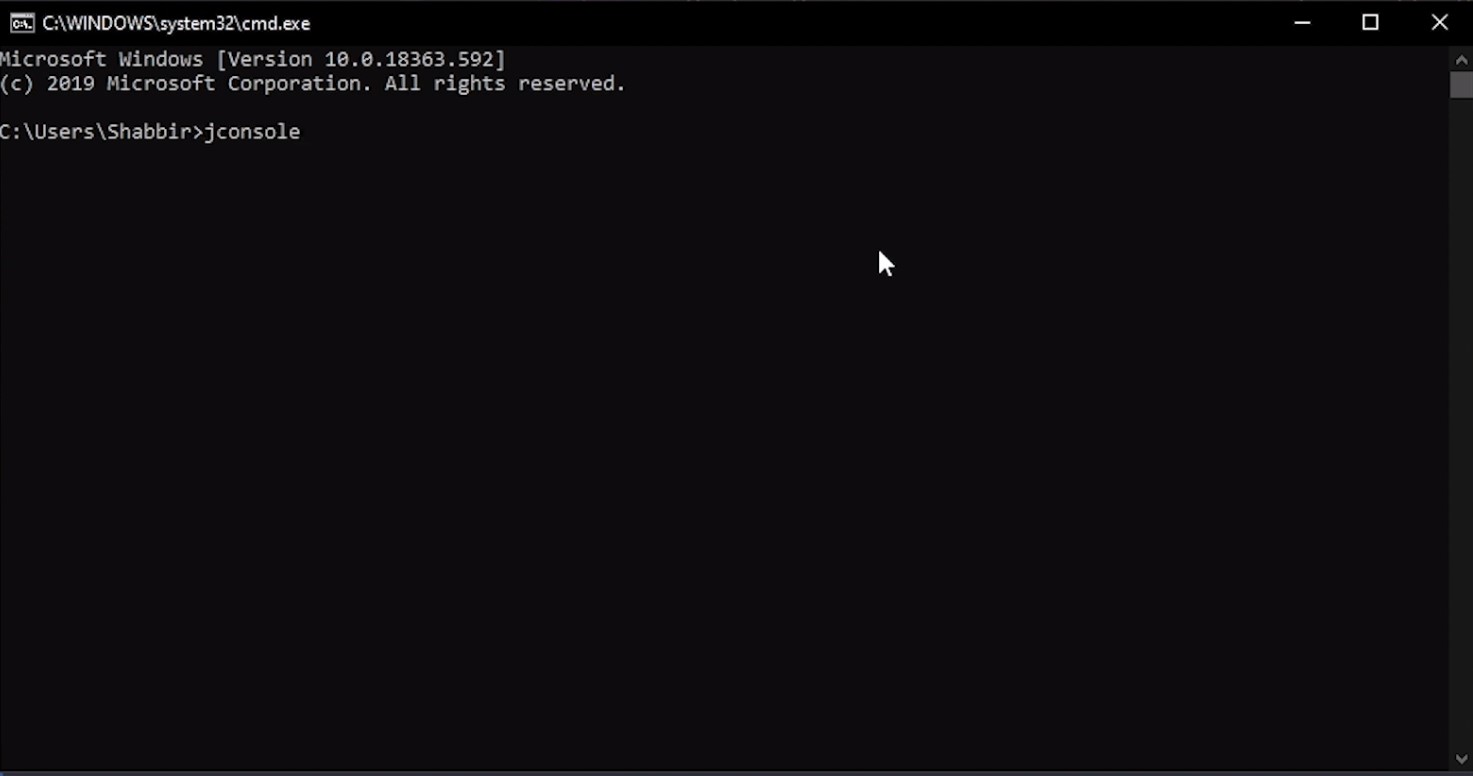
On executing the above command, it will open a prompt to select the process to check the resources. Below are the screenshots for selecting both Quarkus and Spring Boot applications resources.
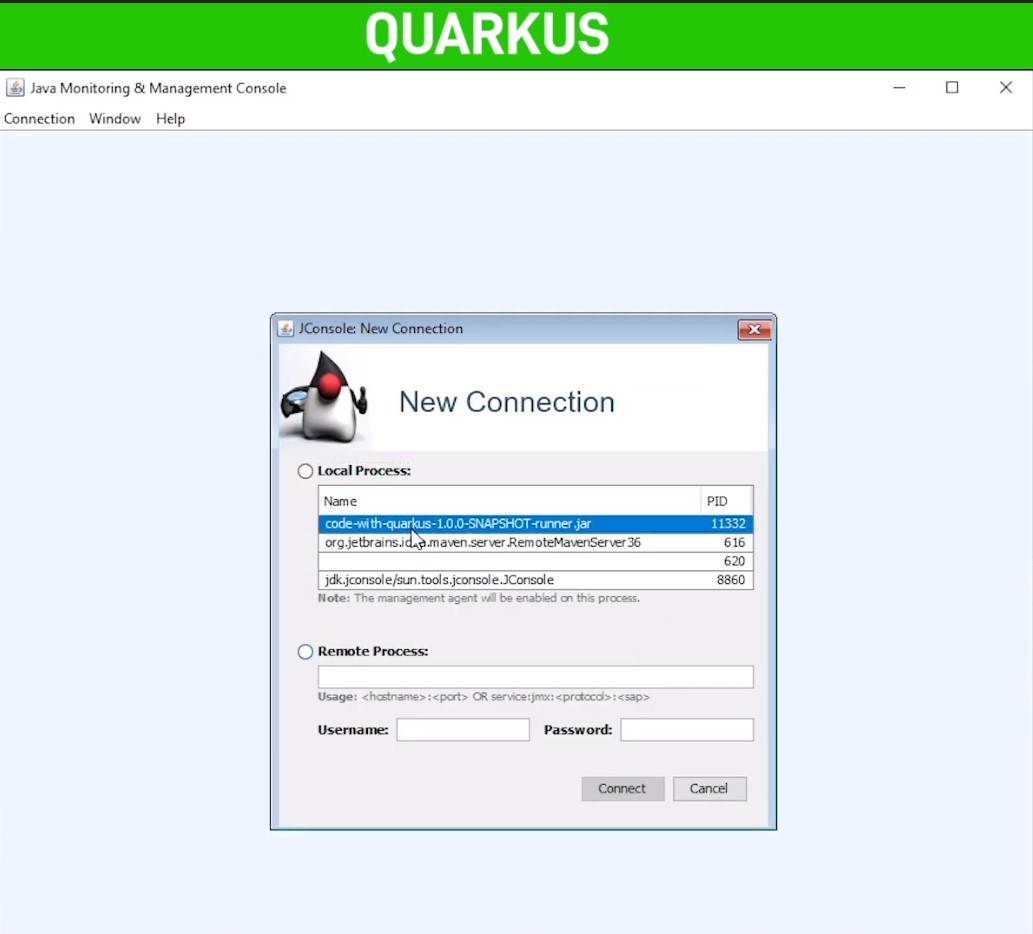 |
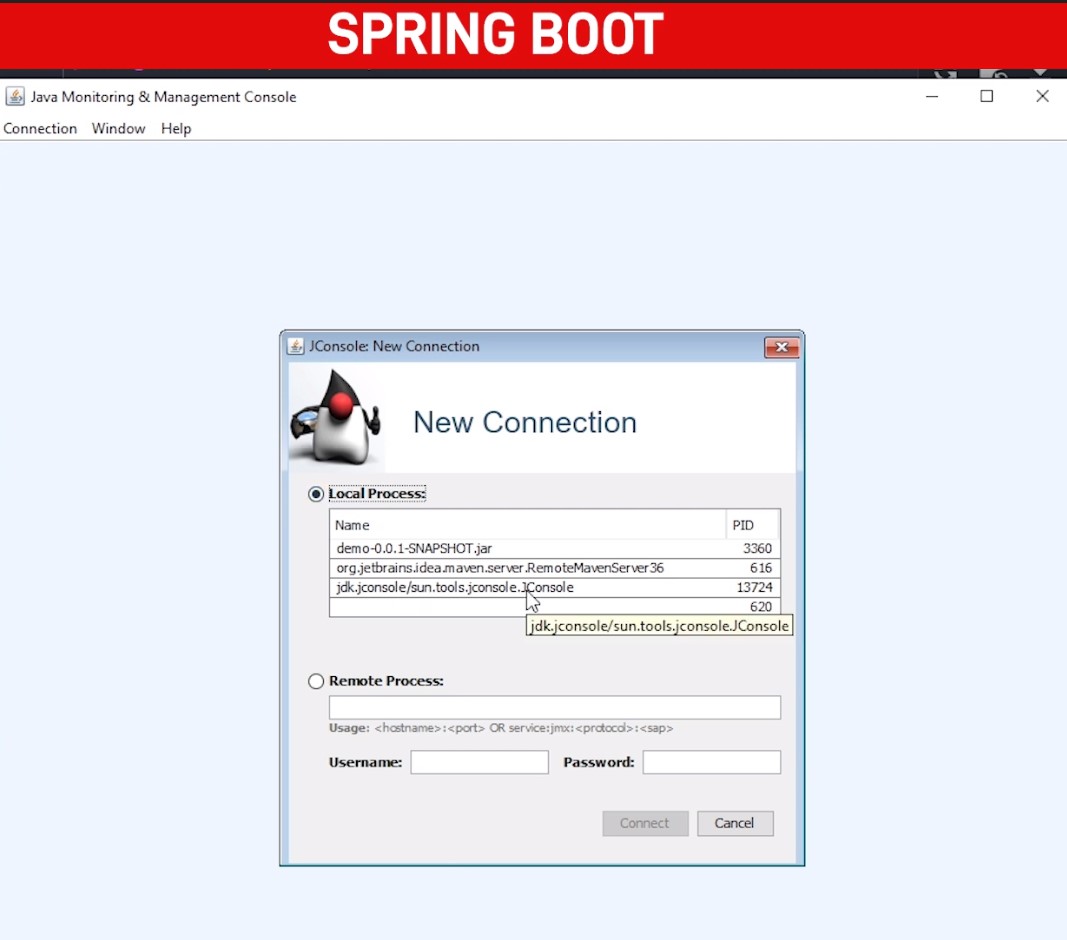 |
Select the appropriate processes for both the application and the new window will open to monitor those applications.
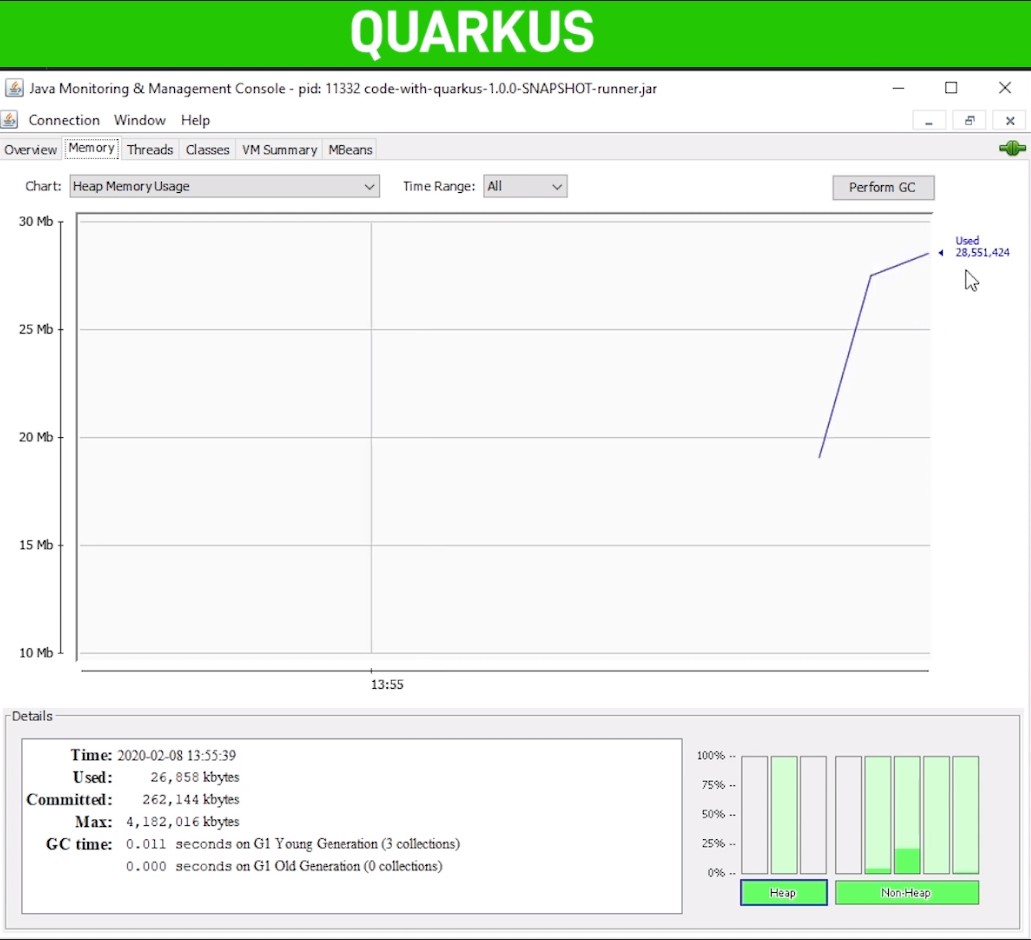 |
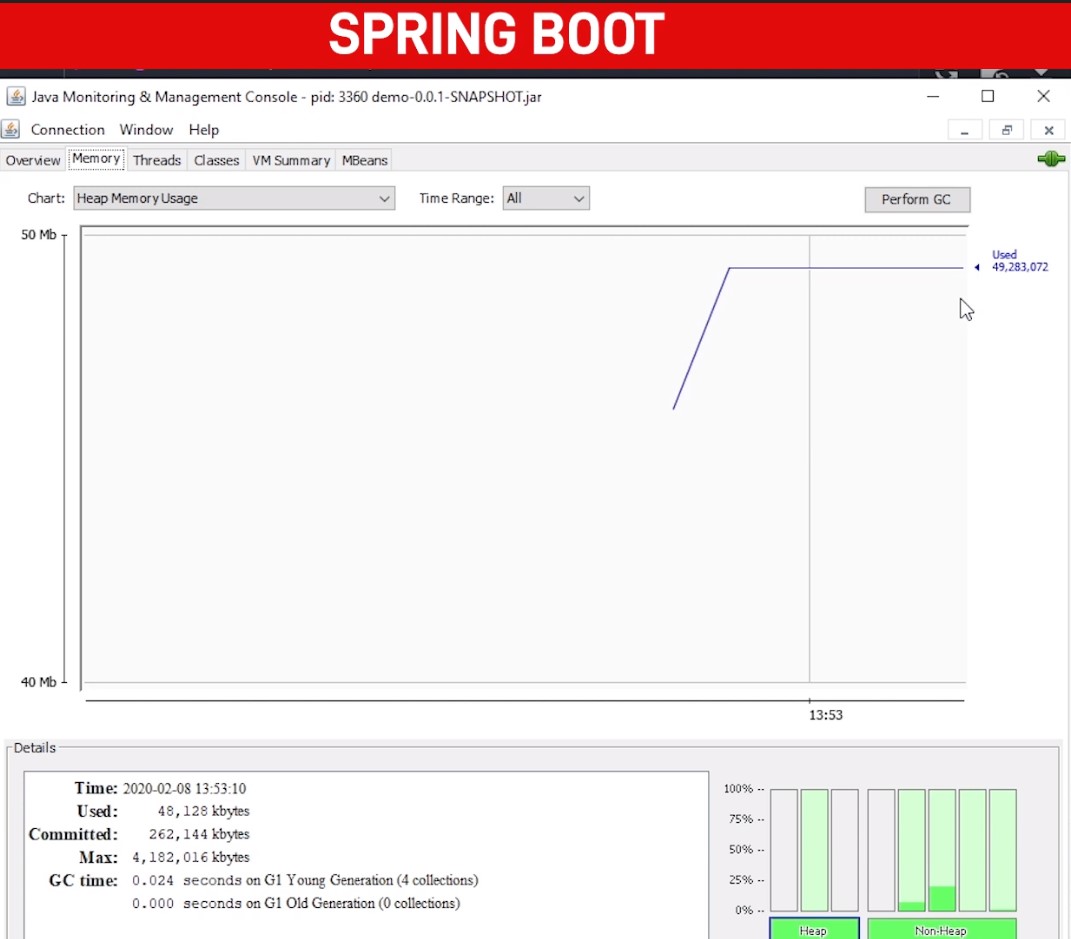 |
The Straight forward comparison for both the application depicts that Quarkus uses way less memory while starting the application. Spring Boot is using around ~47 Mb of memory compared to Quarkus’s ~27 Mb of memory utilization.
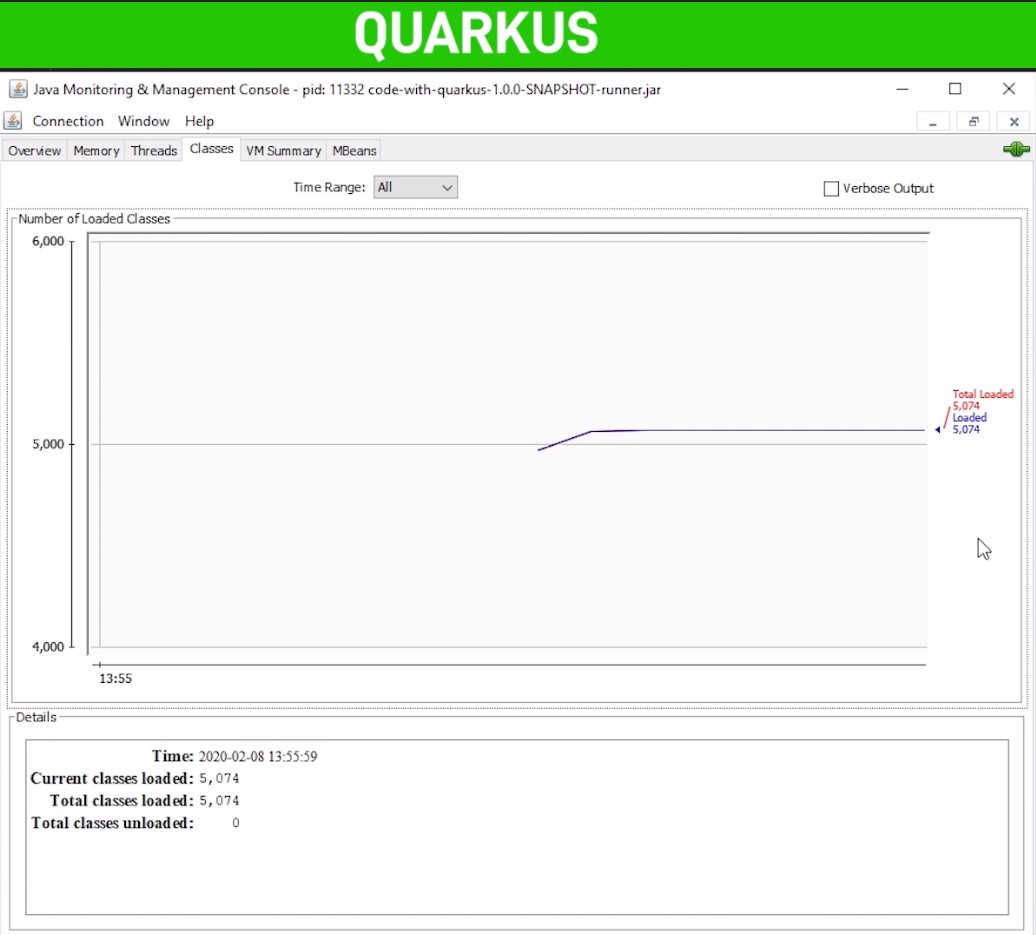
Quarkus uses Ahead of Time compilation strategy while building the application, which gives the benefit to loading only the necessary classes which helps to start the application.
 |
 |
In the above screenshot, we can see that Quarkus loads around ~5100 classes compared to ~7100 of the Spring Boot application. The comparison is too much considering that both the application has the same dependency and REST Endpoint.
Spring Boot is catching up with the support of GraalVM with the latest release. We need to wait and see in the future, how much benefit all the frameworks will get with increasing demands and use of GraalVM.
We will compare more in detail about all the other aspects of the application.
If you want to understand performance by video, click below.
Opinions expressed by DZone contributors are their own.
Comments