

Run and Test DynamoDB Applications locally Using Docker and Testcontainers
Ensure seamless testing of your Go applications with the DynamoDB Local Testcontainers module. Debug and optimize your code efficiently.

 CORE
·
CORE
·
Join the DZone community and get the full member experience.
Join For FreeDynamoDB Local is a version of Amazon DynamoDB that you can run locally as a Docker container (or other forms).
It's super easy to get started:
# start container
docker run --rm -p 8000:8000 amazon/dynamodb-local

# connect and create a table
aws dynamodb create-table --endpoint-url http://localhost:8000 --table-name Books --attribute-definitions AttributeName=ISBN,AttributeType=S --key-schema AttributeName=ISBN,KeyType=HASH --billing-mode PAY_PER_REQUEST

# list tables
aws dynamodb list-tables --endpoint-url http://localhost:8000
More on the
--endpoint-urlsoon.
Hello Testcontainers!
This is a good start. But DynamoDB Local is a great fit for Testcontainers which "is an open source framework for providing throwaway, lightweight instances of databases, message brokers, web browsers, or just about anything that can run in a Docker container."
It supports multiple languages (including Go!) and databases (also messaging infrastructure, etc.); All you need is Docker. Testcontainers for Go makes it simple to programmatically create and clean up container-based dependencies for automated integration/smoke tests. You can define test dependencies as code, run tests and delete the containers once done.
Testcontainers has the concept of modules that are "preconfigured implementations of various dependencies that make writing your tests even easier."
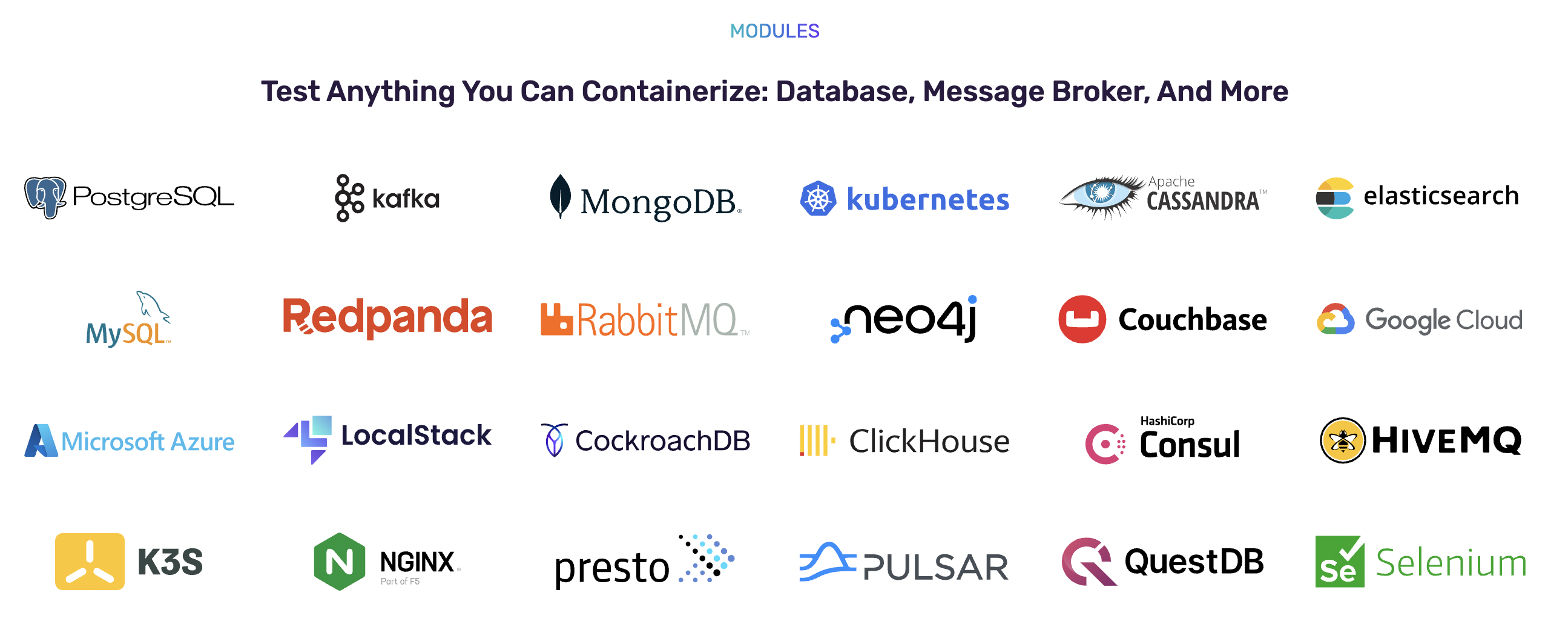

Having a piece of infrastructure supported as a Testcontainer module provides a seamless, plug-and-play experience. The same applies to DynamoDB Local, where the Testcontainers module for DynamoDB Local comes in! It allows you to easily run/test your Go-based DynamoDB applications locally using Docker.
Getting Started With the Testcontainers Module for DynamoDB Local
Super easy!
go mod init demo
go get github.com/abhirockzz/dynamodb-local-testcontainers-go
You can go ahead and use the sample code in the project README.
To summarize, it consists of four simple steps:
- Start the DynamoDB Local Docker container,
dynamodblocal.RunContainer(ctx). - Gets the client handle for the DynamoDB (local) instance,
dynamodbLocalContainer.GetDynamoDBClient(context.Background()). - Uses the client handle to execute operations. In this case, create a table, add an item, and query that item.
- Terminate it at the end of the program (typically register it using
defer),dynamodbLocalContainer.Terminate(ctx).
Module Options
The following configuration parameters are supported:
WithTelemetryDisabled: When specified, DynamoDB local will not send any telemetry.WithSharedDB: If you use this option, DynamoDB creates a shared database file in which data is stored. This is useful if you want to persist data, e.g., between successive test executions.
To use WithSharedDB, here is a common workflow:
- Start the container and get the client handle.
- Create a table, add data, and query it.
- Re-start container
- Query the same data (again); it should be there.
And here is how you might go about it (error handling and logging omitted):
func withSharedDB() {
    ctx := context.Background()

    //start container
    dynamodbLocalContainer, _ := dynamodblocal.RunContainer(ctx)
    defer dynamodbLocalContainer.Terminate(ctx)

    //get client
    client, _ := dynamodbLocalContainer.GetDynamoDBClient(context.Background())

    //create table, add data
    createTable(client)
    value := "test_value"
    addDataToTable(client, value)

    //query same data
    queryResult, _ := queryItem(client, value)
    log.Println("queried data from dynamodb table. result -", queryResult)

    //re-start container
    dynamodbLocalContainer.Stop(context.Background(), aws.Duration(5*time.Second))
    dynamodbLocalContainer.Start(context.Background())

    //query same data
    client, _ = dynamodbLocalContainer.GetDynamoDBClient(context.Background())
    queryResult, _ = queryItem(client, value)
    log.Println("queried data from dynamodb table. result -", queryResult)
}
To use these options together:
container, err := dynamodblocal.RunContainer(ctx, WithSharedDB(), WithTelemetryDisabled())The Testcontainers documentation is pretty good in terms of detailing how to write an extension/module. But I had to deal with a specific nuance - related to DynamoDB Local.
DynamoDB Endpoint Resolution
Contrary to the DynamoDB service, in order to access DynamoDB Local (with the SDK, AWS CLI, etc.), you must specify a local endpoint - http://<your_host>:<service_port>. Most commonly, this is what you would use: http://locahost:8000.
The endpoint resolution process has changed since AWS SDK for Go v2 - I had to do some digging to figure it out. You can read up in the SDK documentation, but the short version is that you have to specify a custom endpoint resolver. In this case, all it takes is to retrieve the docker container host and port.
Here is the implementation, this is used in the module as well.
type DynamoDBLocalResolver struct {
    hostAndPort string
}

func (r *DynamoDBLocalResolver) ResolveEndpoint(ctx context.Context, params dynamodb.EndpointParameters) (endpoint smithyendpoints.Endpoint, err error) {

    return smithyendpoints.Endpoint{
        URI: url.URL{Host: r.hostAndPort, Scheme: "http"},
    }, nil
}
This Was Fun!
As I mentioned, Testcontainers has excellent documentation, which was helpful as I had to wrap my head around how to support, the shared flag (using WithSharedDB). The solution was easy (ultimately), but the Reusable container section was the one which turned on the lightbulb for me!
If you find this project interesting/helpful, don't hesitate to ⭐️ it and share it with your colleagues. Happy Building!
Published at DZone with permission of Abhishek Gupta. See the original article here.
Opinions expressed by DZone contributors are their own.
Comments