

Using Server-Side Encrypt Data AWS KMS to Integrate With Mule-4 AWS-S3 Connector
This article demonstrates how to use server-side encrypt data AWS KMS in order to integrate data with Mule-4 AWS-S3 Connector.
Join the DZone community and get the full member experience.
Join For FreePurpose
To Demonstrate MuleSoft integration with S3 Bucket with enabled KMS (Server Side Encryption).
Table of Contents
- What is AWS KMS?
- Key Rotation; AWS configuration for KMS and S3 Bucket.
- Mule 4 connector configuration.
- Tutorial video.
Scenarios
- Publish data to the S3 bucket while the bucket is enabled with server-side encryption.
- Publish data to the S3 bucket as the bucket is disabled with server-side encryption.
What Is AWS KMS?
AWS Key Management Service (AWS KMS) is a regulated service that makes it easy to produce and manage the encryption keys utilized to encrypt data.
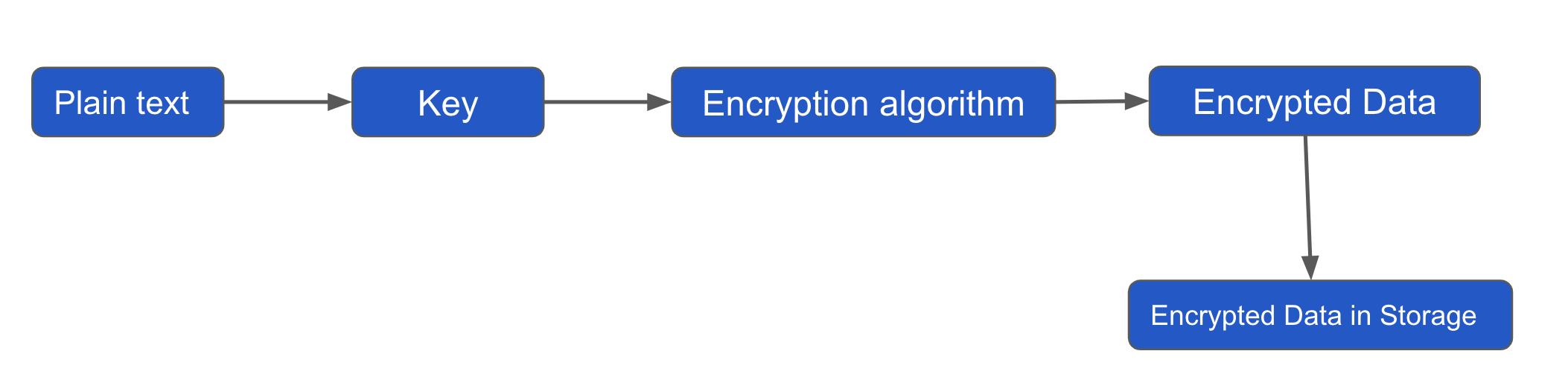
It starts with the plain text and then uses data keys along with an algorithm to come up with encrypted data. Encrypted data is finally stored in a storage that can be anything(eg: S3, etc.). KMS then takes the key, encrypts it with a master key along with an encryption algorithm, which results in an encrypted key that is stored alongside data.
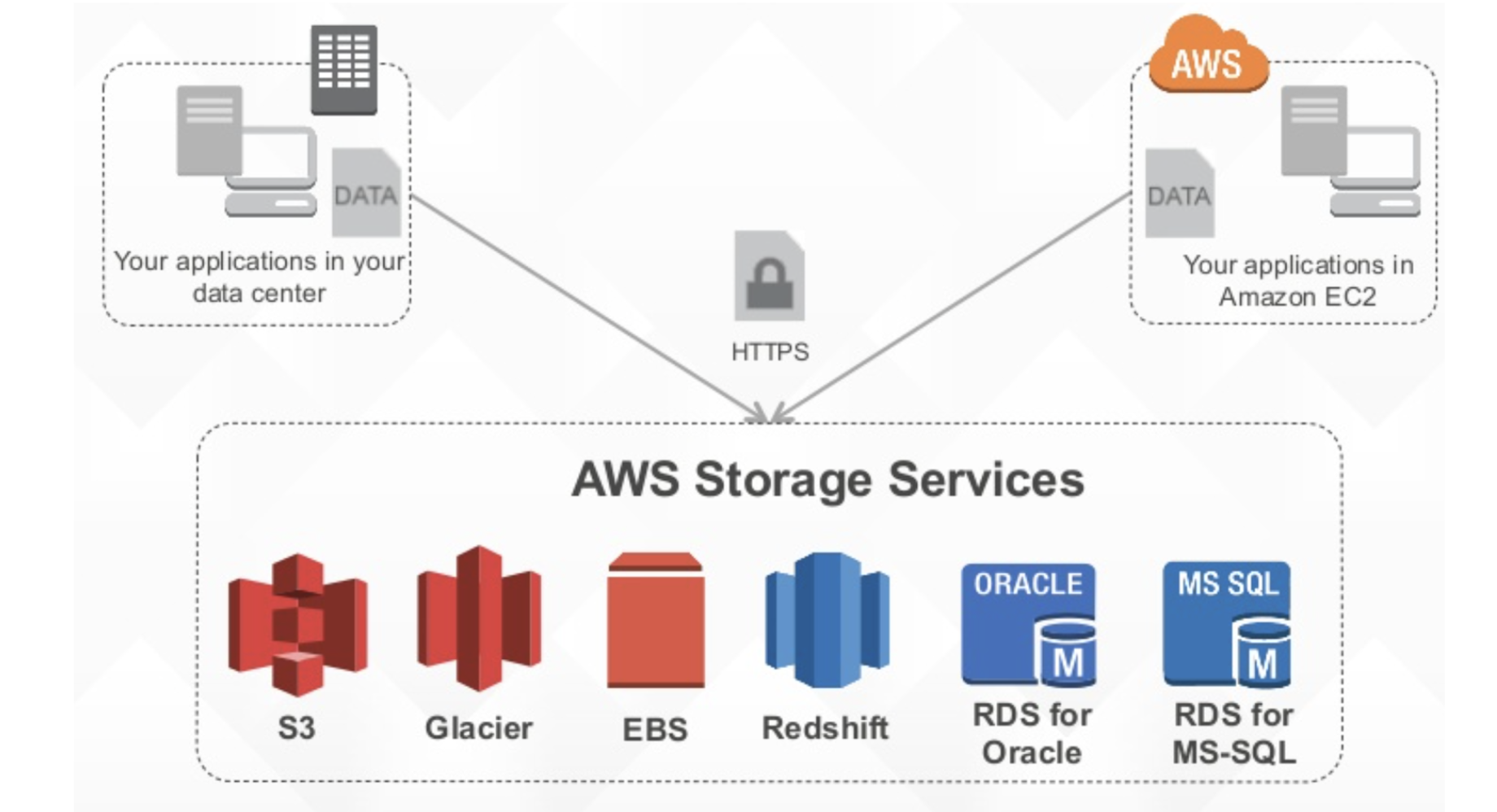
Key Rotation; AWS Configuration for KMS and S3 Bucket
- AWS managed CMKs. You cannot manage key rotation for AWS managed CMKs. AWS KMS automatically rotates AWS managed keys every three years (1095 days).
- When you enable automatic key rotation, AWS KMS rotates the CMK 365 days after the enable date and every 365 days thereafter.
Characteristics
- KMS stores Customer Master Keys(CMK), which is a logical depiction of a key.
- Key can be produced by KMS or imported.
- The encrypted data keys are stored with the data.
- CMK never moves KMS and never leaves a region.
- CMK can encrypt or decrypt data up to 4KB in size.
Resource |
Default Limit |
Applies |
Customer Master Keys (CMS) |
1000 |
Customer Managed CMKs |
Aliases |
1100 |
Customer created alias |
Key policy document size |
32 KB (32,768 bytes) |
Customer managed CMKs AWS managed CMKS |
Grats per CMK |
2500 |
Customer managed CMKs |
Grants for a given principle per CMK |
500 |
Customer managed CMKs AWS managed CMKS |
Mule 4 Connector Configuration
Anypoint Connector for Amazon S3 (Amazon S3 Connector) implements connectivity to the Amazon S3 API, allowing you to interface with Amazon S3 to store objects, download and manage data with other AWS services, and develop applications that demand internet storage.

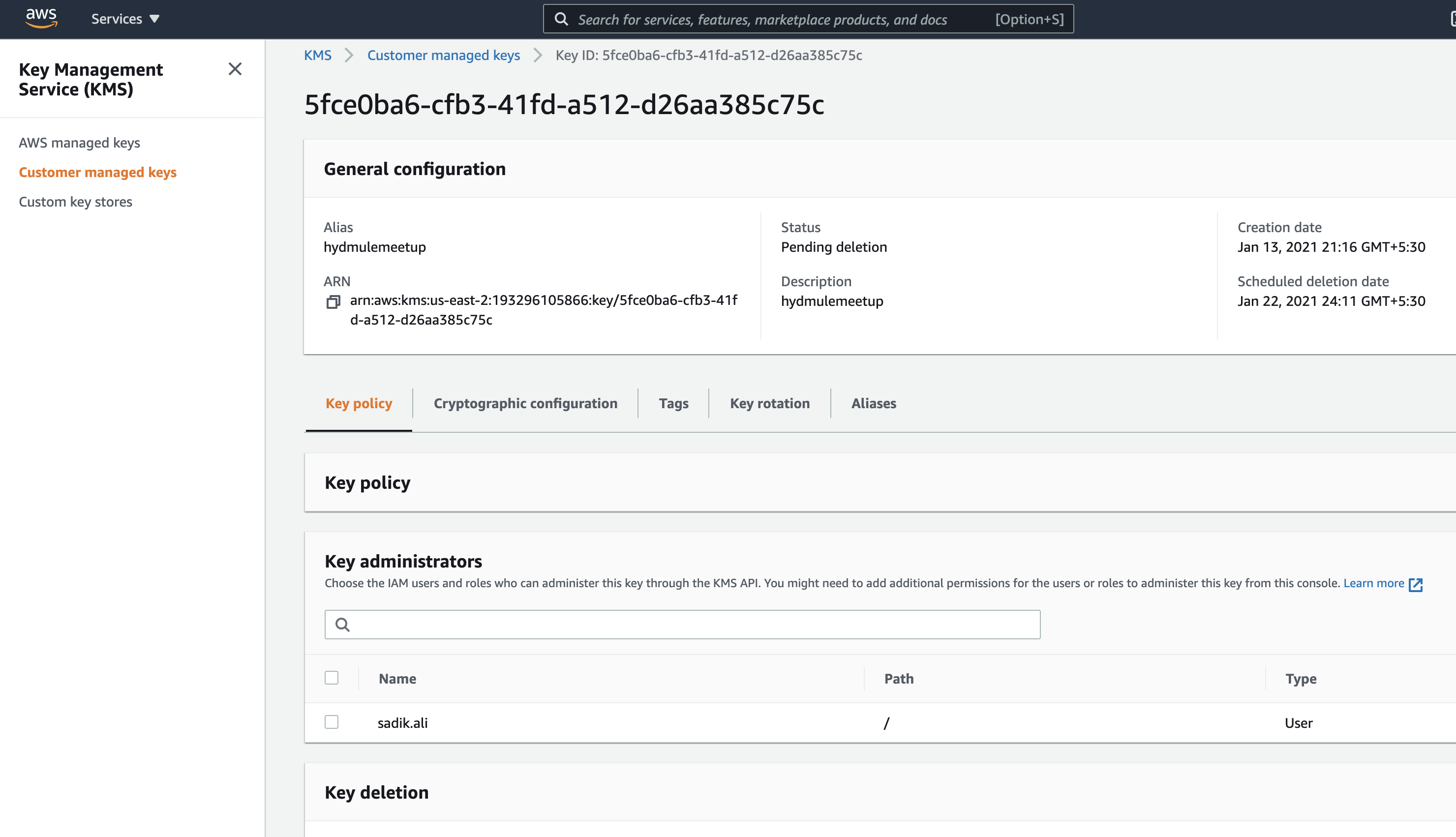
Create Customer Managed Key With Symmetric
 Create AWS S3 Bucket (Server-Side Encryption Enabled)
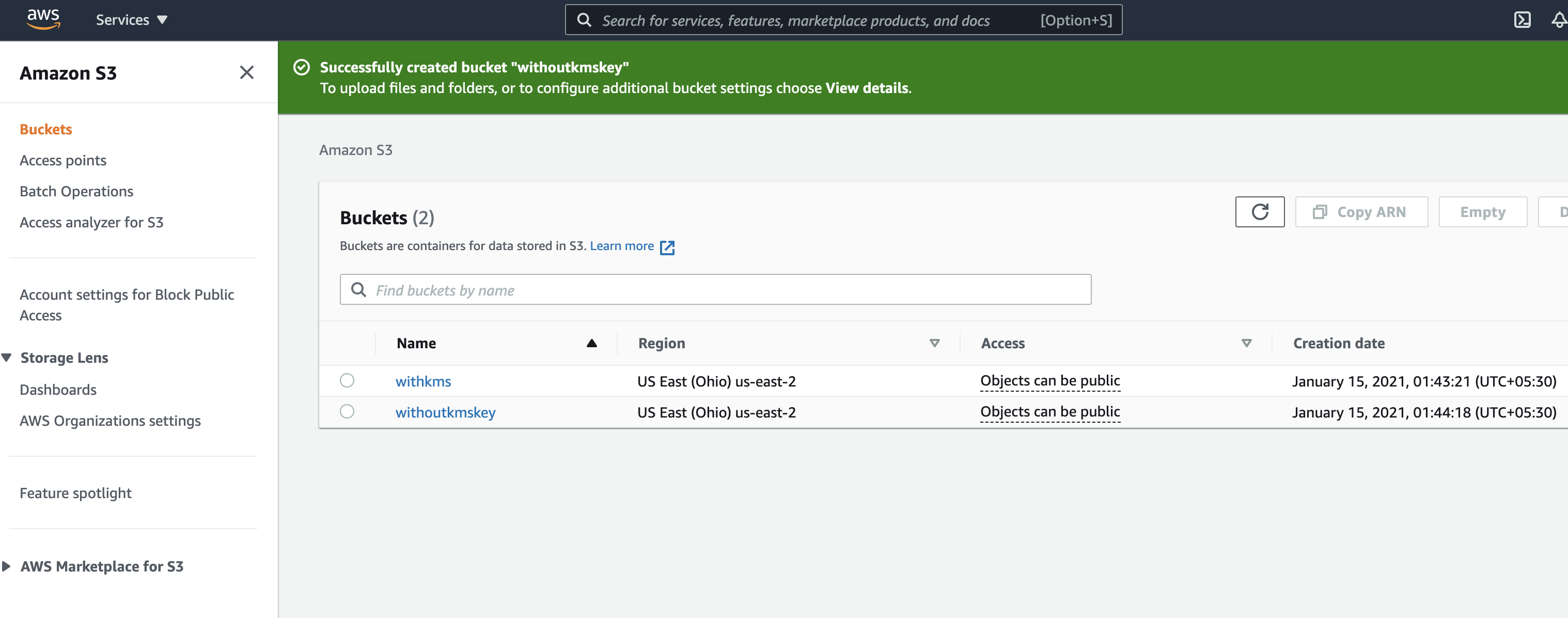

Create AWS S3 Bucket (Server-Side Encryption disabled)
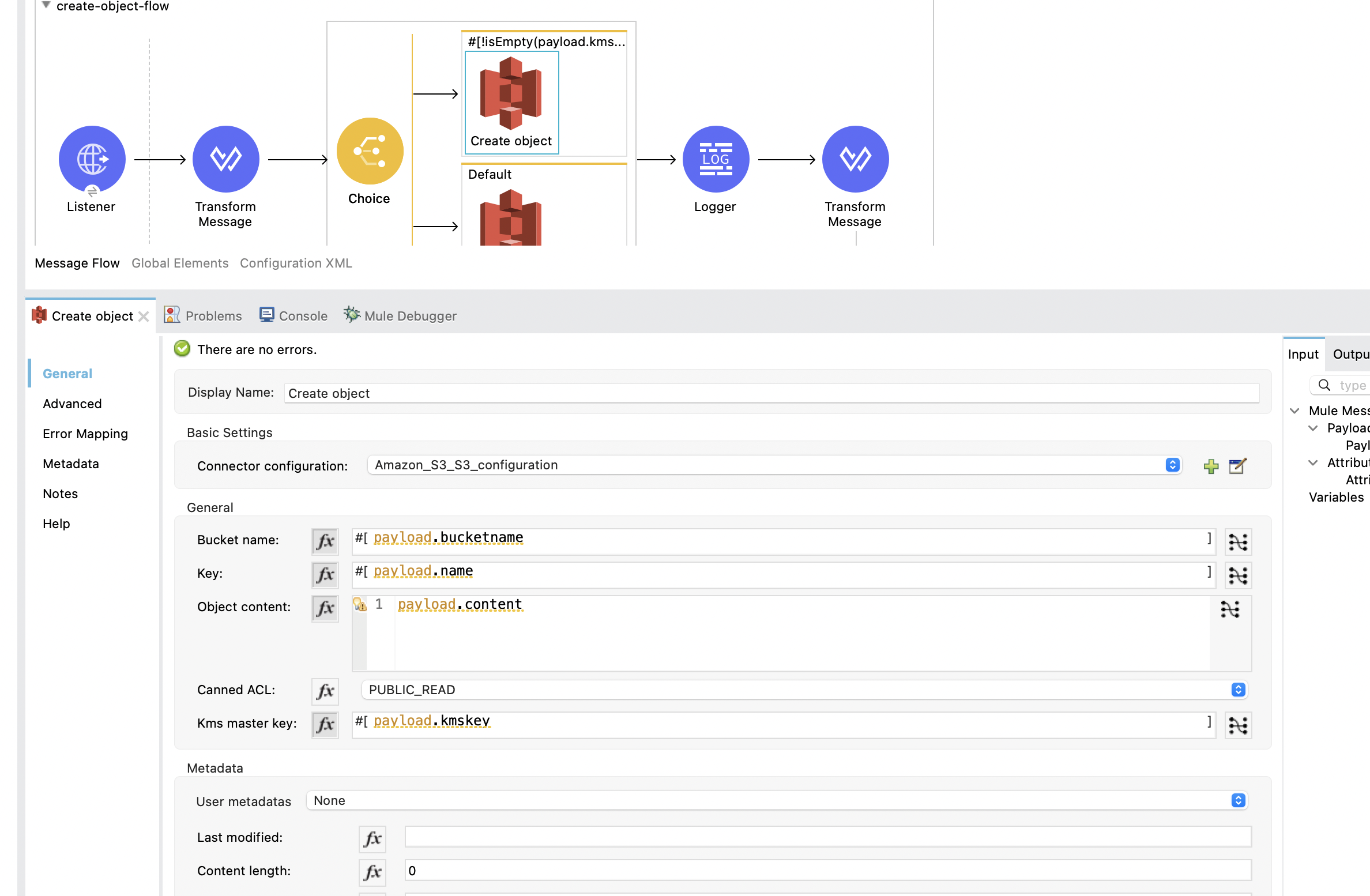
- MuleSoft 4 AWS S3 Connector configuration
-
Request with KMS Key
-
- Request without KMS Key

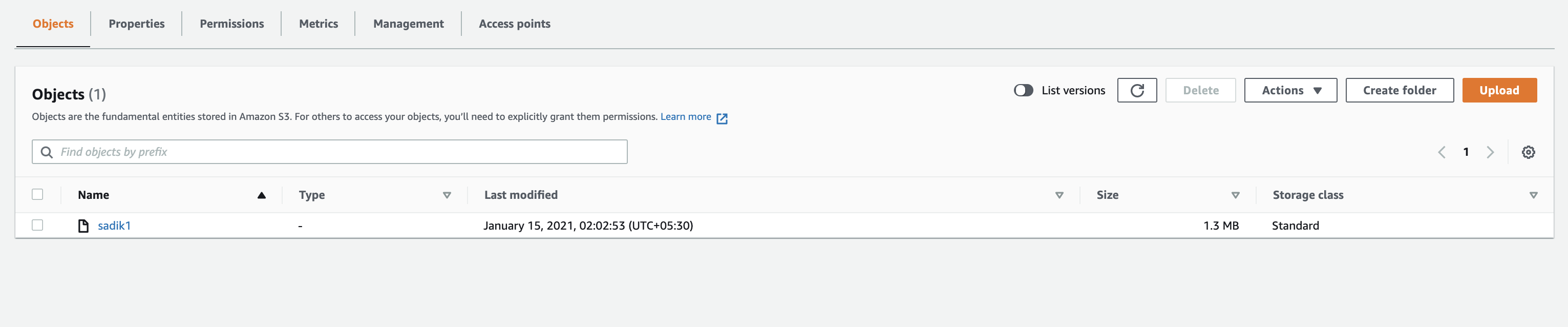
Data Uploaded in AWS S3 Bucket
Tutorial Video
Opinions expressed by DZone contributors are their own.
Comments