

Understanding the Idle-Timer
I'll explain the idle-timer with a working example and proper unit test examples, and compare different solutions for the idle-timer.
 ·
·
Join the DZone community and get the full member experience.
Join For FreeWhat is an Idle Timer?
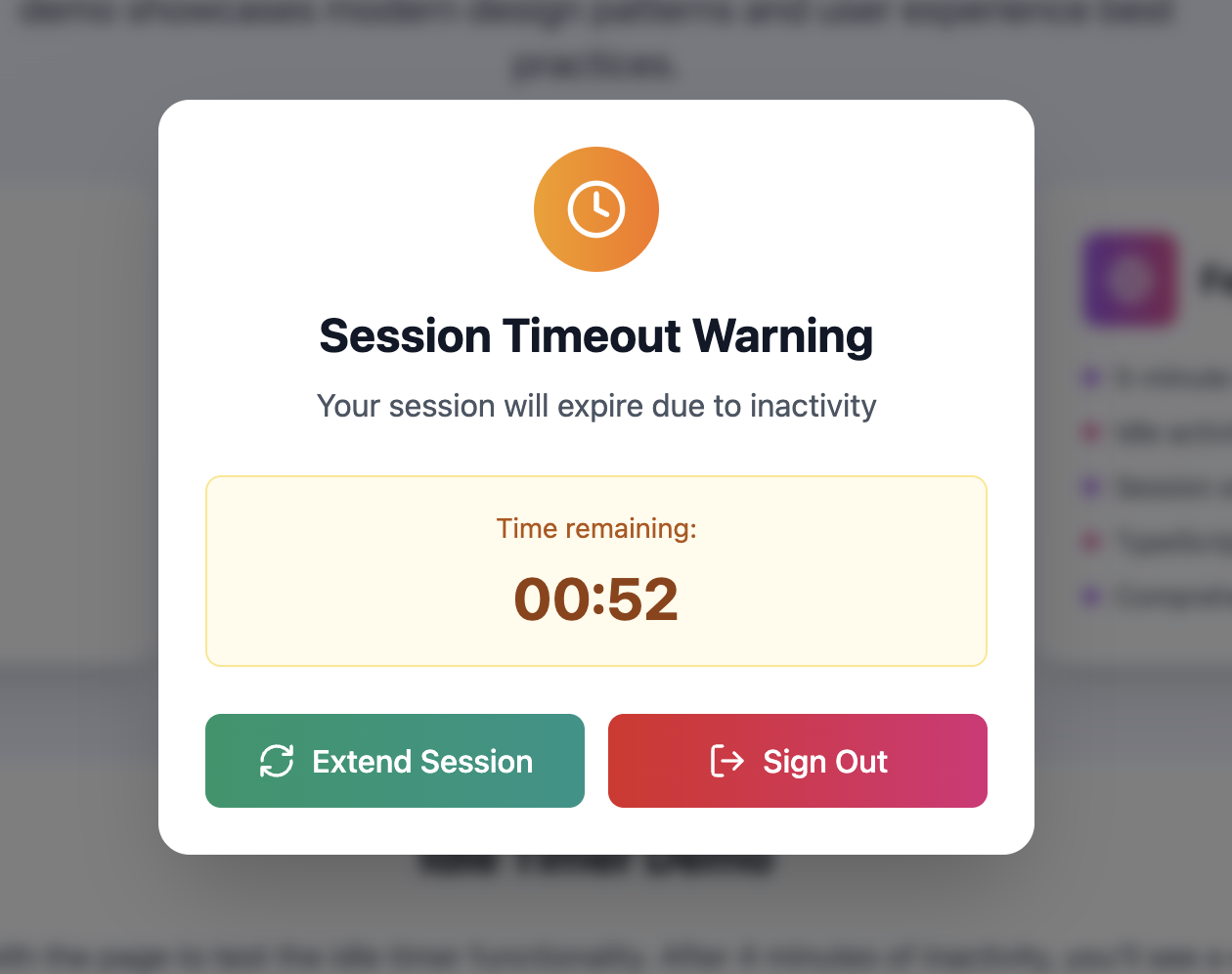
An idle timer is a software component that tracks user inactivity or idleness within an application or website. It measures the duration of time a user remains inactive—no mouse movements, keyboard inputs, or touch events—and triggers specific actions after a predefined idle period, such as logging out the user, showing a warning, or saving work.
What Problems Does an Idle Timer Solve?
Idle timers are essential in many scenarios, including:
- Security: Automatically logging users out after inactivity to prevent unauthorized access.
- Resource Management: Releasing resources or disconnecting sessions when users leave the application idle.
- User Experience: Providing timely warnings or prompts when the user has been inactive.
- Compliance: Meeting regulatory requirements around session timeouts.
Without an idle timer, apps risk keeping sessions open indefinitely, which can lead to security vulnerabilities or wasted resources.
How Does the IDLe-Timer Work?
At its core, the IDL-Timer utilizes a hardware or software counter that increments at a known frequency derived from a clock source. By setting threshold values, it can trigger events when the counter reaches specific counts, effectively measuring elapsed time or generating periodic signals.
For example, in a microcontroller environment:
- The timer's counter starts counting clock pulses.
- When the counter matches the preset value, an interrupt is generated.
- The interrupt handler executes user-defined code, such as reading a sensor or updating a display.
In software-only environments, the IDL-Timer might use system clocks combined with efficient polling or event-driven mechanisms to simulate timer functionality.
Practical Example: Integrating and Unit Testing the IDLe-Timer
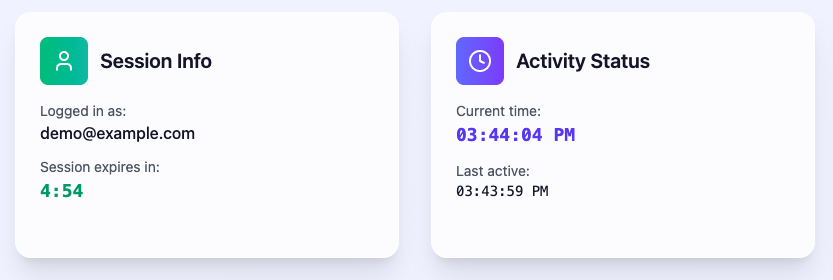
To demonstrate how to effectively integrate the IDL-Timer into your projects and ensure its reliability through unit testing, I created a sample repository with a working example and comprehensive test coverage.
Integration Overview
The example repo shows how to:
- Initialize the IDL-Timer with configurable intervals.
- Register callback functions to handle timer events.
- Start and stop the timer as needed within your application flow.
Here’s a simplified snippet from the integration code:
import {Dialog, Button} from '../components';
import { useAuthenticationStore } from '../auth/store';
import React, { useState } from 'react';
import { useIdleTimer } from 'react-idle-timer';

export const PROMT_TIME = 1000 * 15 * 60;
export const TIMEOUT = 1000 * 30 * 60;
export function SessionTimer() {
  const { user, actions } = useAuthenticationStore();
  const [open, setOpen] = useState<boolean>(false);
  const onIdle = () => {
    setOpen(false);
    actions.logout()
  };

  const onActive = () => {
    setOpen(false);
  };

  const onPrompt = () => {
    setOpen(true);
  };

  const { activate } = useIdleTimer({
    onIdle,
    onActive,
    onPrompt,
    timeout: TIMEOUT,
    promtBeforeIdle: PROMT_TIME,
    throttle: 500,
    disabled: !user,
  });

  const handleStillHere = () => {
    activate();
  };

  return (
    <Dialog open={open} onOpenChange={handleStillHere}>
         <p>Are you still here?</p>
         <Button onClick={handleStillHere}>
             Continue
         </Button>
         <Button onClick={onIdle}>
             End session
         </Button>
    </Dialog>
  );
}
This pattern ensures that your application reacts to timer events cleanly and efficiently.
Unit Testing the IDLe-Timer
Testing timers can be challenging due to their asynchronous nature and reliance on real-time.
For a test setup, we use jest.useFakeTimers. Also, we should make sure we use the correct jest time function as react-idle-timer underneath use not just setInterval or setTimeout. When working with system time, we need to advance time. So we should use jest.setSystemTime instead of jest.advanceTimersByTime;
// ❌
jest.advanceTimersByTime(4 * 60 * 1000); // Simulate 4 minutes of inactivity


// ✅
jest.setSystemTime(start + 4 * 60 * 1000); // Simulate 4 minutes of inactivity
fireEvent.focus(document); // Trigger any event to check for timeout
The base test example looks like:
import '@testing-library/jest-dom';
import {
	act,
	cleanup,
	fireEvent,
	render,
	screen,
} from '@testing-library/react';

import { SessionTimer, PROMT_TIME } from './session-timer';

describe('SessionTimer', () => {
  jest.useFakeTimers();

  beforeEach(() => {
    jest.clearAllTimers();
  });

  afterAll(() => {
    cleanup();
    jest.clearAllTimers();
    jest.useRealTimers();
  });

  it('calls onPrompt and opens the dialog when user is prompted', () => {
    render(<SessionTimer />);
    const start = Date.now();
    jest.setSystemTime(start);

    act(() => {
      jest.setSystemTime(start + PROMT_TIME);
      fireEvent.focus(document);
    });

    expect(screen.getByText('Are you still there?')).toBeInTheDocument();
  })
})
In the repo, I implemented unit tests that:
- Behave like a mock timer to simulate ticks without waiting in real time
- Verify that callbacks are called at expected intervals
- Ensure that the timer start, stop, and reconfiguration functions work as intended
Why Unit Testing Matters Here
- Reliability: Confirms timer behaves consistently across scenarios.
- Regression Prevention: Guards against bugs when modifying timer logic.
- Documentation: Serves as executable examples for future developers.
Comparison and alternatives
React-idle-timer
Overview
- Description: The most popular React library for detecting user inactivity by tracking events like mouse movement, keyboard input, scrolling, and touch.
- Features:
- Supports customizable timeout durations
- Provides hooks and component APIs (
useIdleTimerhook and<IdleTimer>component) - Detects idle, active, and timeout states
- Supports cross-tab synchronization (optional)
- Allows pause, resume, reset, and manual control
Example:
import React from 'react';
import { useIdleTimer } from 'react-idle-timer';

function App() {
  const handleOnIdle = () => {
    console.log('User is idle');
    // e.g., log out user or show warning
  };

  const { getRemainingTime, reset } = useIdleTimer({
    timeout: 1000 * 60 * 5, // 5 minutes
    onIdle: handleOnIdle,
    debounce: 500,
  });

  return (
    <div>
      <h1>React Idle Timer Example</h1>
      <button onClick={reset}>Reset Timer</button>
      <p>Remaining Time: {getRemainingTime()} ms</p>
    </div>
  );
}
Pros
- Well-maintained and widely used
- Flexible API with both hooks and components
- Cross-tab idle detection support
- Good TypeScript support
- Active community and documentation
Cons
- Slightly larger bundle size compared to minimal alternatives
- It may be overkill for very simple use cases
React-idle
Overview
- Simple React component for idle detection
- Triggers a callback when the user becomes idle
- Less feature-rich compared to react-idle-timer
Pros
- Lightweight and easy to use
- Straightforward API for basic idle detection
Cons
- Limited features (no hooks, no cross-tab support).
- Less active development
UseIdle (React Hook)
Overview
- A minimal custom React hook for idle detection
- Detects user inactivity via event listeners
- Typically implemented as a small utility rather than a full-fledged library
Example:
import { useState, useEffect } from 'react';

function useIdle(timeout = 300000) {
  const [isIdle, setIsIdle] = useState(false);

  useEffect(() => {
    let timer = setTimeout(() => setIsIdle(true), timeout);
    const resetTimer = () => {
      clearTimeout(timer);
      setIsIdle(false);
      timer = setTimeout(() => setIsIdle(true), timeout);
   };

   window.addEventListener('mousemove', resetTimer);
   window.addEventListener('keydown', resetTimer);
   window.addEventListener('scroll', resetTimer);

   return () => {
      clearTimeout(timer);
      window.removeEventListener('mousemove', resetTimer);
      window.removeEventListener('keydown', resetTimer);
      window.removeEventListener('scroll', resetTimer);
    };
  }, [timeout]);

  return isIdle;
}
Pros
- Minimal dependencies and small footprint
- Fully customizable and easy to extend
Cons
- Requires manual setup for features like cross-tab sync
- No built-in API for pause/resume or reset
IdleTimer.js (Vanilla JS Library)
Overview
- A lightweight vanilla JavaScript idle timer library
- Can be integrated into React apps
- Supports timeout, events, and callback mechanisms
Pros
- Framework-agnostic, can be used with any JavaScript framework
- Small and performant
Cons
- Requires manual React integration
- Lacks React-specific features like hooks or components
Comparison Table
| Feature | react-idle-timer | react-idle | useIdle Hook | IdleTimer.js |
|---|---|---|---|---|
| React-specific API | Yes (hooks & components) | Yes (component) | Custom hook | No (vanilla JS) |
| Cross-tab Support | Yes | No | No | No |
| Pause/Resume API | Yes | No | No | No |
| TypeScript Support | Yes | No | Depends on user | No |
| Bundle Size | Moderate | Small | Very small | Very small |
| Community & Maintenance | Active | Less active | Custom solution | Moderate |
| Complexity | Feature-rich | Basic | Minimal | Basic |
When to Use Which?
- Use
react-idle-timerif you need a robust, feature-rich solution with cross-tab support and both hooks and component APIs. Ideal for most production React apps needing comprehensive idle detection. - Use
react-idleif you want a very simple component for basic idle detection and don’t need advanced features. - Use a custom
useIdlehook if you prefer minimal dependencies and want full control over the implementation, especially for small or highly customized projects. - Use
IdleTimer.jsif you want a framework-agnostic solution or plan to integrate with non-React parts of your app.
Explore the Repo
You can explore the full example and tests here:
- GitHub repo: https://github.com/h-labushkina/idle-timer
- Live demo: https://hannas-idl-timer.netlify.app/
Feel free to clone it, experiment with it, and adapt the patterns to your own projects.
Opinions expressed by DZone contributors are their own.
Comments