

VSCode Remote SSH Development With Nix
If you are using the VSCode Remote SSH plugin and run on remote NixOS, this article will help you to manage in a declarative way your remote environment.
 ·
·
Join the DZone community and get the full member experience.
Join For Free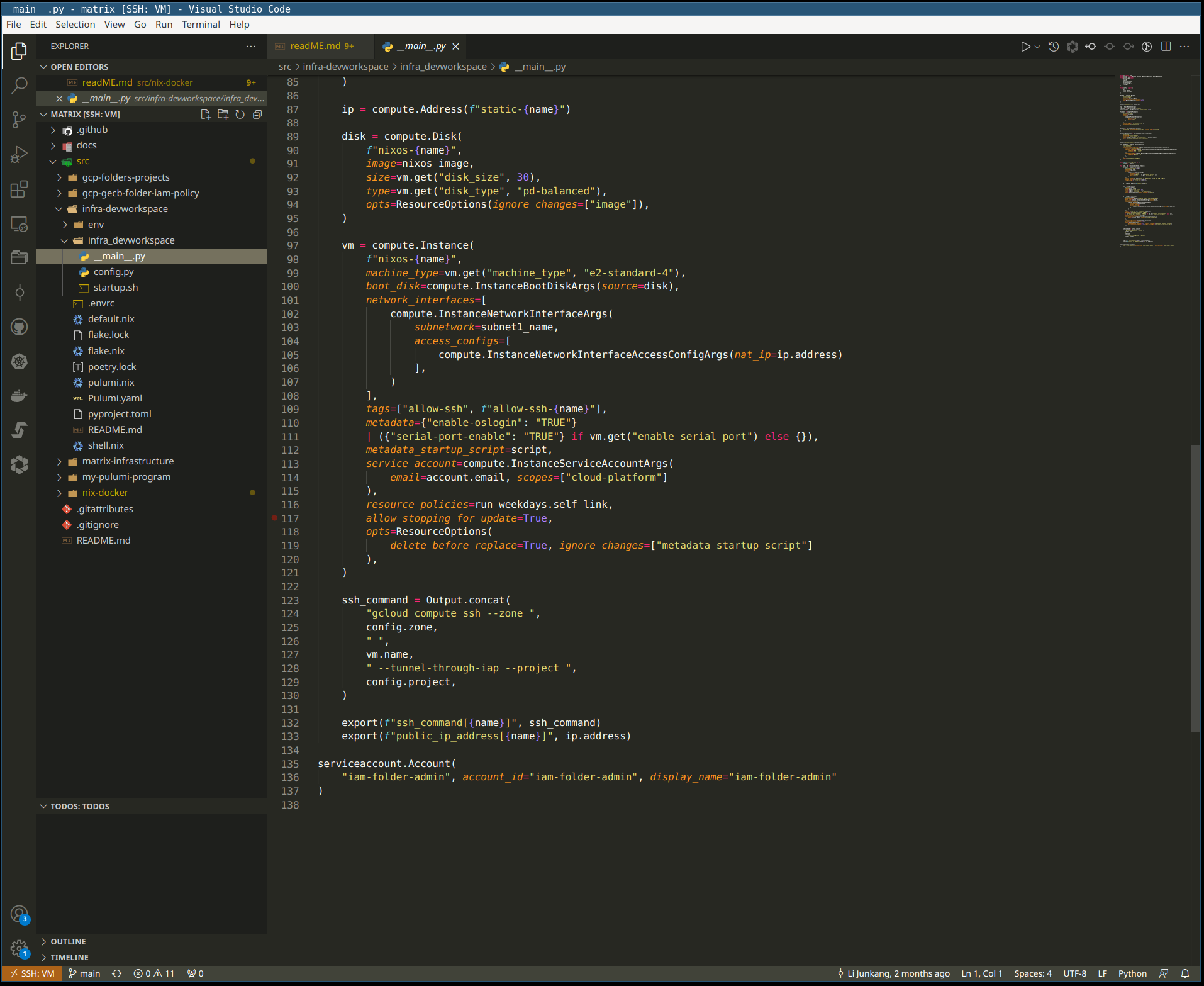
Context
My team used the VScode Remote SSH plugin to develop applications from Local laptops and remote Google Cloud VM running on NixOS.
Development laptops that the team was using were limited in resources.
From the beginning, we decided to use remote development on NixOs as it allowed us to manage consistency in package management and manage dependency for Python and node.js projects. NixOS is based on nix functional programming configuration language where everything is declarative. All our NixOs configuration was in the git repository.
A good source of the documentation Remote Development using SSH and Remote Development Tips and Tricks.
Problem to Be Solved
During initial testing, we noticed once we try to connect to a remote ssh development environment, we encounter errors due to the nature of Nix.
You can find a good description in the VScode GitHub issue. The workaround that was provided wasn’t elegant for our taste and we strive to automate our infrastructure as code in all aspects and any manual fix wasn’t acceptable.
Solution
After some googling, we found few potential solutions we could implement in nix native expressions: Original solution.
We have two options, both using user Systemd service that monitors /home/$USER/.vscode-server/*.
Nix flake integration:
{
  inputs = {
    nixpkgs.url = "github:NixOS/nixpkgs/nixos-unstable";
    nixos-vscode-server.url ="github:mudrii/nixos-vscode-ssh-fix/main";
  };

  outputs = inputs@{self, nixpkgs, ...}: {
    nixosConfigurations.some-host = nixpkgs.lib.nixosSystem rec {
        system = "x86_64-linux";
        modules = [
          ./configuration.nix
          {
            imports = [ inputs.auto-fix-vscode-server.nixosModules.system ];
          }
        ];
      };
  };
}
Nix module:
moduleConfig:
{ lib, pkgs, config, ... }:

with lib;

{
  options.services.nixos-vscode-server = with types;{
    enable = mkEnableOption "auto-fix service for vscode-server in NixOS";
    nodePackage = mkOption {
      type = package;
      default = pkgs.nodejs-14_x;
    };
    findPackage = mkOption {
      type = package;
      default = pkgs.findutils;
    };
  };

  config =
    let
      cfg = config.services.nixos-vscode-server;
      nodePath = "${cfg.nodePackage}/bin/node";
      findPath = "${cfg.findPackage}/bin/find";
      mkStartScript = name: pkgs.writeShellScript "${name}.sh" ''
        set -euo pipefail
        PATH=${makeBinPath (with pkgs; [ coreutils inotify-tools ])}
        bin_dir=~/.vscode-server/bin
        [[ -e $bin_dir ]] &&
        ${findPath} "$bin_dir" -mindepth 2 -maxdepth 2 -name node -type f -exec ln -sfT ${nodePath} {} \; ||
        mkdir -p "$bin_dir"

        while IFS=: read -r bin_dir event; do
          # A new version of the VS Code Server is being created.
          if [[ $event == 'CREATE,ISDIR' ]]; then
            # Create a trigger to know when their node is being created and replace it for our symlink.
            touch "$bin_dir/node"
            inotifywait -qq -e DELETE_SELF "$bin_dir/node"
            ln -sfT ${nodePath} "$bin_dir/node"
          # The monitored directory is deleted, e.g. when "Uninstall VS Code Server from Host" has been run.
          elif [[ $event == DELETE_SELF ]]; then
            # See the comments above Restart in the service config.
            exit 0
          fi
        done < <(inotifywait -q -m -e CREATE,ISDIR -e DELETE_SELF --format '%w%f:%e' "$bin_dir")
      '';
    in
      mkIf cfg.enable (
        moduleConfig rec {
          name = "nixos-vscode-server";
          description = "Automatically fix the VS Code server used by the remote SSH extension";
          serviceConfig = {
            # When a monitored directory is deleted, it will stop being monitored.
            # Even if it is later recreated it will not restart monitoring it.
            # Unfortunately the monitor does not kill itself when it stops monitoring,
            # so rather than creating our own restart mechanism, we leverage systemd to do this for us.
            Restart = "always";
            RestartSec = 0;
            ExecStart = "${mkStartScript name}";
          };
        }
      );
}
Second Solution
Option two is to integrate the Systemd nix service with the existing NixOs home manager configuration as part of the service.
We can reuse the same code as in the nix module.
An example can be found here: git repository.
Note: It's important to make sure you import the service in /home/$USER/.config/nixpkgs/users/$USER/home.nix and enable the service with services.nixos-vscode-ssh-fix.enable = true;.
Opinions expressed by DZone contributors are their own.
Comments