

Decoding Database Speed: Essential Server Resources and Their Impact
Database performance hinges on CPU, memory, and storage. Monitoring and tuning these resources ensures efficient data ops like a kitchen running at peak speed.
 CORE
·
CORE
·
This article examines the critical server resources, including CPU, storage, throughput, IOPS, memory, disk queue depth, latency, and disk swapping, that collectively impact database performance. Using a "restaurant kitchen" analogy, it demystifies how each component contributes to data processing efficiency. The piece explains the consequences of resource bottlenecks. It offers practical tuning strategies, from query optimization and hardware upgrades to proper memory management and I/O best practices, emphasizing the importance of continuous monitoring for optimal database health.

Databases are the silent workhorses powering everything from online shopping to critical business operations. Just like a high-performance car needs a finely tuned engine, a production database server relies on a delicate balance of computing resources to deliver optimal speed and reliability. When these resources are mismanaged or insufficient, the entire system can grind to a halt, leading to frustrated users and lost revenue. This article will delve into the core resources that impact database performance, including CPU, storage, storage throughput, IOPS, memory, disk queue depth, read/write IOPS, read/write latency, and disk swapping. It will explain their roles, how they affect database operations, and provide practical strategies for tuning them.
Understanding the Core Components and Their Impact
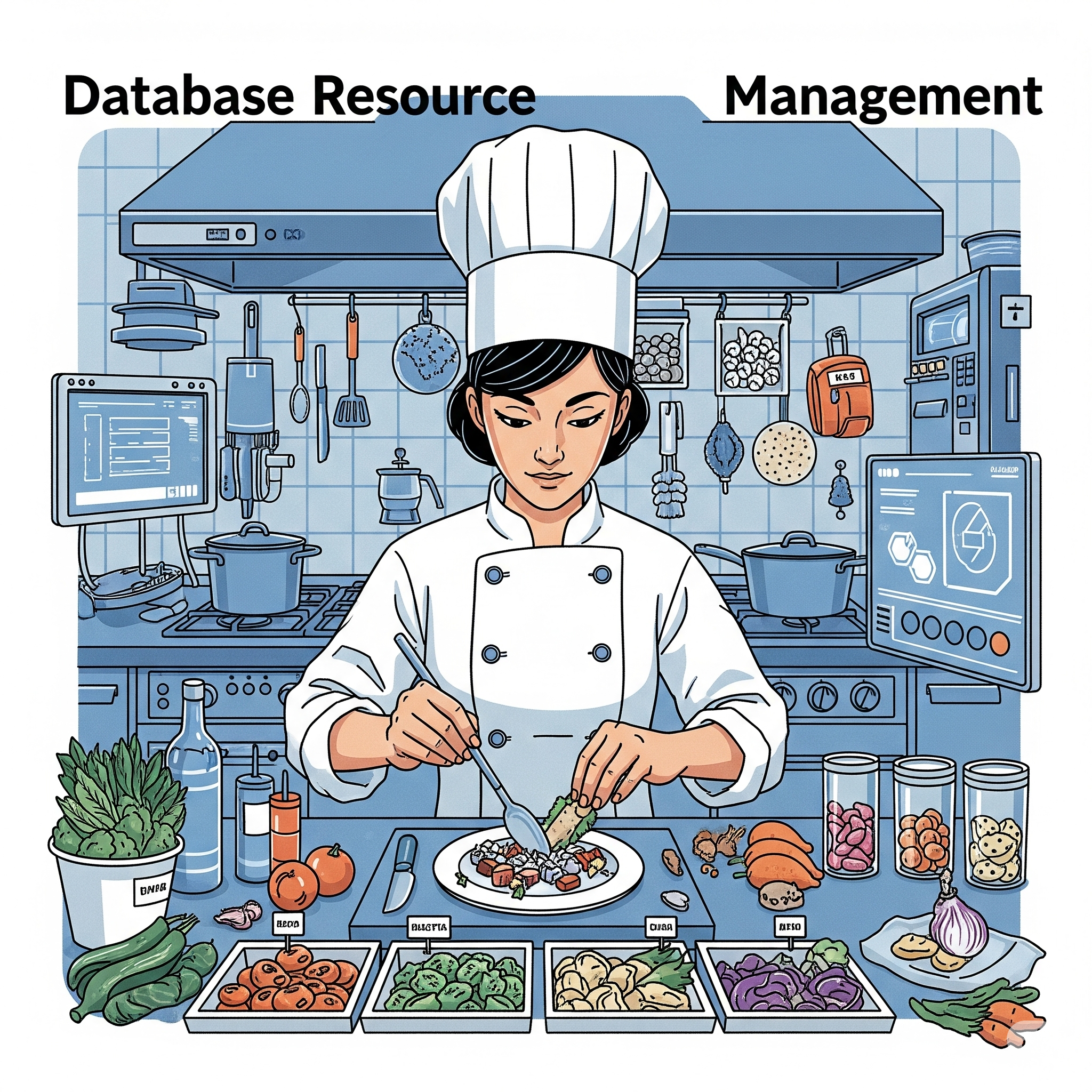
Imagine your database server as a bustling restaurant kitchen. Each resource plays a vital role in efficiently processing orders (data requests).
CPU (Central Processing Unit): The Head Chef. The CPU is the "brain" of your server, responsible for executing all database operations, from complex queries to data sorting and encryption. If your CPU is overloaded, it's like having a single chef trying to cook for a hundred customers; everything slows down. Database operations become sluggish, and response times increase.
Storage: The Pantry Storage is where your database files, logs, and backups reside. Think of it as the restaurant's pantry, holding all the ingredients. The type of storage (e.g., SSD vs. HDD) significantly impacts performance. Faster storage, like solid-state drives (SSDs), is like having ingredients readily available on a well-organized shelf, while slower hard disk drives (HDDs) are like rummaging through a cluttered, distant storeroom.
Storage Throughput: The Ingredient Delivery Truck Storage throughput refers to the rate at which data can be read from or written to storage. This is akin to the size and speed of the delivery truck bringing ingredients to your pantry. High throughput means large amounts of data can be moved quickly, which is crucial for operations like large data loads or backups. Low throughput can create bottlenecks, especially during peak usage.
IOPS (Input/Output Operations Per Second): The Number of Hands in the Pantry IOPS measure the number of read and write operations a storage system can handle per second. This is like the number of hands available to grab ingredients from the pantry. Databases often perform many small, random read and write operations. High IOPS are essential for transactional workloads where many concurrent users are accessing and modifying data.
Memory (RAM): The Prep Counter Memory, or RAM, is the server's short-term workspace. It's where the database temporarily stores frequently accessed data and query results. This is your kitchen's prep counter. The more prep counter space you have, the more ingredients and dishes you can work on simultaneously without having to constantly go back to the pantry. Insufficient memory leads to more frequent disk I/O, as the database has to fetch data from slower storage, significantly degrading performance.
Disk Queue Depth: The Line at the Pantry Disk queue depth refers to the number of I/O requests waiting to be processed by the storage system. Imagine a line of chefs waiting to get ingredients from the pantry. A high disk queue depth indicates that the storage system is overwhelmed and cannot keep up with the demand, leading to increased latency.
Read IOPS and Write IOPS: Fetching vs. Stocking These are specific types of IOPS. Read IOPS are the number of times data is read from storage (fetching ingredients), while Write IOPS are the number of times data is written to storage (stocking the pantry or putting away finished dishes). Both are critical, but their relative importance depends on your database workload. A reporting database might be read-heavy, while a transactional system will have a significant mix of both.
Read Latency and Write Latency: Time to Get/Put an Ingredient Latency measures the time it takes for a single I/O operation to complete. Read latency is the time it takes to fetch an ingredient, and write latency is the time it takes to put one away. High latency means operations are taking too long, directly impacting user experience and application responsiveness.
Disk Swapping: Running to the Supermarket Disk swapping, also known as paging, occurs when the system runs out of physical memory (RAM) and starts using a portion of the hard disk as virtual memory. This is like your chefs running to the supermarket every time they need an ingredient because the prep counter and pantry are full. Disk is significantly slower than RAM, so excessive disk swapping cripples performance.
Here's a table summarizing the analogy:
|
Database Resource |
Daily Life Analogy |
Impact on Database Performance |
|
CPU |
Head Chef |
Slow query execution, increased processing time |
|
Storage |
Pantry |
Slower storage means slower data access |
|
Storage Throughput |
Ingredient Delivery Truck |
Slow data loading/unloading, bottlenecks during large transfers |
|
IOPS |
Hands in the Pantry |
Slow processing of many small, random data requests |
|
Memory (RAM) |
Prep Counter |
Frequent disk I/O, overall system slowdown |
|
Disk Queue Depth |
Line at the Pantry |
Storage system overwhelmed, increased latency |
|
Read IOPS |
Fetching Ingredients |
Slow retrieval of data |
|
Write IOPS |
Stocking Pantry/Putting Away Dishes |
Slow data modifications and additions |
|
Read Latency |
Time to Get an Ingredient |
Slow response times for data retrieval |
|
Write Latency |
Time to Put an Ingredient |
Slow data updates and insertions |
|
Disk Swapping |
Running to the Supermarket |
Severe performance degradation, system unresponsiveness |
Tuning for Optimal Performance
Optimizing these resources is an ongoing process that requires careful monitoring and analysis. Here are some general tuning strategies:
CPU:
- Query Optimization: Optimize SQL queries to reduce CPU consumption. Poorly written queries can be CPU hogs.
- Indexing: Ensure appropriate indexes are in place to speed up data retrieval and reduce the need for full table scans.
- Hardware Upgrade: If query optimization and indexing aren't enough, a more powerful CPU or adding more CPU cores might be necessary.
Storage, Throughput, and IOPS:
- Use SSDs: For most production databases, SSDs are a must due to their significantly higher IOPS and lower latency compared to HDDs.
- RAID Configuration: Implement appropriate RAID configurations (e.g., RAID 10) to improve both performance and data redundancy.
- Provisioned IOPS (PIOPS): For cloud databases like AWS DynamoDB, consider provisioning dedicated IOPS to guarantee consistent performance.
- Separate Disks: Separate data files, log files, and temporary files onto different physical disks or logical volumes to reduce I/O contention.
Memory:
- Increase RAM: The simplest and often most effective way to improve database performance is to add more RAM to the server.
- Buffer Pool Tuning: For relational databases, properly size the database's buffer pool (cache) to maximize the amount of data held in memory.
- Query Optimization: As with CPU, optimized queries reduce the amount of data that needs to be processed and cached, making better use of available memory.
Disk Queue Depth, Read/Write Latency:
- Monitor and Analyze: Regularly monitor these metrics. Spikes in queue depth or latency indicate I/O bottlenecks.
- Address Root Causes: The solutions for high queue depth and latency often lie in optimizing queries, increasing IOPS, or improving storage throughput.
Disk Swapping:
- Add More RAM: This is the primary solution. If your system is constantly swapping, it desperately needs more physical memory.
- Identify Memory Leaks: Check for applications or processes that are consuming excessive amounts of memory.
- Adjust OS Paging Settings: While not a substitute for more RAM, you can sometimes fine-tune operating system paging settings, but this should be done with caution.
Conclusion
Database performance is a multifaceted challenge, deeply intertwined with the underlying server resources. By understanding the role of each component – from the CPU's processing power to the intricacies of storage I/O and memory management database administrators can effectively diagnose bottlenecks and implement targeted tuning strategies. Just as a well-run restaurant kitchen ensures that delicious meals are served promptly, a meticulously optimized database server guarantees that data is delivered efficiently, empowering both applications and users in our ever-connected world. Continuous monitoring, proactive optimization, and a solid understanding of these foundational resources are key to maintaining a high-performing and reliable database environment.
Opinions expressed by DZone contributors are their own.