

How To Copy Files From One Directory to Another in Java: Example
Read this tutorial to learn how to use JDK7 FileChannel.transferTo() method to copy files and directories in Java, as well as FileUtils from Apache Commons.

Join the DZone community and get the full member experience.
Join For FreeHello folks. I have been programming in Java for a long time, and you won't believe it, but there was no file copy method in the Java API until Java 7. Our options were either to: write it ourselves using a FileInputStream, a FileOutputStream, and a buffer to copy bytes from one to the other; or, better yet, use the FileChannel.transferTo() method or the Apache Commons FileUtils, which was a lifesaver in those days and still is today.
JDK has evolved now, and you have a decent API to copy files from one directory to another. In this article, I'll show you both the pre-Java code for copying files from one directory to another as well post Java 7 code, which makes this task a lot easier.
1. Copying Files From One Directory To Another Before Java 7
Dependency: Apache Commons IO
1.1 FileUtils.copyFile (File Source, File Destination)
This method copies a file to a new location preserving file timestamp. It also copies the contents of the specified source file to the specified destination file. The directory holding the destination file is created if it does not exist. If the destination file exists, then this method will overwrite it.
import java.io.File;

import java.io.IOException;


import org.apache.commons.io.FileUtils;


/**

* Java program to copy a file from one directory to another e.g. from src to dest

*

* @author Javin

*/

public class FileCopyDemo {


public static void main(String args[]) {


// Using Apache Commons FileUtils class

File srcFile = new File("bin/HelloWorld.class");

File destFile = new File("target/HelloWorld.class");

try {

FileUtils.copyFile(srcFile, destFile);

System.out.println("File successfully copied in Java");

} catch (IOException e) {

e.printStackTrace();

}


}


}

Output:

System.out.println("File successfully copied in Java");
1.2 Copies a File to a Directory Preserving the Timestamp
This method copies the contents of the specified source file to a file of the same name in the specified destination directory. The destination directory is created if it does not exist. If the destination file exists, then this method will overwrite it.
import java.io.File;

import java.io.IOException;


import org.apache.commons.io.FileUtils;


/**

* Java program to copy a file from one directory to another like from src to dest

*

* @author Javin Paul

*/

public class Testing {


public static void main(String args[]) {


// Using Apache Commons FileUtils class

File srcFile = new File("bin/HelloWorld.class");

File destDir = new File("target");

try {

FileUtils.copyFileToDirectory(srcFile, destDir);


System.out.println("File successfully copied to destination directory in Java");

} catch (IOException e) {

e.printStackTrace();

}


}


}


Output

File successfully copied to destination directory in Java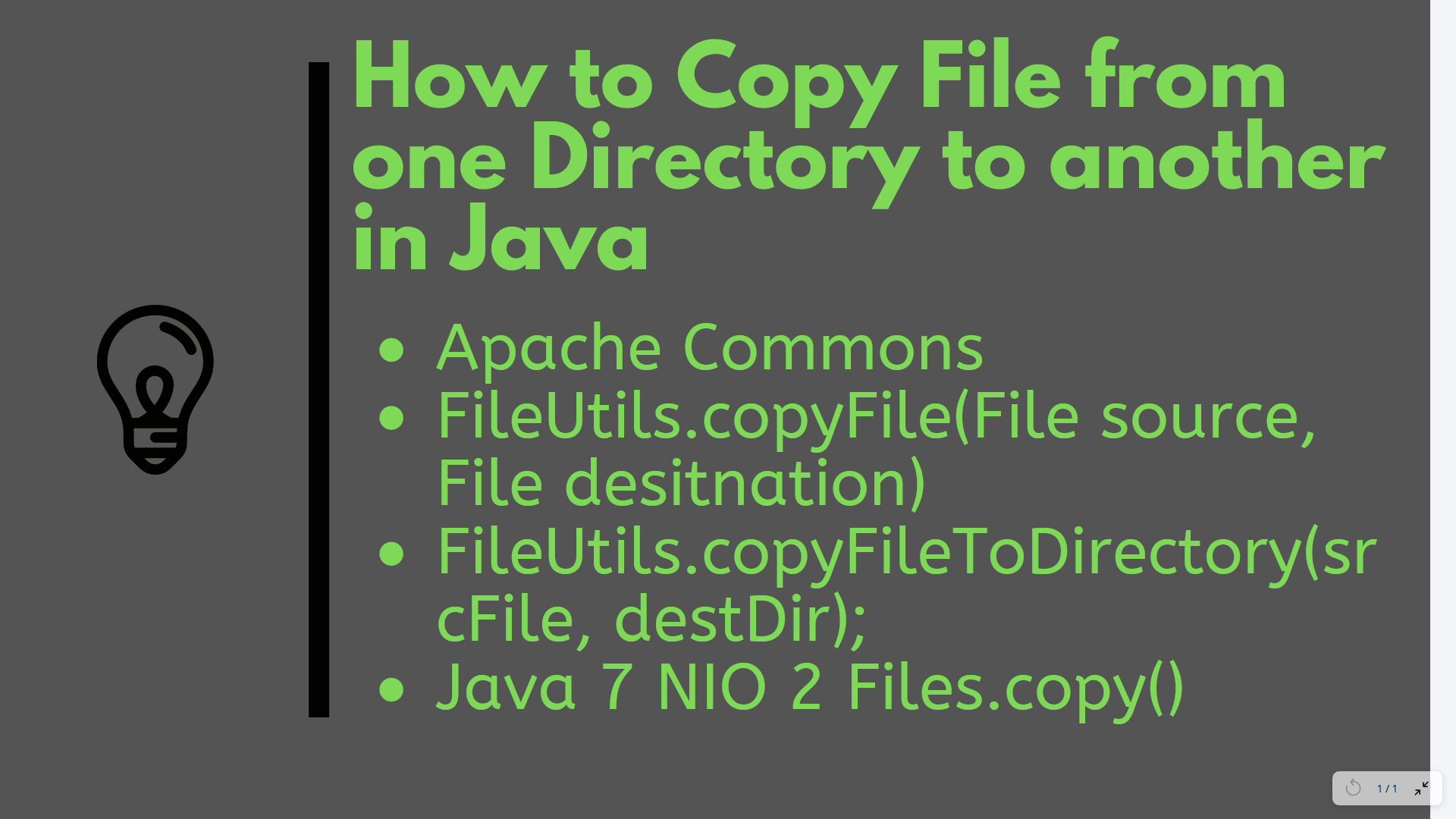
2. Copying Files From One Directory To Another Using Java 7 NIO 2 API
In Java 7, there is a standard method to copy files: Files.copy.
It integrates with O/S native I/O for high performance.
import java.io.IOException;

import java.nio.file.Files;

import java.nio.file.Path;


import static java.nio.file.StandardCopyOption.*;

import static java.nio.file.LinkOption.*;


/**

* Java program to copy file using Java 7 Files.copy() method

*

* @author Javin Paul

*/

public class FileCopyDemo {


public static void main(String args[]) {


try {

Path bytes = Files.copy(

new Java.io.File("bin/HelloWorld.class").toPath(),

new java.io.File("target/HelloWorld.class").toPath(),

REPLACE_EXISTING,

COPY_ATTRIBUTES,

NOFOLLOW_LINKS);

System.out.println("File successfully copied using Java 7 way");


} catch (IOException e) {

// TODO Auto-generated catch block

e.printStackTrace();

}


}


}
You can also copy files in Java by writing code using FileInputStream and FileOuputStream, but that's just not required, given you have Java 7 installed.
Alternatively, Apache Commons IO FileUtils class is also handy. For high-speed file copy and transfer, you can also take advantage of the java.nio and FileChannel class, but beware that there is a bug in Windows that prevents you from transferring more than 64GB of channel data.
Thanks for reading this article. If you like it, then please share it with your friends and colleagues. If you have any questions or feedback, then please drop a note.
Published at DZone with permission of Javin Paul. See the original article here.
Opinions expressed by DZone contributors are their own.
Comments