

JMeter: Setup for Load Testing With Certificate-based Authentication
Steps to do load testing using JMeter on endpoints that required client authentication based on a security certificate. Let's get started!
Join the DZone community and get the full member experience.
Join For FreeIntroduction
JMeter is a widely accepted tool for doing load testing for API or Web applications. As part of the implementation of API, apart from functional requirements, we also need to take care of many non-functional requirements (NFR). Like maintaining a threshold limit for response time. These NFRs are often considered as a parameter to measure customer experience with the developed API or Web Application. This is always recommended to plan for some extent of performance testing and load profiling before releasing the API in Production. JMeter is a preferred tool that can be used to measure the performance of the API or Web Application and publish a report measuring various performance parameters. My experience with multiple Mulesoft API implementations caused me to get involved in such kind of performance testing using JMeter. Many times API or Web Applications are developed with security measures such as Client authentication using a security certificate. In this blog, we have discussed the steps required to set up JMeter where every client needs a security certificate for authentication. Let's get into the details.
Steps to Setup JMeter
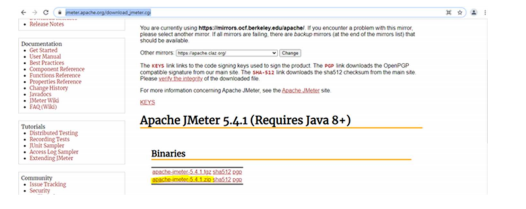
1. Download JMeter from https://jmeter.apache.org/download_jmeter.cgi. Download the zip file for the Windows machine:
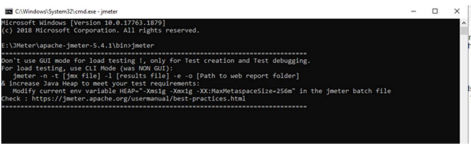
2. Unzip the folder. Then go to bin and from there open the command prompt. On command prompt from the bin directory type jmeter, and then press enter:
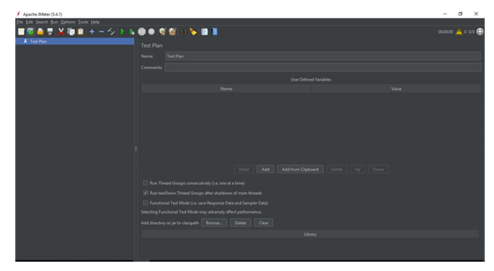
3. This will open the JMeter console:
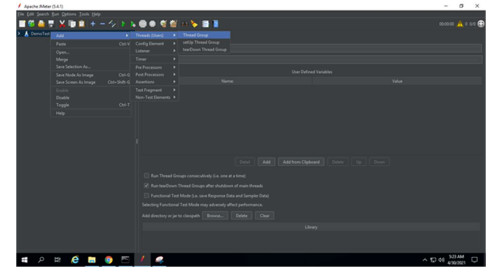
 4. Add thread group under Thread plan:
5. Set Number of Threads and Ramp-up period based on load test requirement and environment:
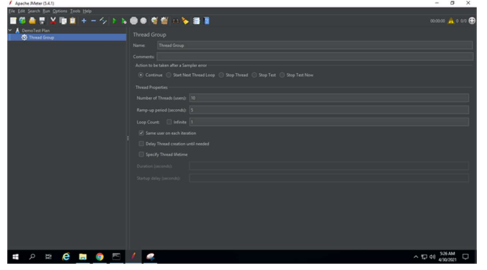
6. Add Sampler for an HTTP request:
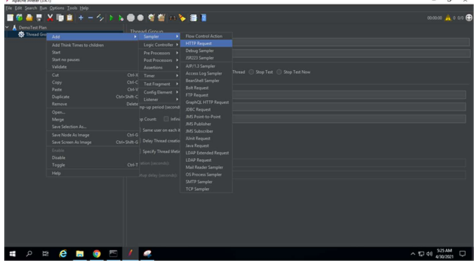
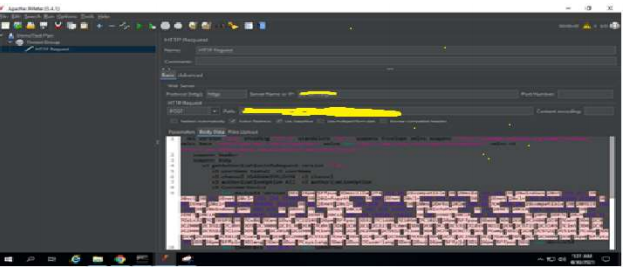
7. Configure HTTP request with Endpoint, protocol, method, and payload:
8. To view the results, add some listeners and select the prebuilt result set:
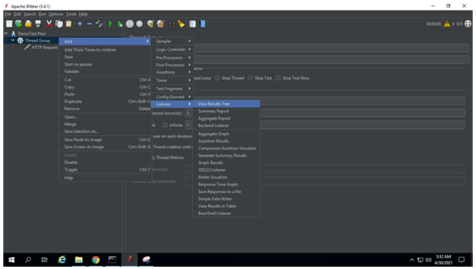
9. Similarly, add other result dashboard:
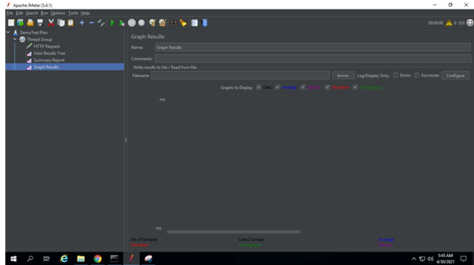
10. Add the security certificate for SSL map for client authentication as follows:
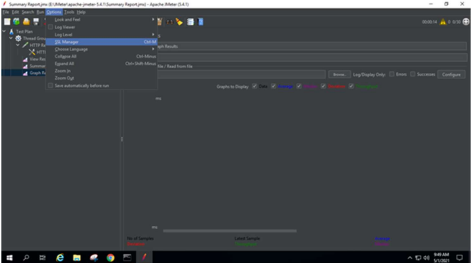
Go to Options > SSL Manager.
11. Select the certificate from the file directory:
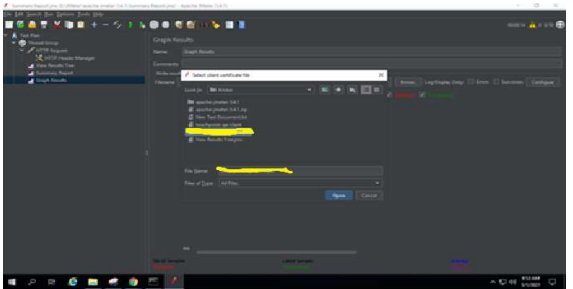
12. Please note the first time you need to provide the certificate password.
13. To add HTTP header, add HTTP Header Manager:
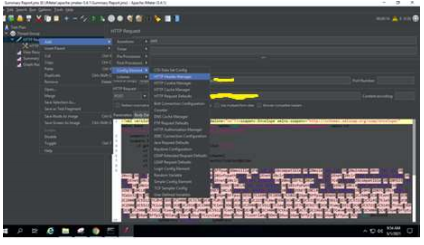
14. Set the HTTP header as follow:
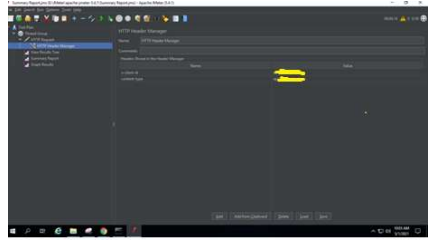
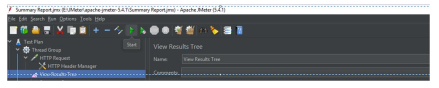
15. Now run the test by clicking on the start button from the top menu bar (Green triangle):
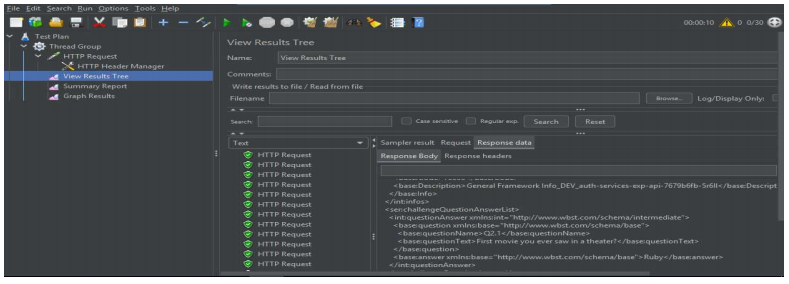
16. Check the View Result Tree view:
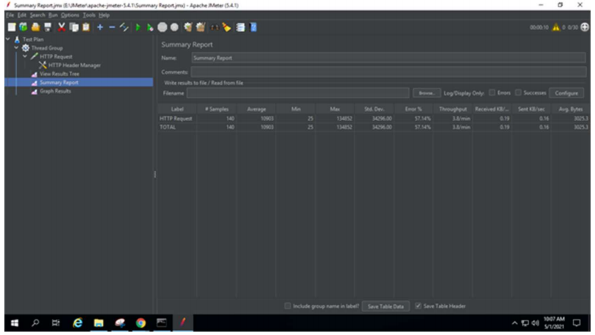
17. Check Summary Report view:
18. Check Graph Results view: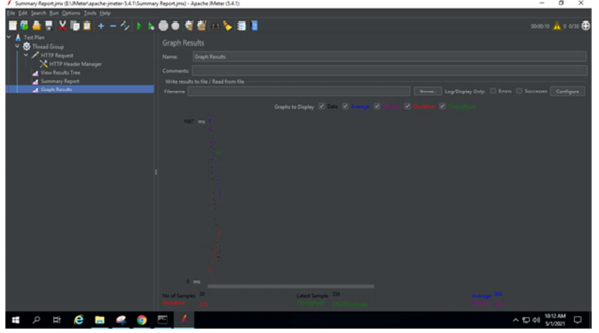
Conclusion
We have used this JMeter setup for Mulesoft API (in Mule 4) testing for our purpose. However, the same setup can be used for any API or Web Application Testing with JMeter where invoking target HTTP URL invocation required a security certificate to complete the handshaking. So now it is all set to use JMeter for performance profiling of your API or Web Application. Hope this will help.
Opinions expressed by DZone contributors are their own.
Comments