

Deploying an Angular App to AWS S3
Join the DZone community and get the full member experience.
Join For FreePrerequisites
Getting Started
To get started, use the Angular CLI to generate a new Angular app:
xxxxxxxxxx
ng new
You will be prompted for a name for your app and some configuration choices. Once the CLI has generated all the necessary files for your Angular app, let’s make sure it run fine by executing the following commands:
xxxxxxxxxx
cd <app-name>
ng serve
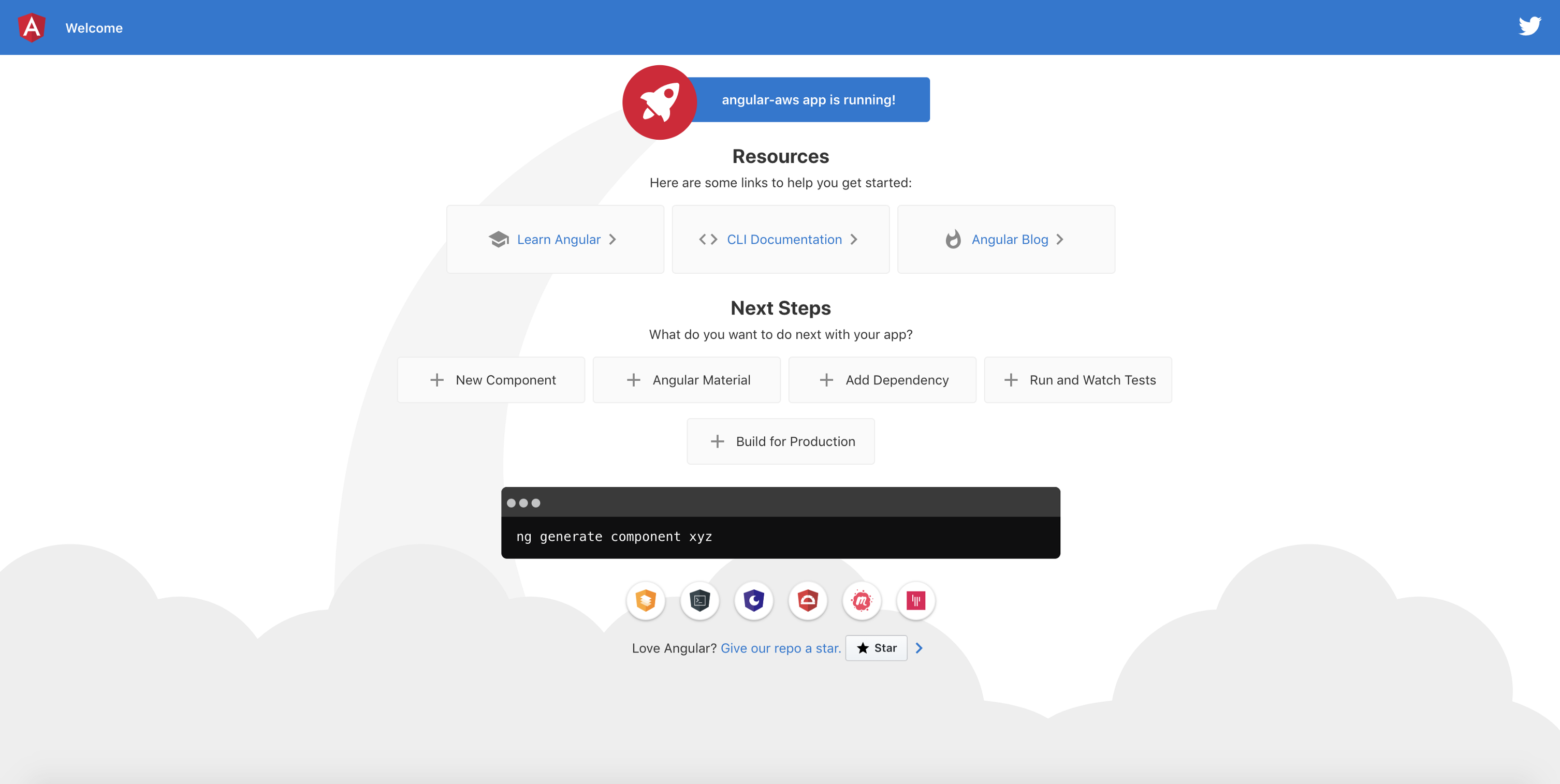
In your favorite browser, navigate to http://localhost:4200. If you used Angular 8, you should see a similar screen to this:
Now that your app is up and running, let’s deploy it to S3. To do so, you will need to log in to your AWS account and go to the S3 console.
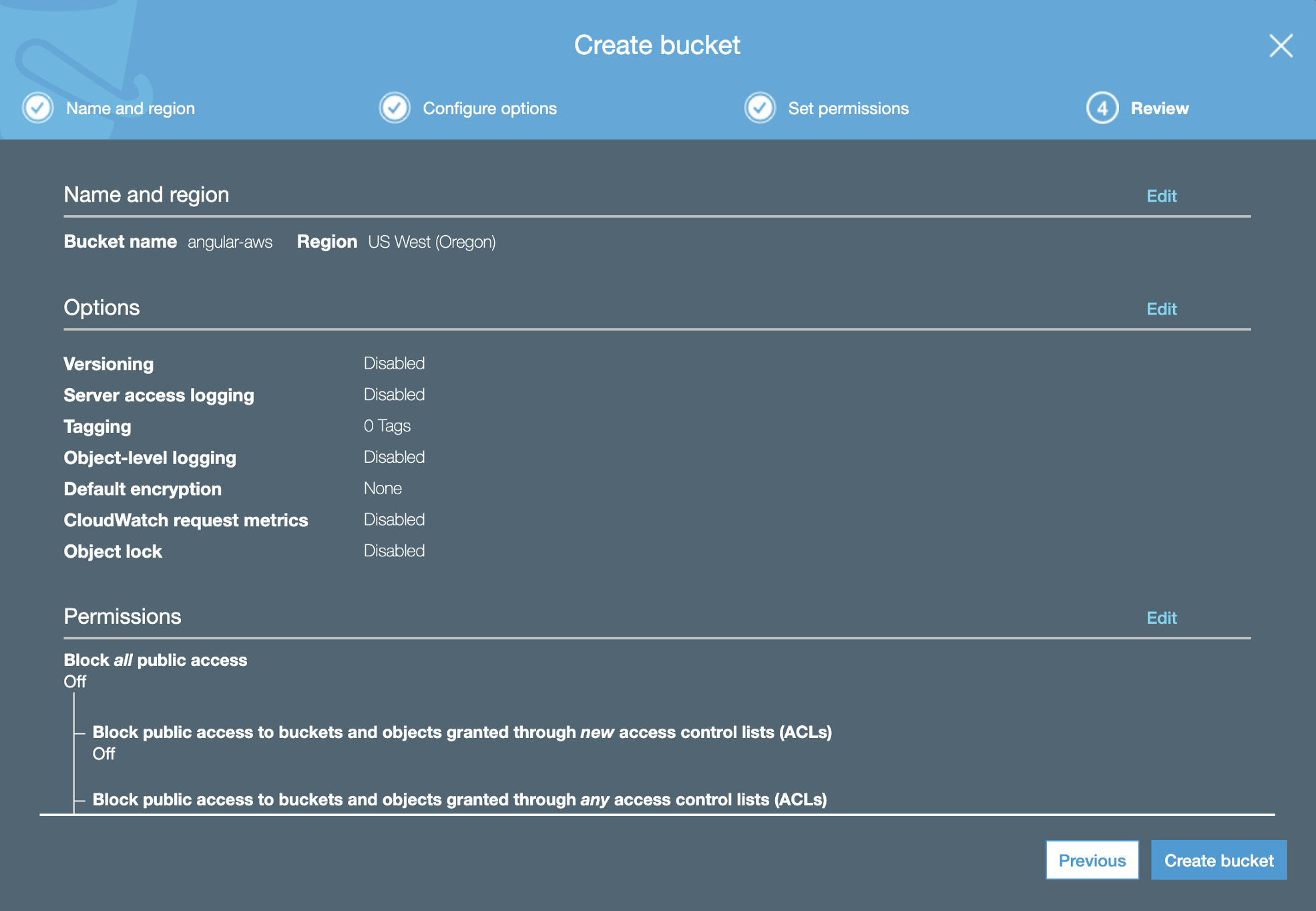
Click on the Create Bucket button, follow the steps to give your new bucket a name, and choose an adequate region.
You may also like: Cleaning Up an S3 Bucket With the Help of Athena.
Leave the Configure options as is, and uncheck the Block all public access in the Set permissions section. Now review and create your bucket. Your final screen should look like the image below:
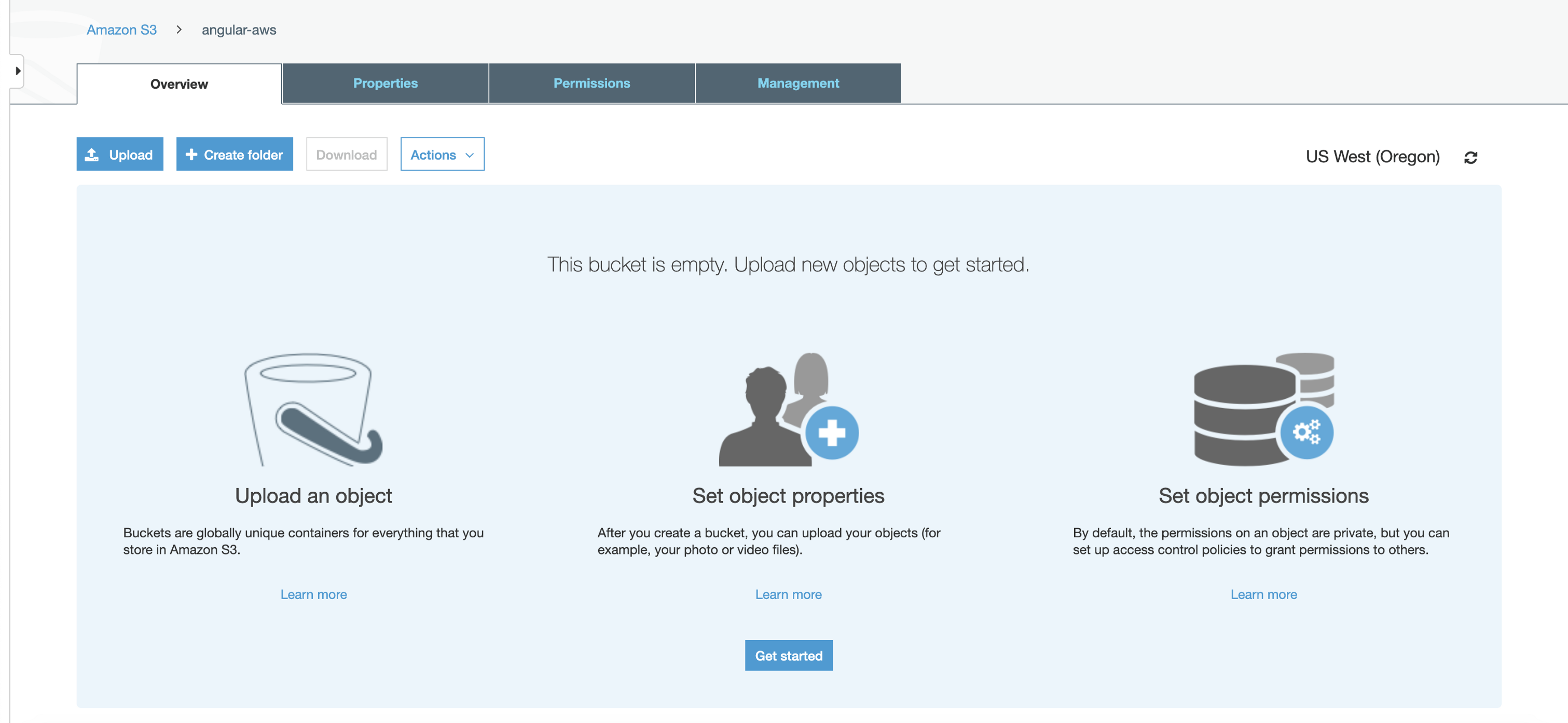
Our new bucket looks great. But it will look even better when we fill it up.
Currently, all we have is a folder with an Angular app. We need to generate the build files, so S3 can understand and serve them. Let’s go back to our Angular app and simply run:
xxxxxxxxxx
ng build --prod
You should see a new dist folder in your project directory. It contains
browser-understandable files that you now need to upload to your bucket.
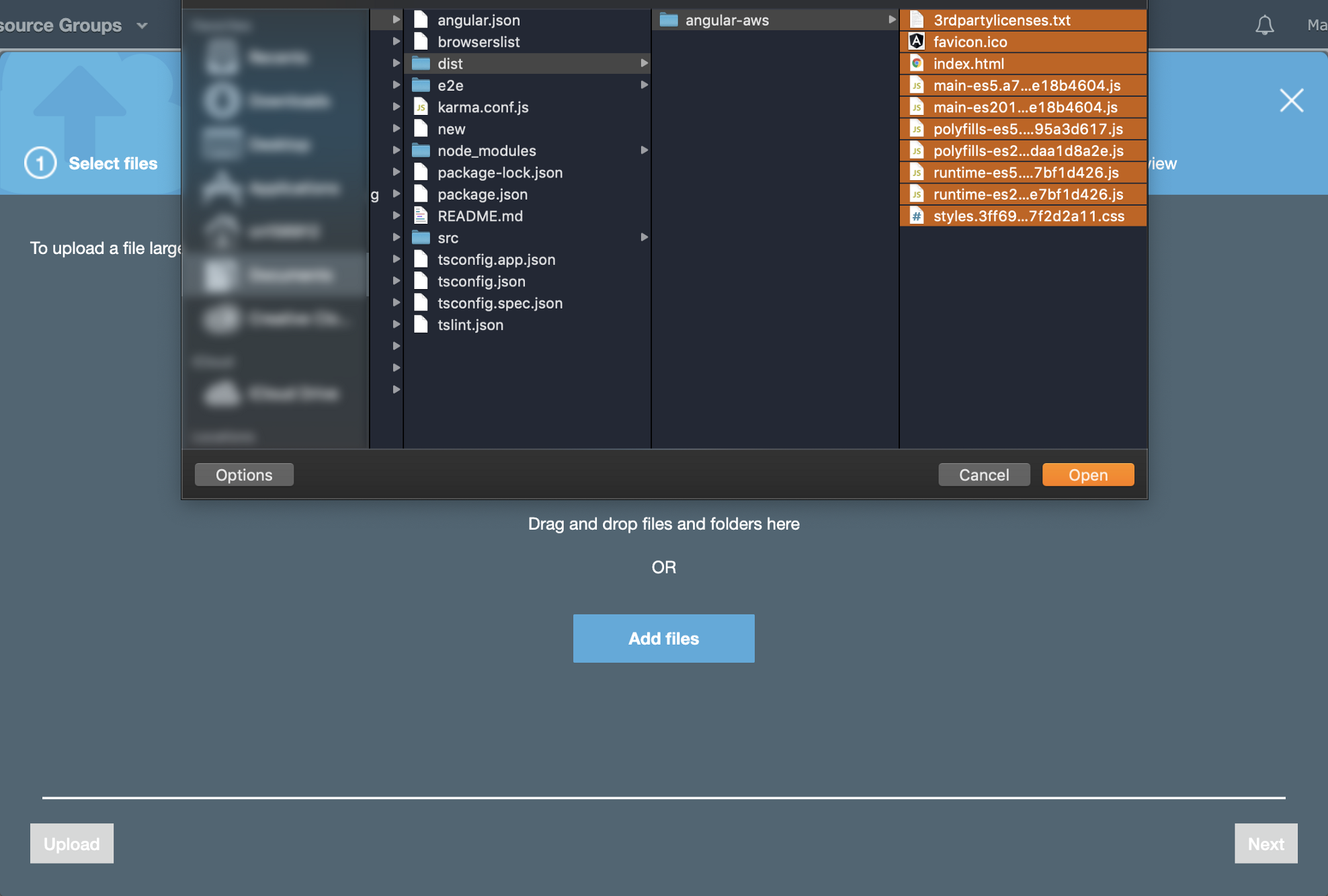
Go back to S3 to upload the content of your dist folder. Make sure you choose the Grant public read access to this object(s) in the Manage public permissions dropdown.
Leave the Set permissions and Set properties as-is. Then click Upload. Here are some helpful screenshots:
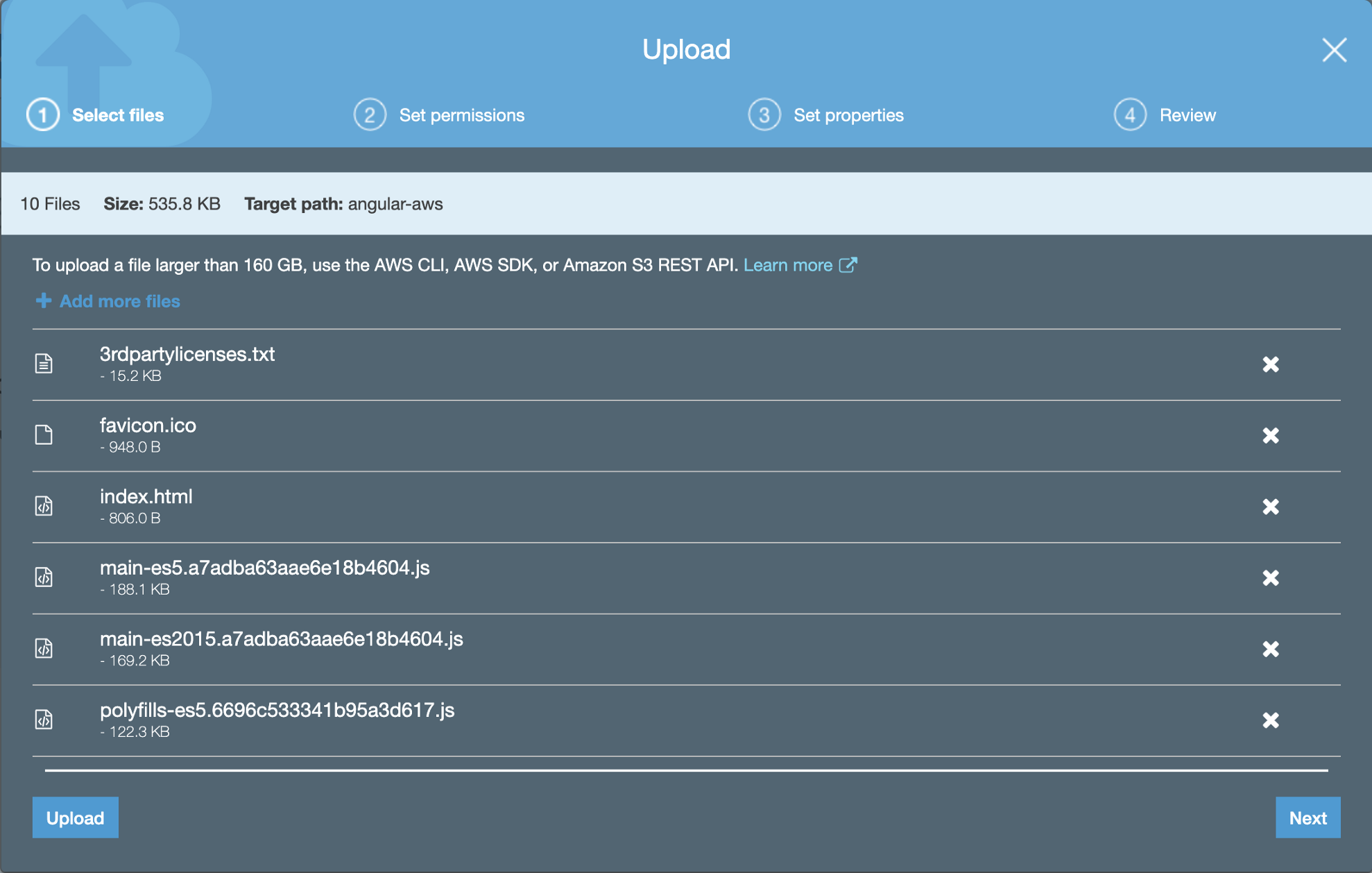
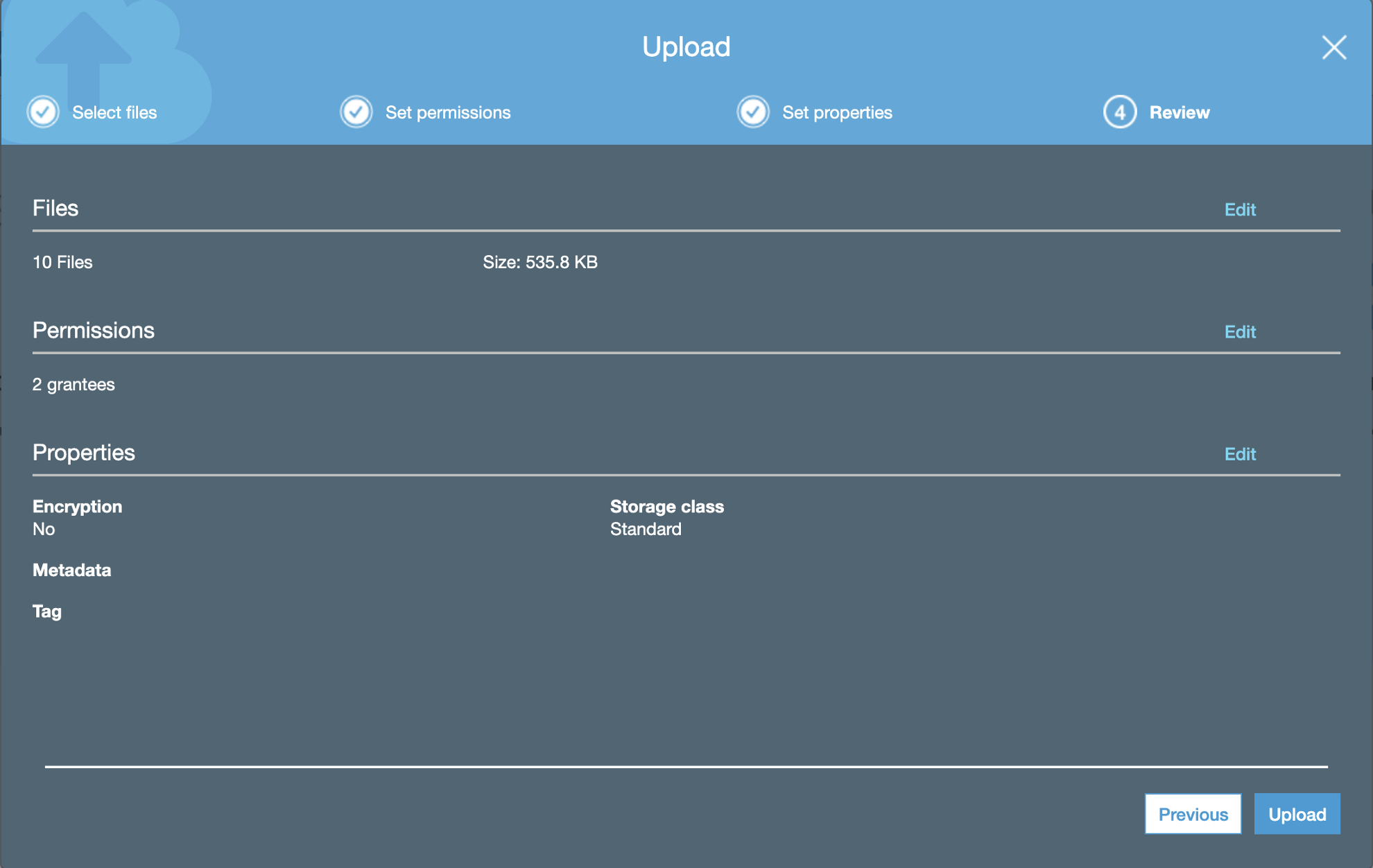
Now, navigate to Properties and expand Static website hosting.
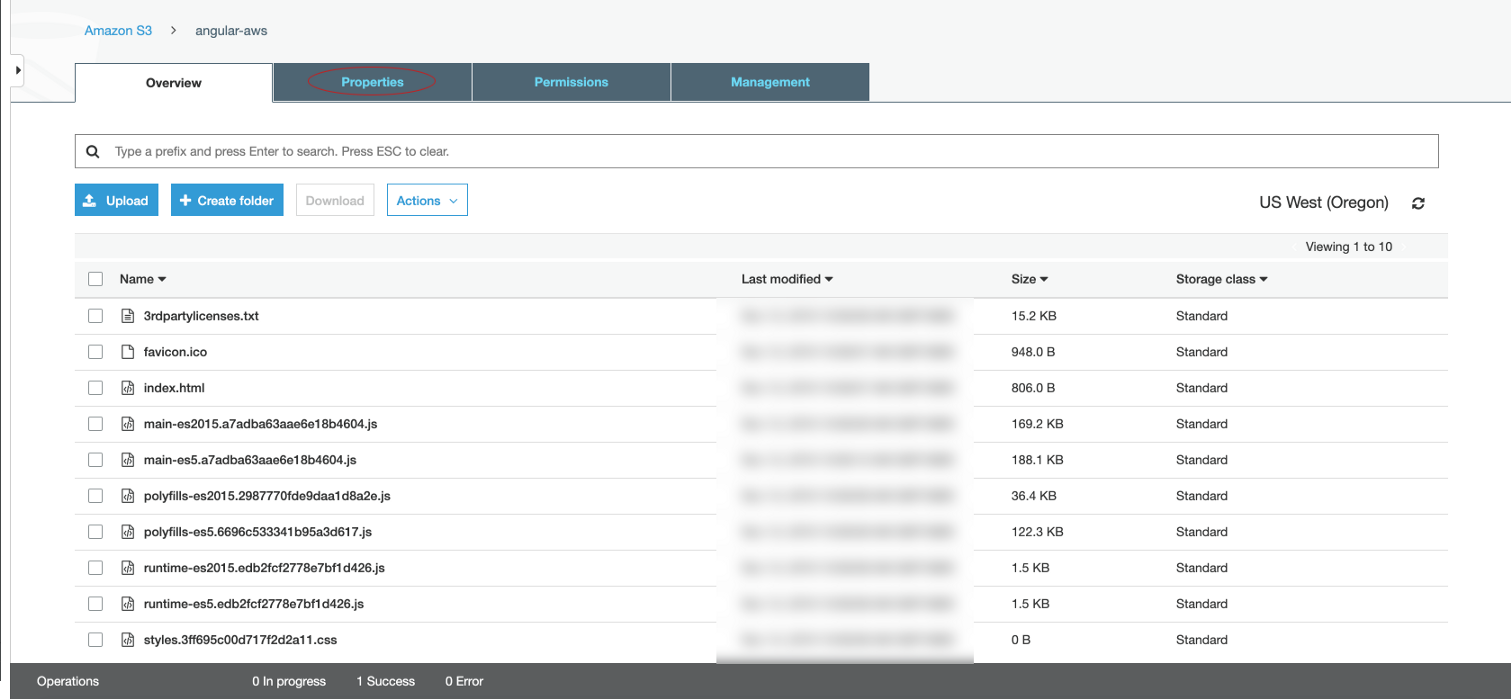
Click Use this bucket to host a website and enter index.html for Index document. Click Save.
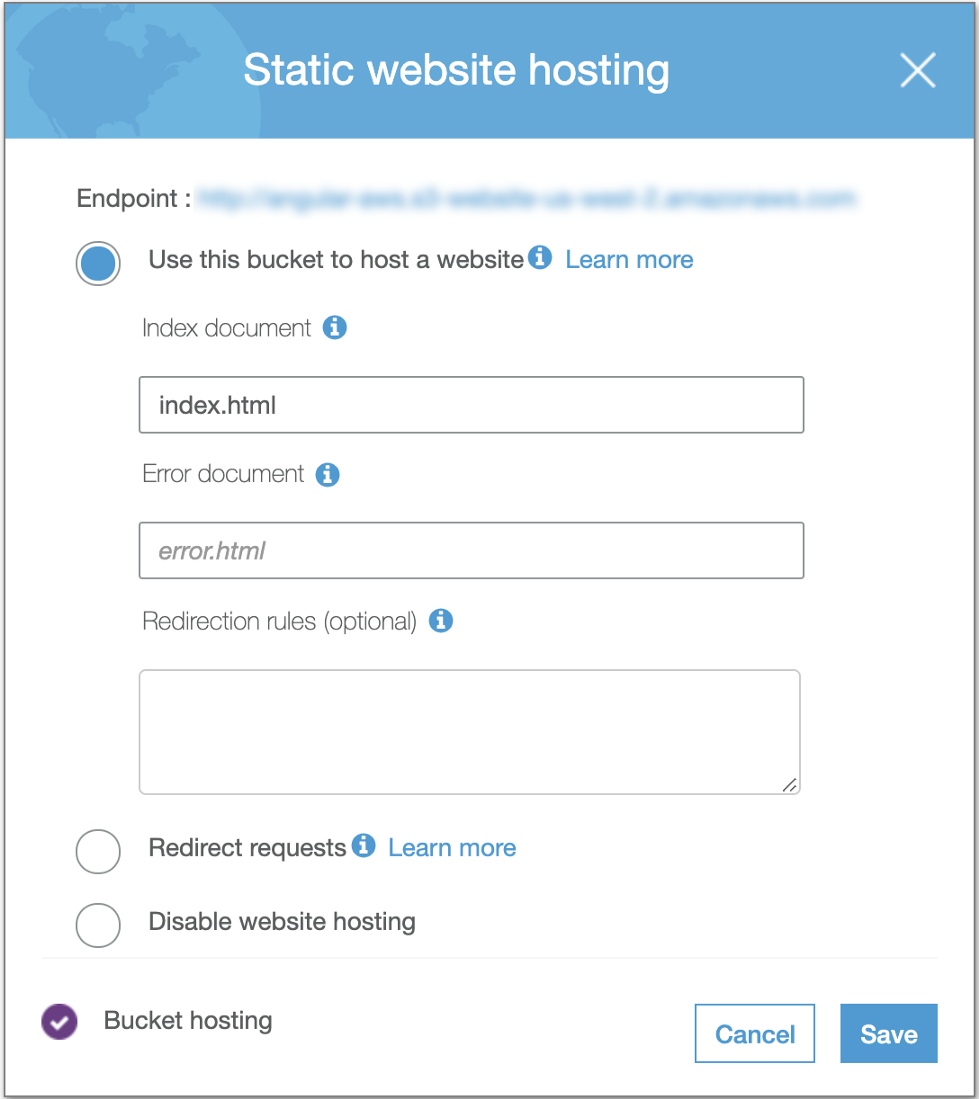
After saving it, you should see a colored checkmark for Bucket hosting, indicating that it is now enabled. At the top, Endpoint is the link for your freshly deployed Angular app.
After a minute or so, navigate to that link to see the result. Congrats! You just deployed your Angular app to AWS S3!
Further Reading
- Deploy an Angular App From Visual Studio Code to Azure.
- Five Things You Probably Didn't Know About Amazon S3.
- S3 and AWS Java SDK 2.0: Look Before You Leap.
Published at DZone with permission of Marouen Helali. See the original article here.
Opinions expressed by DZone contributors are their own.
Comments